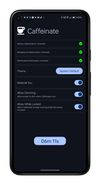
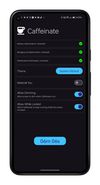
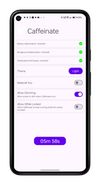
Caffeinate is an App that helps android developers to keep their phone's display awake without having to change the device settings. It can be toggled at various places:




Apps similar to Amphetamine include Vorssaint, which is free and open source. Other options are Caffeine for Windows, goguma app, PowerToys - Awake and Green Dotter. Prevent Sleep Mode Apps like Amphetamine are a crowded field, with more than 50 alternatives for Mac, Windows, Android, Linux and the web.
Caffeinate is an App that helps android developers to keep their phone's display awake without having to change the device settings. It can be toggled at various places:

 Norway
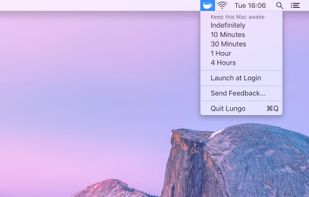


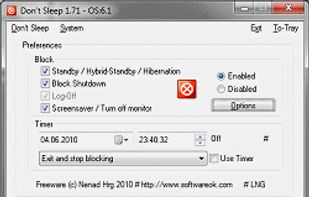
Don't Sleep is a small portable program to prevent system shutdown, Standby, Hibernate, Turn Off and Restart.
 Germany
 EU


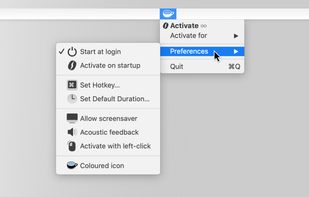
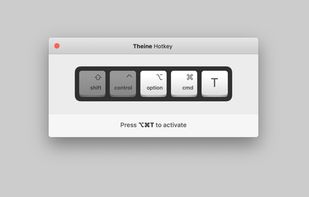
Prevent your Mac from falling asleep, dimming your screen or starting the screensaver. Theine keeps macOS awake just like caffeine does with you.
GermanyEU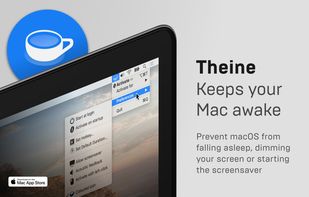
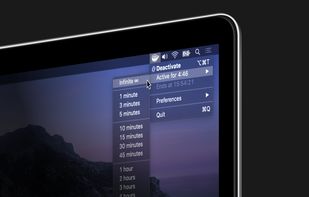


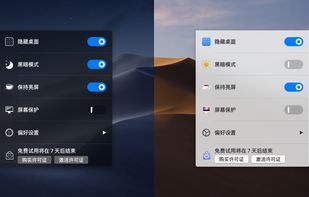
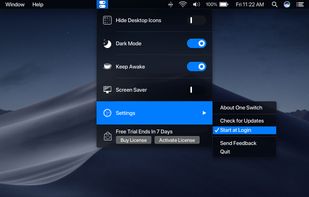
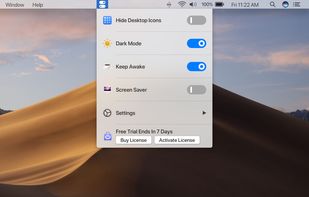

caffeinate & disablesleep replaces two macOS terminal commands: caffeinate -disu and sudo pmset -a disablesleep 1. One click keeps the Mac awake, with an option to stay awake when the lid is closed. Timed sessions run from 15 minutes to 8 hours, or forever.
 Australia
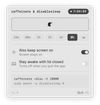
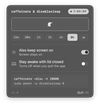
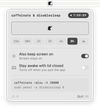


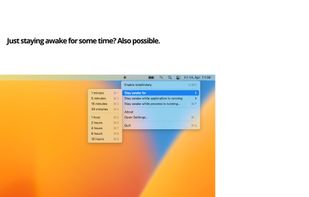
"Don't Go to Sleep Please" prevents sleep mode on the Mac until applications or processes are done.
GermanyEU
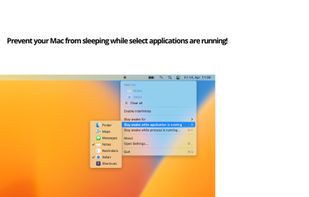



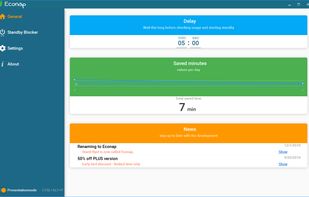
Econap helps you to save energy and increase your comfort. Before your pc enters the sleep mode, Econap will check if something important is running on your system. If so, it will wait until your download, backups, videos etc. are finished. Finally your pc will go to sleep.
GermanyEU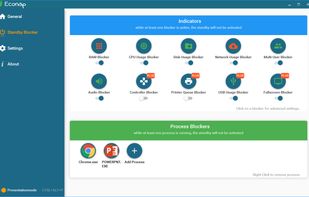


Anti-Sleep App for your Mac.
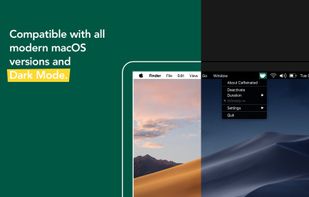
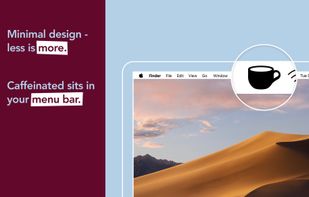
Caffeinated prevents your Mac from going to sleep, dimming your screen or starting the screensaver.
GermanyEU


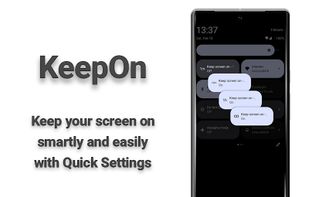
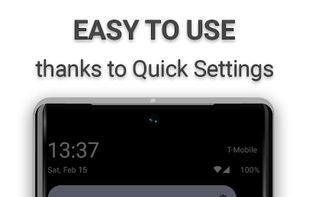
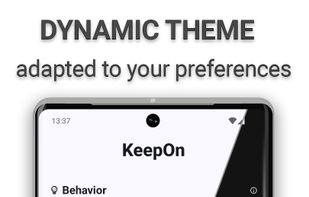
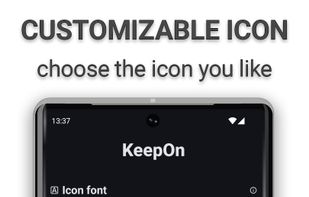
KeepOn allows you to keep your device's screen on for the desired duration and also allows you to return to the default settings automaticaly when the screen turns off.


Keeps your computer in an active state. No install required, fully portable and can run from a USB. Completely free for everyone.
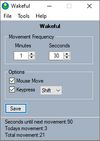
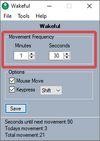
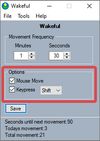


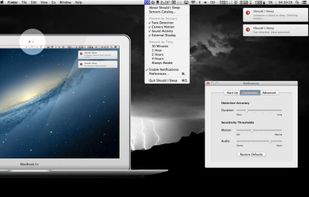
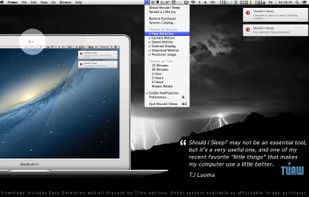
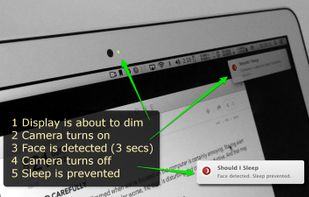
Annoyed by the display getting dim when you're reading or watching something? What if the computer could “see and hear” you?