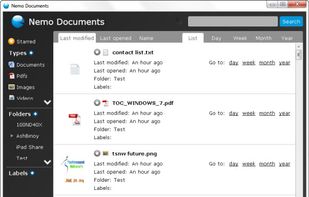
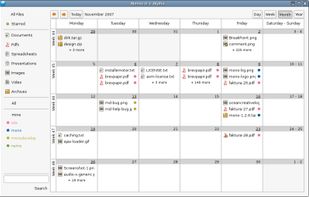
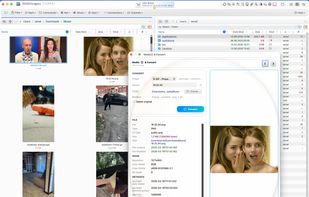
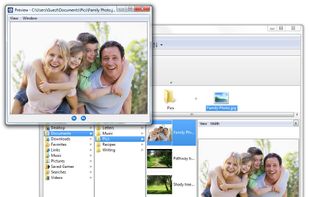
An intuitive file manager for Windows and Linux (Alpha version) that displays your files in a calendar-like time view.
Platforms
- Windows
- Linux



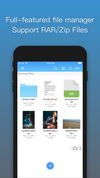
Apps similar to Amaze File Manager include Files, which is free and open source. Other options are Total Commander, Fossify File Manager, Directory Opus and Material Files. You're spoiled for choice with File Managers like Amaze File Manager: we list more than 50 alternatives for Android, Mac, Windows, iPhone and iPad.
An intuitive file manager for Windows and Linux (Alpha version) that displays your files in a calendar-like time view.

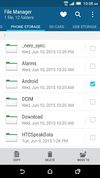
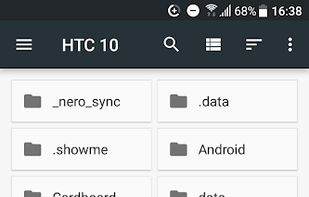
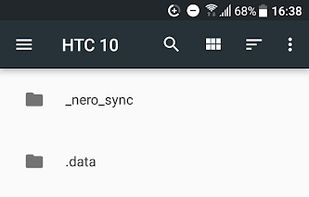
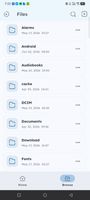
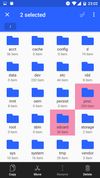
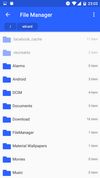
HTC File Manager makes it easy to find, browse and organize files on your phone, SD card or USB storage. Heart items to add them to your favorites, search for files by name and select multiple files or folders to cut, copy, delete, rename or move.
 Taiwan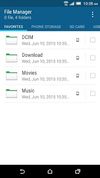



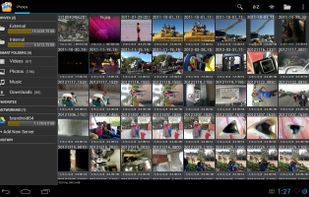
Open Explorer - Open source file manager for all devices! (Tablets, Phones, Google TVs, sandwiches!)


Managing your files shouldn’t be complicated. Noid is designed to give you a clean, intuitive, and efficient way to organize, search, and manage your files effortlessly. Whether you're sorting documents, clearing storage, or quickly accessing important files, Noid makes it...






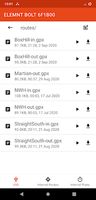



Some phones, tablets and other devices don't have a file manager installed by default. There's usually a file manager available though: hidden away in the settings app. This shortcut app allows you to open that file manager with just one click from your app list.


Dual-panel file manager for macOS — SwiftUI + Swift 6.2 concurrency. Total Commander meets Finder.
 Germany
 EU
EU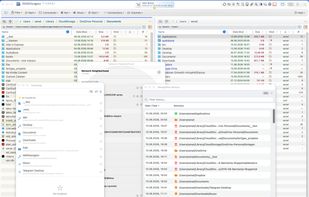





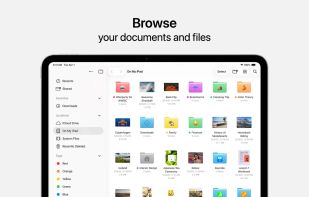
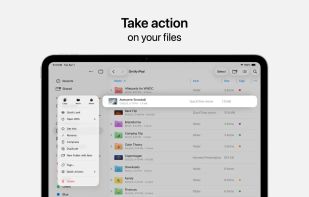
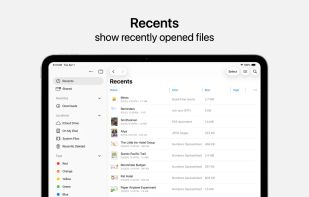
Access and organize your files no matter where they’re located — on your device, in the cloud, on an external drive or file server— with Files. The Recents view displays the files you’ve been working on lately in high-resolution thumbnails.
 United States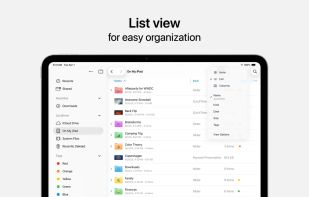





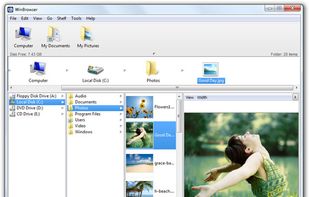
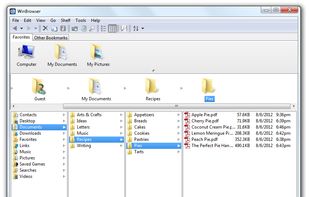
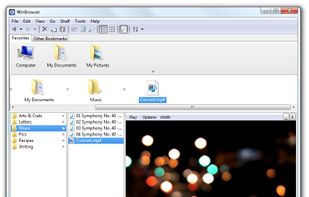
WinBrowser features a multi-column interface as used on the Macintosh resulting in the most elegant file manager available for Windows today.


Oka Files is a comprehensive document management application that integrates file browsing, video playback, photo browsing, text editing, and audio recording.