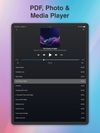
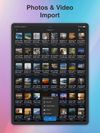
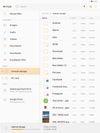
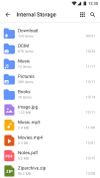
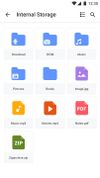
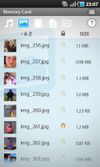
"My Files" manages all the files on your smartphone, just like a file explorer on your computer.
Cost / License
- Free
- Proprietary
Application type
Platforms
- Android
- Android Tablet
 South Korea




Apps similar to Amaze File Manager include Files, which is free and open source. Other options are Total Commander, Fossify File Manager, Directory Opus and Material Files. You're spoiled for choice with File Managers like Amaze File Manager: we list more than 50 alternatives for Android, Mac, Windows, iPhone and iPad.
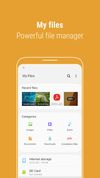
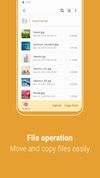
"My Files" manages all the files on your smartphone, just like a file explorer on your computer.
South Korea
File Manager is a powerful file explorer for Android. File Manager supports file analyze, clean & boost, search, copy, paste, move, delete and rename files operations. Now explore your files efficiently and easily with File Browser.





 China
China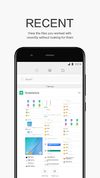
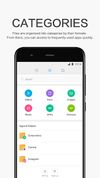
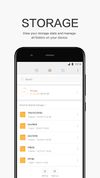


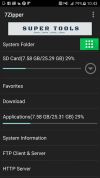
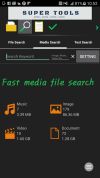
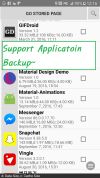


File Manager, a powerful & easy-to-use file manager & file explorer with desktop-grade features, helps you handle ALL your files efficiently.
 United States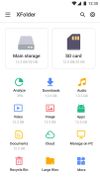


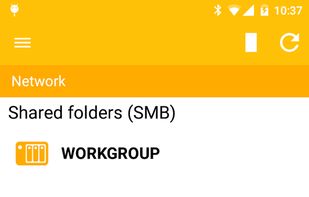
This application is only for Archos devices with at least Android 4.1 (JellyBean) firmware. It won't install on any other device.
 France
 EU
EU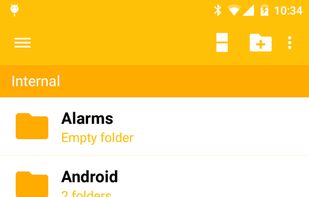




The File Manager has been designed to give android users a free, unlimited and ad-free experience. File Manager categorizes files for you with its smart feature. Easily access photos, videos, music and other files on the phone.
 Türkiye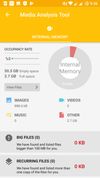
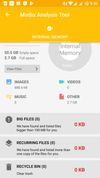
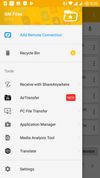


Smart and free file manager for Android with perfect set of features. It provides quick and convenient access to your pictures, music, videos, documents and other files. You'll find that all operations on files become easy and more intuitive.
 PolandEU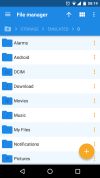
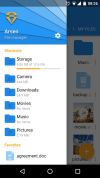


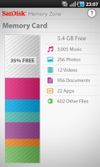
The SanDisk Memory Zone app makes it easier to manage and back up your Android™ powered device's memory. This versatile app lets you quickly copy your files to a memory card or to a variety of supported online storage services, freeing up your phone's internal memory.
United States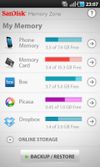


 United Kingdom






Introducing Phone Drive - File Manager: Transform your iOS device into a portable Wireless Flash Drive.
 Hong Kong SAR China