





AI Form for Google Docs
Like
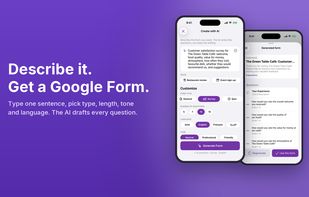
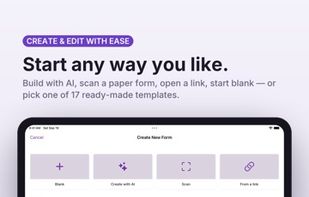
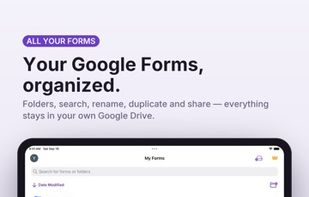
Create Google Forms on iPhone and iPad with AI: describe it or scan a paper form, edit natively, make quizzes, share by QR code and see answers as charts.

Cost / License
- Freemium (Subscription)
- Proprietary
Application typeApplication types
Platforms
- iPhone
- iPad


+18



Features
AI Form for Google Docs News & Activities
Highlights All activities
Recent activities
- Danilo Venom updated AI Form for Google Docs
- Appxcellence added AI Form for Google Docs
 Appxcellence added AI Form for Google Docs as alternative to Google Forms, Typeform, JotForm, Microsoft Forms and 3 more
AI Form for Google Docs information
Developed by
 Nice Express
 Licensing
Proprietary and Freemium product.Pricing
Subscription that costs $50 per year + free version with limited functionality.Alternatives
7 alternatives listedBadge
Get an embeddable badge for AI Form for Google DocsSupported Languages


No comments or reviews, maybe you want to be first?