


Adobe Sketch
15 likes
Sketch gives you drawing tools that interact naturally with the canvas, including a graphite pencil, ink pen, and blending markers. Built-in brushes open up even more creative possibilities. Use Split View to keep your drawings and toolbox side by side on the same screen.


Cost / License
- Freemium (Pay once)
- Proprietary
Application type
Since
- Since 2016
Alerts
- Discontinued
Platforms
- Android
- iPhone
- Android Tablet
- iPad


Discontinued
Adobe Sketch was retired in January 2022. Many features are included in  Adobe Fresco

Features
Highlights All activities
Adobe Sketch News & Activities
Recent activities
No activities found.
Developed by
 Adobe
Licensing
Proprietary and Freemium product.Pricing
One time purchase (perpetual license) + free version with limited functionality.Alternatives
19 alternatives listedBadge
Get an embeddable badge for Adobe SketchSupported Languages


Core, Development & Services
A list with 807 apps by AmileyaRyver without a description.


Great apps made greater with Apple Pencil
It was a big deal when Apple brought pressure-sensitivity to iOS devices through its innovative 3D Touch. Apple's user base overflows with creative professionals, a group for which the technology proved very useful. The launch of Apple Pencil took that utility a huge step forward with a familiar pen and paper workflow. Let's have a look at some of the apps that have most benefited from or helped define that brilliant hardware.
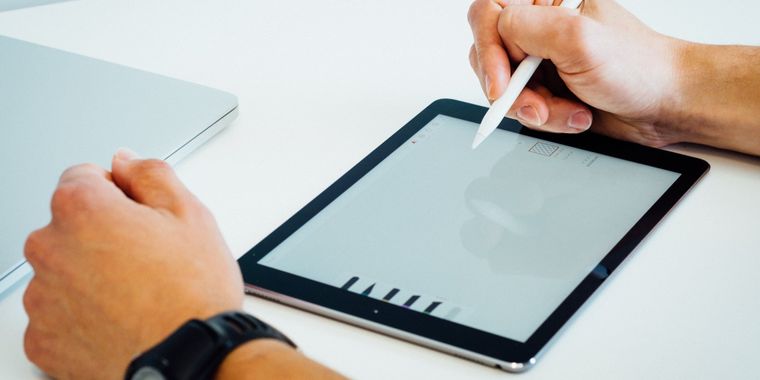


Don't use Paint, get one of these great drawing apps instead.
Drawing software are usually very rich in options and with interfaces that are often complicated, which creates a somewhat slow learning curve. But as soon as you master the concept it is really possible to manipulate the graphics in a breathtaking way.
In this article, I am going to present you a selection of drawing and painting software that will allow you to reveal the artist inside you.


Comments and Reviews
It is a very good for watercolour painting