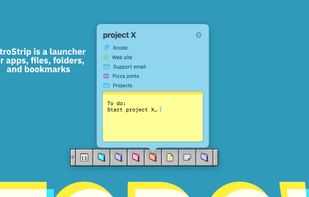
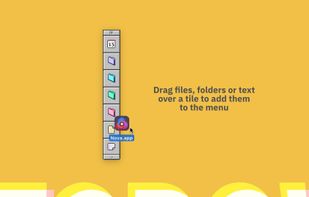
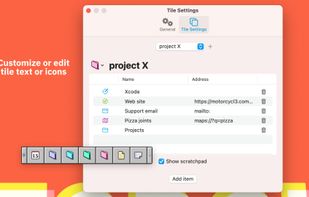
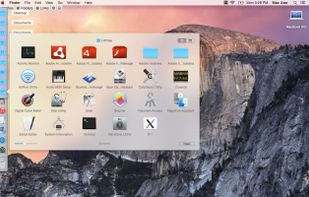
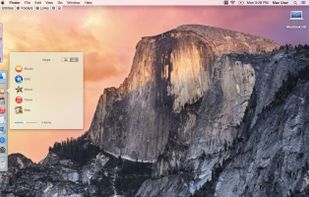
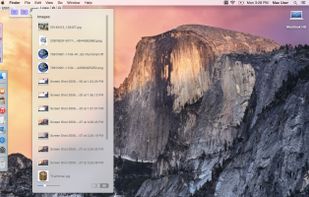
A modern recreation of the classic Mac OS Control Strip with loads of new features and retro-inspired themes.
Cost / License
- Paid
- Proprietary
Platforms
- Mac
 United States




Apps similar to ActiveDock 2 include Rectangle, which is open source with a free version. Other options are RocketDock, ObjectDock, Compiz and DockProfiles. Window Managers like ActiveDock 2 are a crowded field, with more than 100 alternatives for Mac, Windows and Linux.
A modern recreation of the classic Mac OS Control Strip with loads of new features and retro-inspired themes.
United States
Taekwindow is a simple, lightweight and free Windows program that allows you to move and resize windows by dragging them with the Alt key, similar to many X11 window managers.


Cinch is Aero Snap for Macs- it offers simple, mouse-driven window management by defining the left, right, and top edges of your screen as hot zones. Cinching to the left or right edges of the screen will resize the window to fill exactly half the screen, allowing you to easily...
United States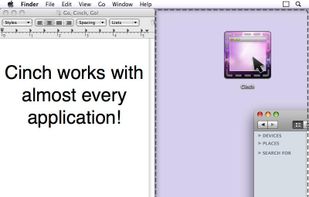


A lightweight utility for allowing you to quickly snap windows to a tiling grid under your existing Linux window manager. Can be triggered via keyboard shortcuts, the command line, or D-Bus calls.


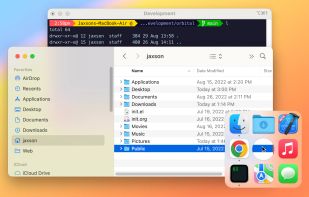
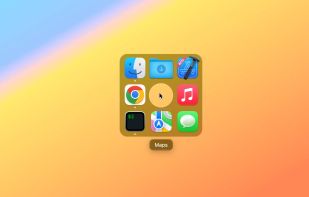
Easily launch and switch between macOS apps while staying focused on your work. Orbital lets you manage your Mac apps with an orbiting dock that appears next to your work, on command.
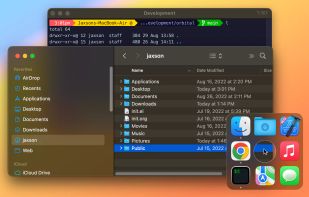
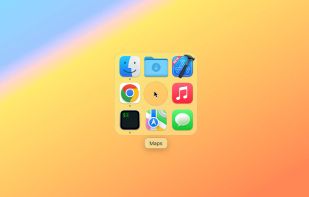


MultiDock is a simple application that allows you to organize frequently used applications, documents and folders using small panels (Dock’s).
 Ukraine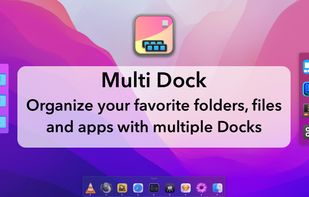
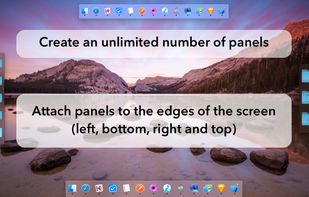


Sometimes a lot of deskop clutter can hide a window (eg, open file, programs, files-explorer, dialogs)
United States


Penc is a window manager app for macOS designed for use with the trackpad. It lets you use trackpad gestures along with the Command key to move, resize and snap windows to the screen.
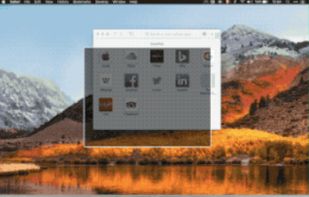


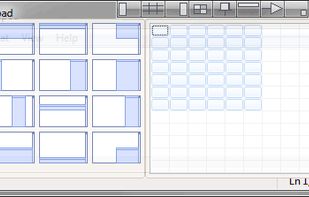
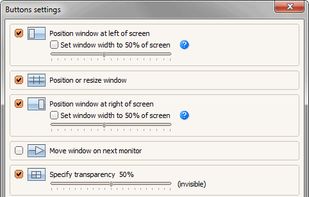
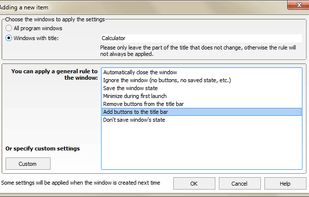
Chameleon Window Manager will allow you to control the windows of your programs using customizable buttons added to the title bars of the windows (Always on Top, Minimize to Tray, Minimize to Caption, Specify Transparency, Position window at left/right of screen).
 Russia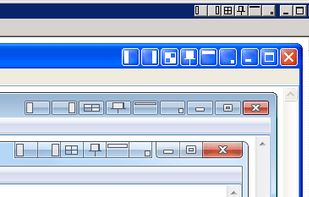


Did you ever wish your Dock could do more or handle more of your apps and files? DockShelf lets you place unlimited docks around your desktop so you never run out of space again for your commonly used files, folders and applications!



SizeUp allows you to quickly position a window to fill exactly half the screen (splitscreen), a quarter of the screen (quadrant), full screen, or centered via the menu bar or configurable system-wide shortcuts (hotkeys).
United States