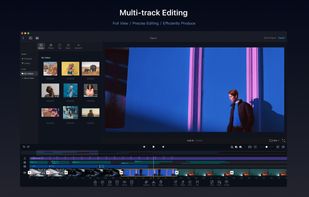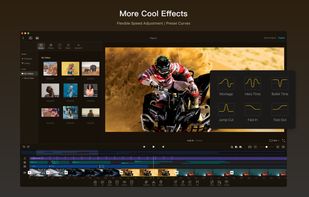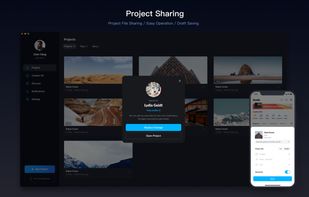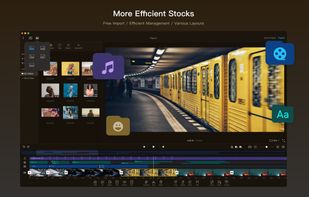

LibreCuts is a free, open-source video editor for Android that prioritizes simplicity and efficiency.
Cost / License
- Free
- Open Source (MIT)
Application type
Platforms
- Android
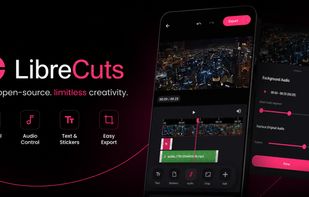




+2




Apps similar to Luxea Video Editor include Kdenlive, which is free and open source. Other options are Shotcut, Avidemux, OpenShot and Adobe Premiere Pro. Video Editors like Luxea Video Editor are a crowded field, with more than 50 alternatives for Windows, Mac, Android, iPhone and iPad.
LibreCuts is a free, open-source video editor for Android that prioritizes simplicity and efficiency.

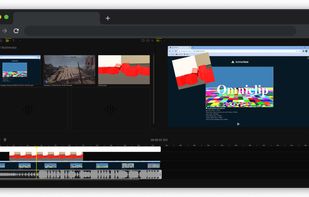
If you are tired of paying to use all the features of existing video editing applications, then you might have found a gem! Turns out Omniclip is fully free and on top of that it's open source. Everything works inside browser, there's no private data being used...



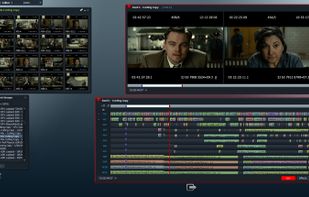
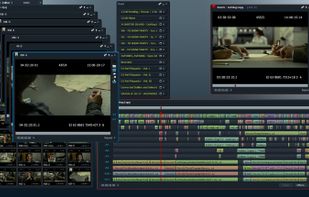
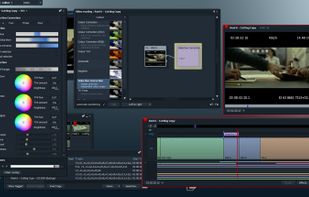
Lightworks is an editing powerhouse, delivering unparalleled speed and flexibility, fully integrated with the other members of the Complete Collaboration family.
 United States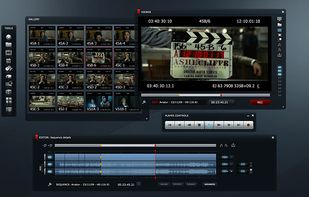


Seamlessly edit videos with motion effects, unlimited layers, FFmpeg fast rendering, cross-platform support, and multilingual functionality for creative control.
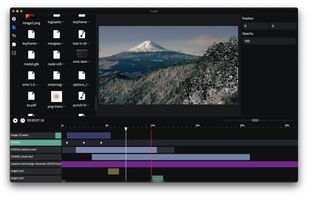
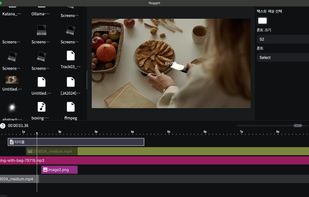


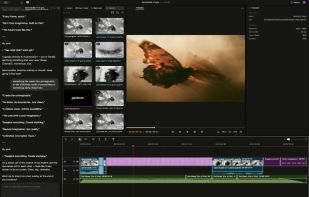
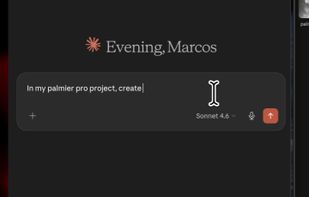
Palmier Pro is the video editor built for AI. Let AI tools like Claude and Codex directly read and edit your multi-track timeline. Generate images and videos inline using the latest models.
United States
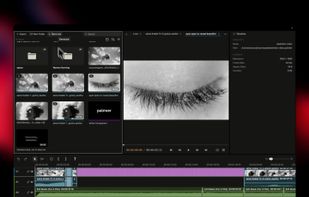


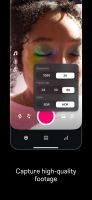
Edit videos with the Edits app, offering high-quality capture up to 10 minutes. Utilize AI animations, customizable captions, and share watermark-free videos. Access creative tools like filters and stickers, green screen overlay, camera settings, and detailed engagement insights.
 France
 EU
EU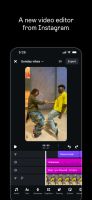


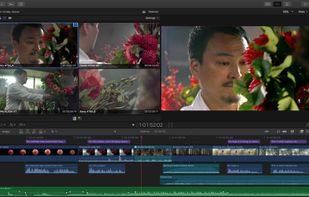
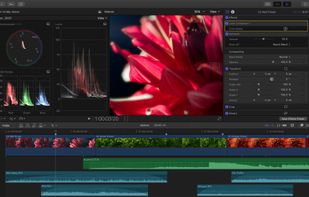
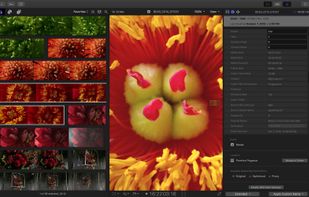
Final Cut Pro provides non-linear, non-destructive editing of any QuickTime-compatible video format including DV, HDV, P2 MXF (DVCProHD), XDCAM (via plug-in), and 2K film formats. It supports a number of simultaneously composited video tracks (limited mainly by video format and...
United States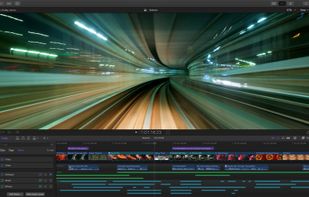


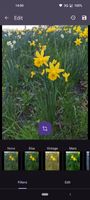
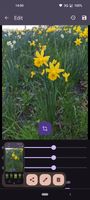
Edit images and videos on Android with a free, open-source tool featuring filters, cropping, rotation, brightness, contrast, saturation, video speed adjustment, mute, stabilization, trimming, plus dark and light themes, and no proprietary dependencies.



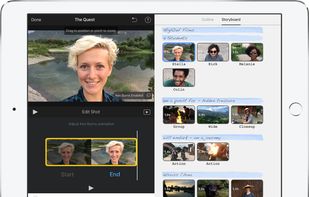
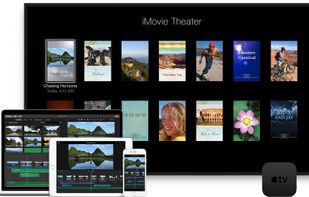
With iMovie for iOS and macOS, you can enjoy your videos like never before. It’s easy to browse your clips and create Hollywood-style trailers and stunning 4K-resolution movies. You can even start editing on iPhone or iPad, then finish on your Mac.
United States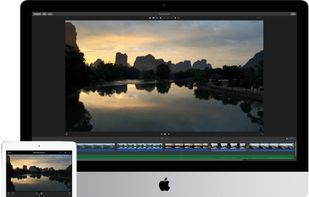



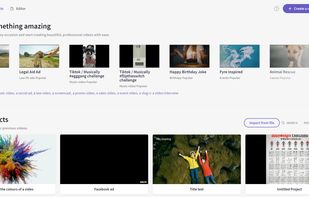
Browser-based video editor offering customizable templates, stock footage and audio, intuitive drag-and-drop interface, real-time preview, webcam and screen recording, multiple file format support, fast auto-save, watermark-free exports, and cloud integration.
United States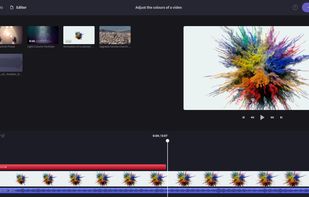


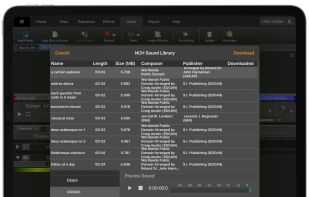
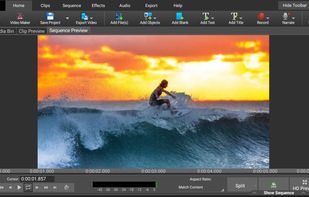
Comprehensive video editor with over 50 visual effects and transitions, offering real-time previews and fully adjustable parameters. Supports diverse audio/video formats, adds photos and text, and enables sharing on DVDs, HD DVDs, Blu-Ray, mobile devices, or online. Free and professional versions available.
 Australia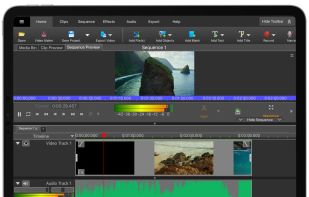


VN, a professional mobile video editor, allows you to become a director of your own life via VN video editor maker. Simple, but powerful as desktop editor, VN is suitable for both beginners and professional users.
United States