The application automatically processes files and folders based on the rules specified by the user.
The app is open source, based on Python/PySide6.
Cost / License
- Free
- Open Source (MIT)
Application typeApplication types
Platforms
- Mac
- Windows
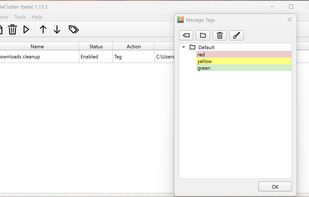

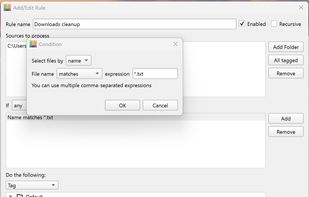


The application automatically processes files and folders based on the rules specified by the user.
The app is open source, based on Python/PySide6.

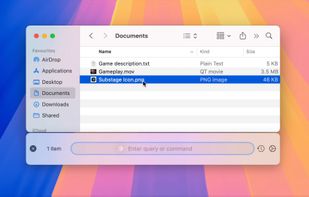
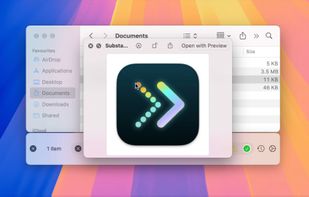
Convert, organize and more: control your Mac and its files with natural language.
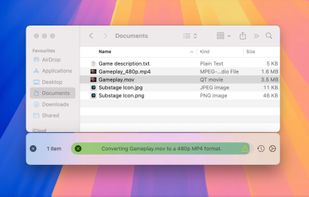
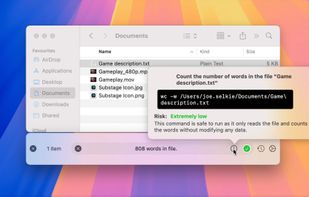


Effortlessly transcode videos, remove black bars, cut commercials, and convert to popular formats like H.265, HEVC, AV1, and H.264.
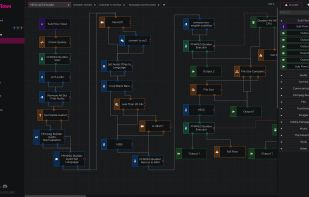

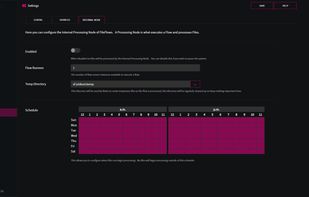


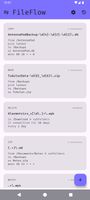
FileFlow scans your files periodically and organizes them according to your rules.
 India
India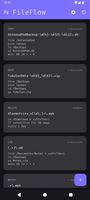



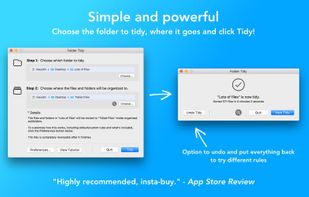
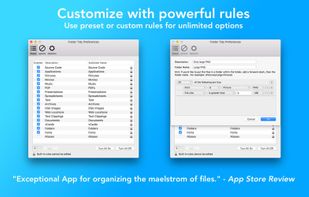
Helps organize disorganized folders by sorting files into subfolders like Pictures, Music, Spreadsheets, or custom groups using pre-set or custom rules, supports undo, exclusions, full CPU usage, and handles vast amounts of files efficiently.
 United States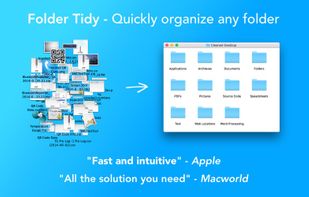


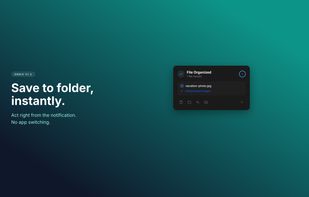
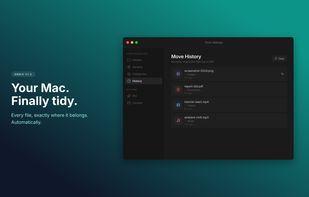
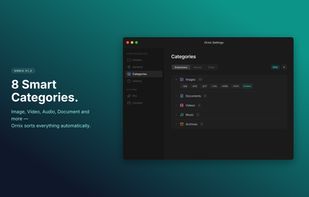
Ornix automatically organizes your messy Downloads folder. Set it once, and Ornix watches your folders, sorting files into categories like Documents, Images, Videos, and more.
 South Korea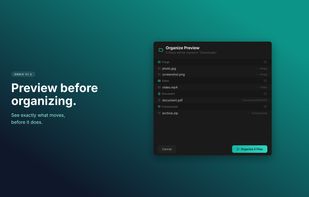


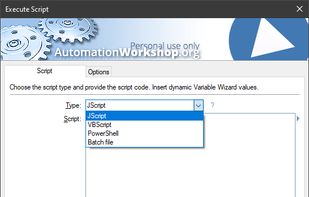
Automation Workshop is software for automation of complex and recurring processes that would otherwise take a lot of intensive and repetitive user work time. Create automated tasks easier than ever before. Automation Workshop requires no scripting, programming or coding skills.
 Latvia
 EU
EU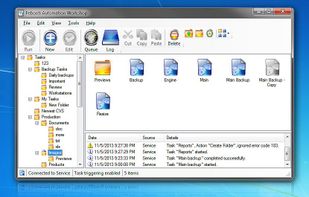




Forget about the mess in your Downloads folder! This extension allows you to set custom download locations with a flexible and strong RegExp-based rules.



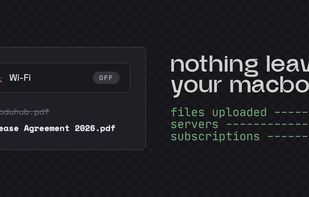
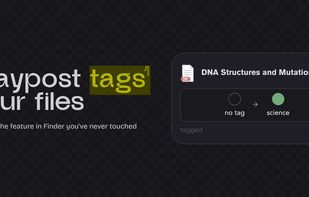
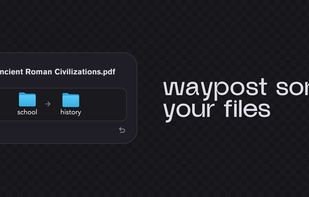
Your Downloads folder is where files go to die. IMG_3427.png, Untitled_document_final_v2.pdf, a hundred things you'll never find again. Waypost fixes that. Waypost reads folders of your choice, then renames, sorts, and tags dropped files based on what's actually inside.
United States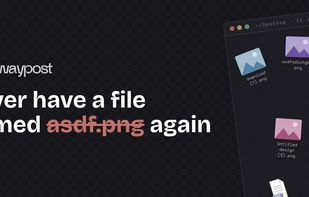

Be lazy. Let Maid clean up after you, based on rules you define. Think of it as "Hazel for hackers".

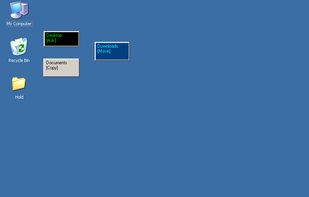
Create simple drag-n-drop windows to quickly copy or move files. After dropping files or folders onto a Drop Zone window, a menu of paths you've configured will pop up, allowing you to quickly copy or move files to those destinations.

Anacron is a periodic command scheduler. It executes commands at intervals specified in days. Unlike cron, it does not assume that the system is running continuously. It can therefore be used to control the execution of daily, weekly and monthly jobs (or anything with a period...