


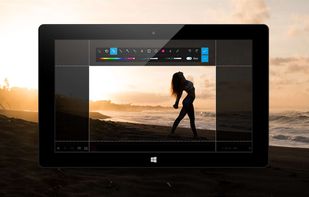
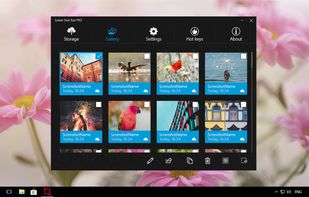
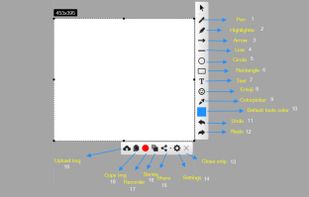
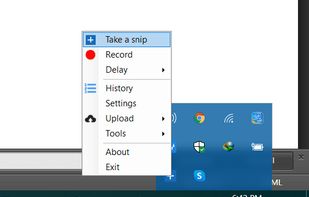
informUp screen capture is a free screen capture software for you to easily take screenshots.
Cost / License
- Free
- Proprietary
Application type
Platforms
- Windows


Apps similar to 7capture include ShareX, which is free and open source. Other options are Greenshot, Snipping Tool, PicPick and Ksnip. There's no shortage of Screenshot Capture Tools like 7capture, with more than 100 alternatives for Windows, Mac, the web, Linux and iPhone.
informUp screen capture is a free screen capture software for you to easily take screenshots.

PrintKey-Pro is a screen capture program that can capture the screen or any part of it with the press of the Print Screen key (or any other key you configure).


This is the handiest way to screen capture, edit selected areas on the screenshots, and sharing with others.




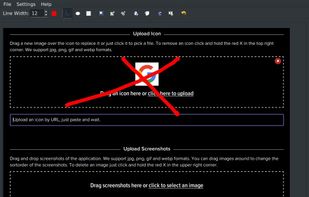
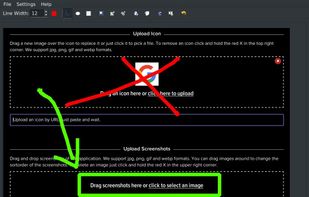


Small and free screenshot app for Mac that offers custom area and resolution presets, and much more.
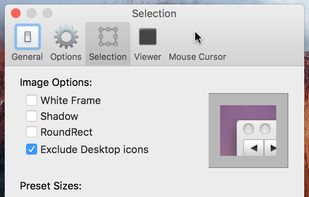
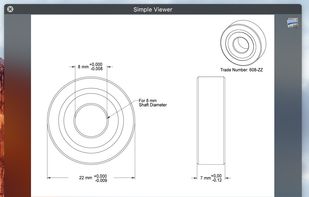

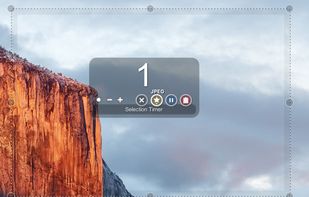


A macOS app for capturing, annotating and sharing screenshots. Quickly add comments, highlight what matters or blur any sensitive content. Upload screenshots to Google Drive or Dropbox. Copy screenshots to the clipboard and paste them directly into Slack, Skype, Jira, Trello and...


Captures high-quality video from your PC with smooth recording up to 50 frames per second, unique Background Mode for uninterrupted capture when videos are hidden, customizable settings, and compatibility with streaming sources and scheduled sessions.
 United States


Demo Builder is a powerful Flash-based screencasting tool that allows you to create eye-catching and professionally-looking interactive presentations that do not require any programming skills.
 Japan
Japan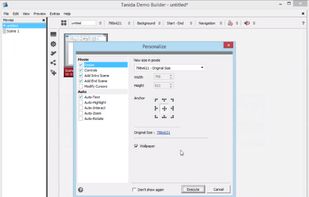


TeenyGrab is a free alternative to TinyGrab. TinyGrab is a popular application for quickly uploading screenshots, and sharing them. The only problem is, the full version (with features such as uploading to a custom FTP server) costs $$$.
United States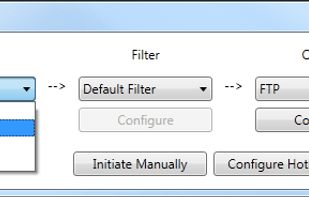


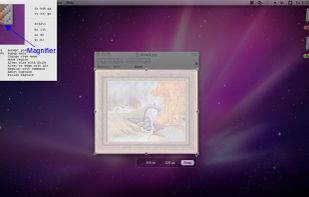
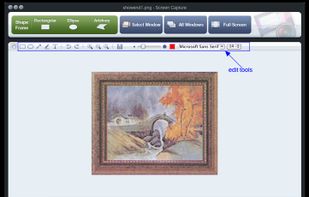
Onde Screen Capture for Mac is currently the most professional and powerful screen grabbing utility running on Mac OS, by which you can easily capture any part on your Mac desktop such as rectangular or ellipse region, freehand region, full screen, active window or all windows...
United States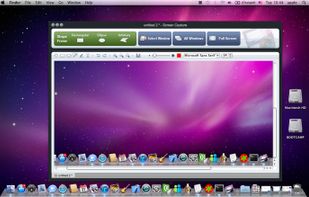


With Free Snipping Tool, not just you create snips, you can save your snips on major backup services like Imgur, Google Drive and Dropbox. Not just this you can also upload them via FTP or simple WebRequest.


 Russia


