Cost / License
- Free
- Proprietary
Alerts
- Discontinued
Platforms
- Windows


3D Slash is described as 'The fun way to create 3D models. It's a voxel-based builder for the web and desktop featuring a delightful and easy to use interface with accessible sculpting and painting tools' and is an app. There are more than 10 alternatives to 3D Slash for a variety of platforms, including Windows, Mac, Linux, Web-based and Steam apps. The best 3D Slash alternative is MagicaVoxel, which is free. Other great apps like 3D Slash are 3D-Coat, Goxel, VoxelShop and Marmoset Hexels 3.


Curious Blocks is a free block building creative app for kids and adults alike. Build wonderful 3D characters and worlds with the magic touch of Augmented Reality on mobile devices.


Curious Blocks is the most popular iPhone & iPad alternative to 3D Slash.
With VoxEdit, it is easy to draw and view amazing 3D pixel art images. VoxEdit comes with it's own built-in image editor and 3D viewing window. These will allow you to edit and view your 3D images live, in the same program.


With VoxPie creating a 3d model is easier than drawing in MS Paint. Geared towards indie game devs, it lets you easily paint 3d models with a mouse like you paint physical action figures. Create 3d props from existing pixel art, height maps and 2d shapes!


With VoxelMaker you can create 3D models of your own design and then render them with realistic lighting and shadows. Voxel models are made from 3D cubes and create a stylized, "blocky" look - much like a 3D version of pixel art.


VoxelMaker is the most popular Android & Android Tablet alternative to 3D Slash.
Slab.js is an online viewer/editor for KV6 models, which are used by the Voxlap voxel game engine.


Developed for use with primarily 2D games, SpritePile lets you create Sprite Stacks quickly and easily! View them in 2D/3D and export them for use in your game in seconds!


Voxelator is based on a simple 3d grid with constant voxel size of 1x1x1. Its core functionality is to add or remove voxels by clicking on existing voxels or the background grid.


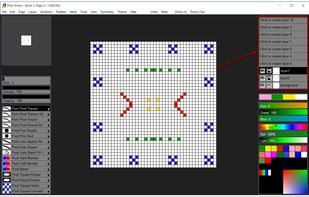
Pixel Studio follows the key strong points from all the of the Pixarra artist software products but with a focus on pixel art. Useful as utility for creating icons, sprites, and other small images for games and websites but also for art on its own.