


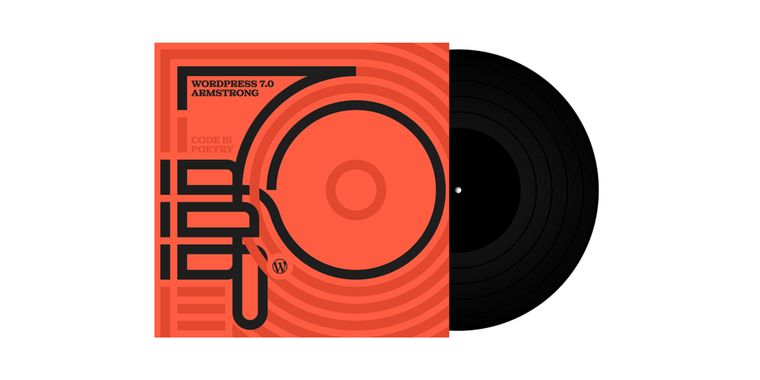

WordPress 7.0 launches with a new admin panel, editor upgrades, and an AI integrations hub
After several months of development, the official WordPress 7.0 “Armstrong” has been released with a refreshed admin dashboard, expanded block editor controls, and a new Connectors section for managing AI integrations directly inside your website. The update modernizes the visible dashboard experience with smoother page transitions powered by the CSS View Transitions API, a new Command Palette accessible via ⌘K or Ctrl+K, and a new default color scheme aligned with the block editor. Users who prefer the older look can still switch back to the “Fresh” palette from their profile settings.
The release also improves content editing and revision management. Visual revisions now replace raw text comparisons with color coded previews, letting users move through previous versions with a slider that includes timestamps. WordPress 7.0 also adds new Breadcrumbs and Icon blocks, improves Grid and Cover blocks with more responsive layout options and video backgrounds, and introduces device based visibility controls so specific blocks can be shown or hidden on desktop, tablet, or mobile.
One of the biggest features in this update is also a new Connectors section under Settings, giving site owners a central hub to manage external integrations such as Claude, Gemini, OpenAI, and other services through API keys or credentials. The update also includes plugin management improvements, including custom tabs on the Plugins screen, along with accessibility fixes for media management, voice control usability, color contrast, and editor navigation.





- Blog Publishing Tool
- Freemium
- Open Source
Related news
External links
- WordPress 7.0 “Armstrong”WordPress News • Official source
- WordPress 7.0 Is A Winner: Here's What You Need To KnowSearch Engine Journal
- WordPress 7.0 Released with AI Foundations, Refreshed Admin ExperienceLinuxiac
- What's New in WordPress 7.0? (Features & Screenshots)WPBeginner
- WordPress 7.0 is out: the 7 highlights of this releaseYoast
Comments
Great, now you can write without all that tedious thinking about what you want to write and how to say it. Not really what I'm looking for in a blogging tool.