


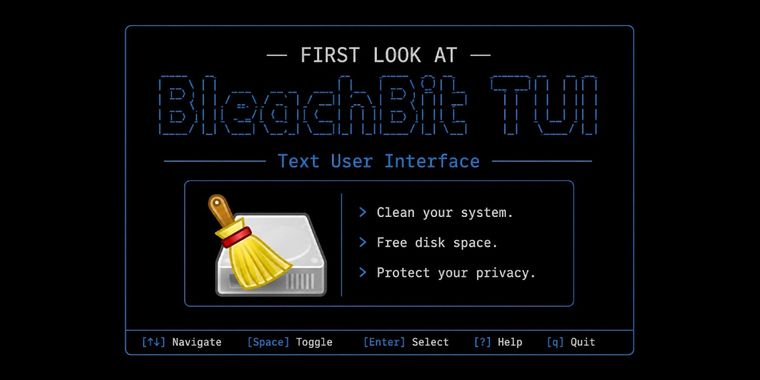

Cleaning software BleachBit now has a TUI, ideal for headless systems, automation and more
BleachBit has launched a text user interface (TUI) built on the recent 6.0 backend. This addition provides an alternative to the graphical user interface and command line interface for users who prefer keyboard navigation, manage remote servers with SSH, or automate tasks with scripts.
With the TUI, users can select cleaning options, run previews, and delete files. There is an option to enable file overwriting for greater privacy or speed up deletion by turning it off. While these functions cover the basics, the TUI is currently in an alpha development stage and is missing several advanced features such as localization, comprehensive preference management, chaff generation, protected paths, expert mode, language selection, online update checks, .rpm and .deb package builds, and digital signatures on Windows.
Building on existing technology, the TUI shares its backend with the GUI version, ensuring that preferences for cleaning, inclusion on the keep list or whitelist, custom cleaning configurations, and cookie management are consistent across both interfaces. The TUI also features theme switching and supports both keyboard input and limited mouse actions, including the scroll wheel.





- System Cleaner
- Free
- Open Source
Related news
External links
- BleachBit Text User InterfaceBleachBit • Official source
- BleachBit's new TUI makes it perfect for headless serversOMG! Ubuntu
- The Famous Linux System Cleaner BleachBit Now Has a TUI (And I Tried It Out)It's FOSS
Comments
Finally, decluttering servers will be way more easy
The more I use TUI the more I love them. I was a GUI-kid, had hard time with CLI but honestly TUI feels like the best of both world to me.