

Mountain Duck 5.0 adds integrated connect mode, SMB support, custom versioning, and more
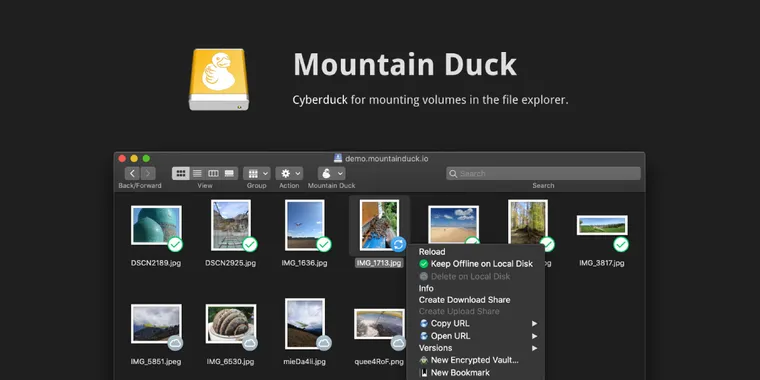
Version 5.0 of Mountain Duck introduces a new integrated connect mode that uses native APIs on both Windows and macOS. This update allows server and cloud storage to be mounted as a disk in File Explorer or Finder without needing a separate device driver or network mount. As a result, file write operations and transfers now match the speed of local disk access, offering a user experience similar to OneDrive on Windows or iCloud Drive on macOS, but with the flexibility to use any preferred cloud storage provider.
Building on these changes, Windows Search and Spotlight on macOS can now directly search for files stored remotely when integrated connect mode is enabled. Mountain Duck 5 also broadens its compatibility by adding support for the SMB (Server Message Block) protocol, allowing seamless connections to Windows file shares, Linux Samba servers, macOS File Sharing, and Azure File Shares.
Following these updates, users can utilize a new activity panel from the status bar on macOS or the tray menu on Windows to view running file operations, pending sync tasks, and mounts, with controls to track and cancel sync jobs. Additionally, the release adds custom versioning, enabling version history and recovery even on protocols like FTP, SFTP, and WebDAV that lack their own versioning support.

- FTP Client
- Paid
- Proprietary
Related news
External links
- Mountain Duck 5Cyberduck • Official source
- Press Release Mountain Duck 5Mountain Duck • Official source