Mac Essentials

As a web developer and team lead, these are the apps I can't live with out day-to-day on my Mac. Here they are in order of importance.

Be
BeSublimeList by BeSublime, last updated 
Copy a direct link to this comment to your clipboard
  1. This is usually the first thing I install, because almost everything else requires my email address, and I use a short, immediately expanded key sequence to type that out for me. I also use it to turn /shrug into ¯_(?)_/¯, which comes in handy all the time.

    Cost / License

    • Free Personal
    • Proprietary

    Platforms

    • Mac
    • Windows
    • iPhone
    • iPad
    Main program window to organize phrases in a multi-level folder structure
    The phrase menu allows users to quickly select the desired phrase.
    Phrases are suggested as you type
    +8
    PhraseExpress can be customized in great detail.
  2. 1Password icon
     Like

    Most password managers are great and have similar features, but I've always felt that 1Password treats their users like part of their family, and Command+\ (which fills in login info for a stored site) is just such an easy and memorable shortcut. As of May 2019, family plans are $4.99 a month, which is a steal for the amount of functionality included.

    Cost / License

    • Paid
    • Proprietary

    Platforms

    • Mac
    • Windows
    • Linux
    • Online
    • Android
    • iPhone
    • Chrome OS
    • Android Tablet
    • iPad
    • Apple Watch
    • Microsoft Edge
    • Vivaldi
    • Google Chrome
    • Safari
    • Yandex Browser
    • Opera
    • Brave
    • Mozilla Firefox
    Desktop & Mobile Apps
    1Password screenshot 1
    1Password screenshot 2
    +2
    1Password screenshot 3
  3. Apple's Reminders app is pretty basic as far as To-Do apps go, but I use it for two reasons: 1) Speed. I have ADD (diagnosed in '93!), so asking Siri or typing "do xyz tomorrow at 3" (which gets parsed into a due date) is the absolute fastest way for me to create a reminder quickly before the thought is gone and replaced with the next shiny thing. 2) Simplicity. I've tried a ton of other apps, and found that for me, anything more complex is just a distraction.

    Cost / License

    • Free
    • Proprietary

    Platforms

    • Mac
    • Online
    • iPhone
    • iPad
    • Apple Watch
    Apple Reminders screenshot 1
    Apple Reminders screenshot 1
    Apple Reminders screenshot 2
    +1
    Apple Reminders screenshot 3
  4. I left Sublime Text by necessity (a plugin I needed for work was VS Code only), but I stayed once I realized how many extra features there are under the hood. It's a gift to the development community, and I mean that. I only go back to Sublime Text every once in a while for super-large (2+ mb) files.

    Cost / License

    • Free
    • Proprietary

    Application types

    Platforms

    • Mac
    • Windows
    • Linux
    • Online
    • Chrome OS
    • Snapcraft
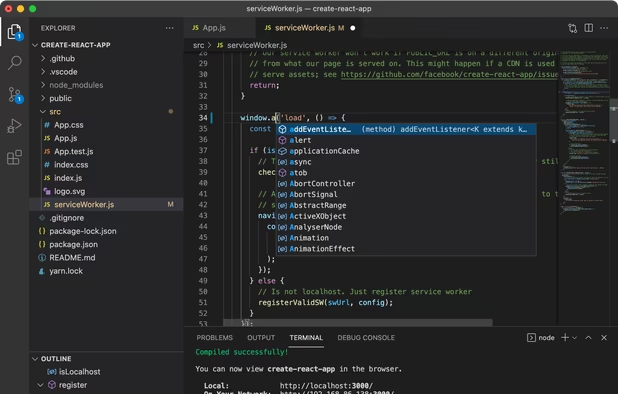
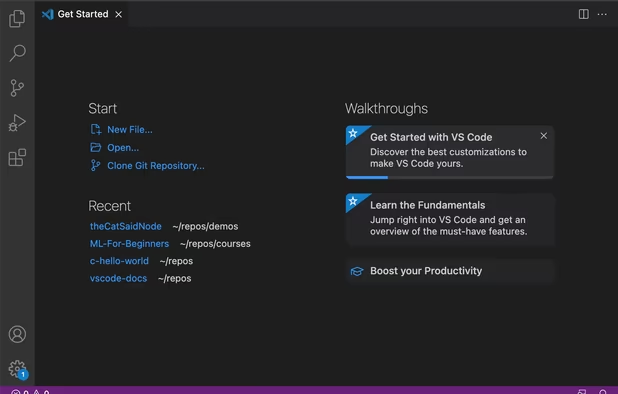
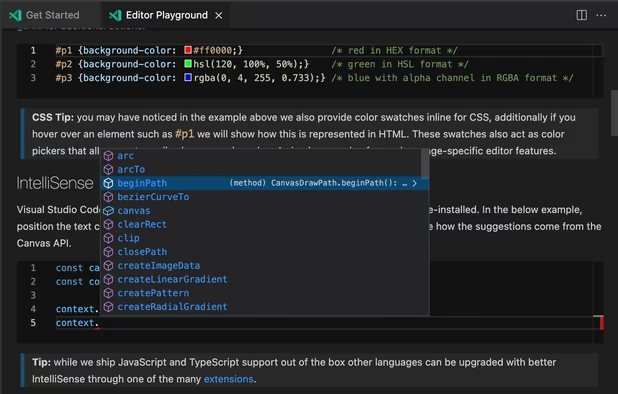
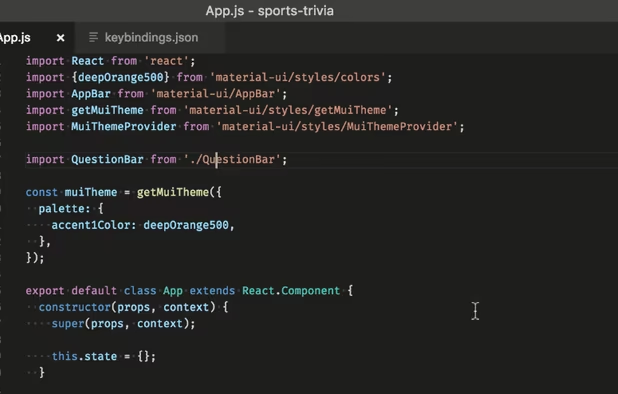
    Visual Studio Code screenshot 1
    Visual Studio Code screenshot 1
    Visual Studio Code screenshot 2
    +2
    Visual Studio Code screenshot 3
  5. Flycut icon
     Like

    I know this is a security nightmare, but the productivity increase I get from it makes it worth being a little diligent about removing sensitive data as necessary. Context switching between projects is so much easier when you can hang on to data quickly and easily just by copying it.

    Cost / License

    • Free
    • Open Source

    Application type

    Platforms

    • Mac
    Flycut screenshot 1
No comments so far, maybe you want to be first?
Gu