File Managers

asphaltkisser
asphaltkisserList by asphaltkisser, last updated 
Copy a direct link to this comment to your clipboard
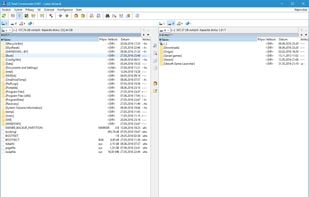
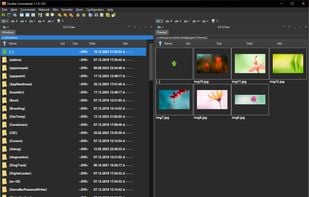
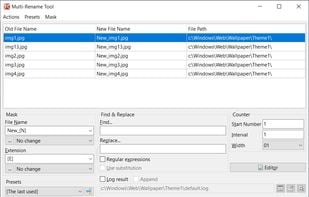
  1. Comprehensive file manager with built-in FTP, file compare, archive navigation, multi-rename tool with regular expression support, and side-by-side windows.

    Cost / License

    • Freemium
    • Proprietary

    Platforms

    • Windows
    • Android
    • Android Tablet
    Total Commander screenshot 1
    Total Commander screenshot 1
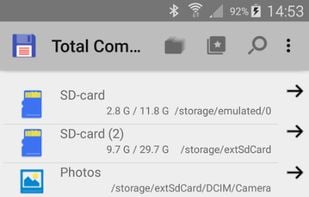
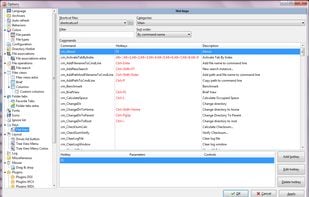
    Total Commander screenshot 2
    +1
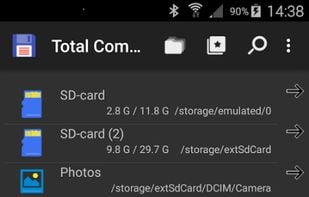
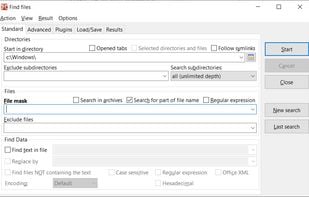
    Total Commander screenshot 3
  2. Cross-platform file manager with dual-panel design based on Total Commander. Features include advanced searching, tabbed browsing, and plugin support.

    Cost / License

    • Free
    • Open Source

    Platforms

    • Mac
    • Windows
    • Linux
    • BSD
    Double Commander screenshot 1
    Double Commander screenshot 1
    Double Commander screenshot 2
    +7
    Double Commander screenshot 3
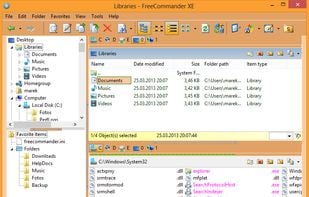
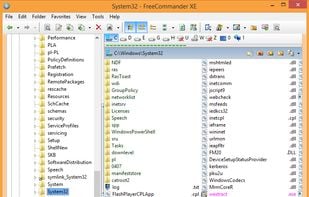
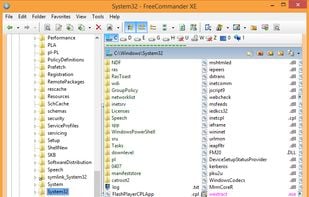
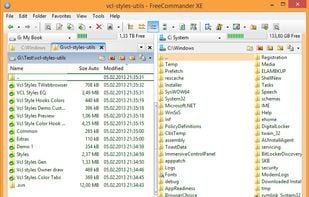
  3. FreeCommander is an easy-to-use alternative to the standard windows file manager. The program helps you with daily work in Windows. Here you can find all the necessary functions to manage your data stock.

    Cost / License

    • Freemium
    • Proprietary

    Platforms

    • Windows
    • PortableApps.com
    FreeCommander screenshot 1
    FreeCommander screenshot 1
    FreeCommander screenshot 2
    +5
    FreeCommander screenshot 3
  4. XYplorer icon
     Like

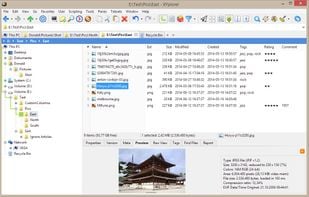
    XYplorer is a file manager for Windows. It features tabbed browsing, a powerful file search, a versatile preview, a highly customizable interface, optional dual pane, scripting engine, and a large array of unique ways to efficiently automate frequently recurring tasks.

    Cost / License

    • Paid
    • Proprietary

    Platforms

    • Windows
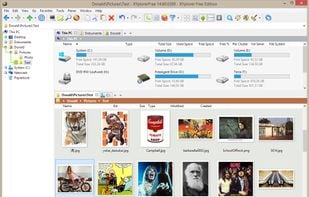
    XYplorer screenshot 1
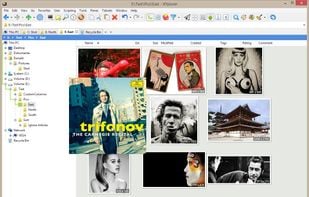
    Thumbnails of image files in one of three fully configurable thumbnails views. Supported are PNG, JPG, GIF, TIF, TGA, WMF, PSD, ICO, BMP, and all RAW photo formats that you have CODECs for. Thumbnails support XYplorer's unique and famous Mouse Down Blow Up functionality.
    Tabbed Browsing: Have an unlimited number of Browse Tabs, individually customizable and remembered between sessions, and Search Tabs, which are one-click triggers to fully customizable search tasks.
    +6
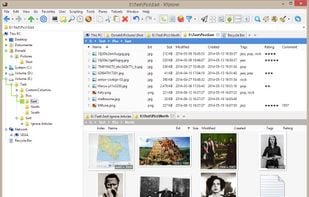
    Dual Pane: Look at the contents of two folders side by side. Both panes are optionally multi-tabbed and can be arranged vertically or horizontally.
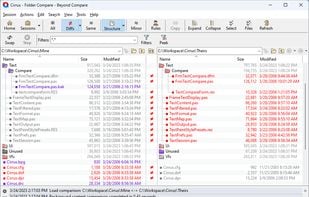
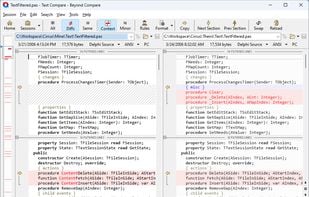
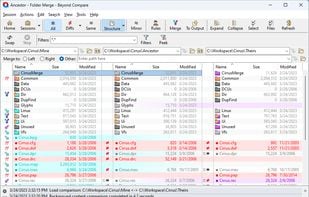
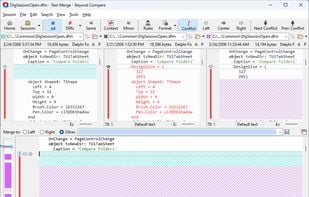
  5. Compares files with source control integration, supports FTP and cloud storage, offers 3-way merge, and uses commands to manage syncs and differences.

    Cost / License

    • Paid
    • Proprietary

    Platforms

    • Mac
    • Windows
    • Linux
    Folder compare
    Text compare
    Folder merge
    +3
    Text merge
  6. TagSpaces icon
     Like

    Privacy-focused, cross-platform tool for tagging, browsing and managing files or folders, with note-taking, Kanban, S3 cloud support, and web clipping.

    Cost / License

    • Freemium
    • Open Source

    Platforms

    • Mac
    • Windows
    • Linux
    • Self-Hosted
    • Microsoft Edge
    • Google Chrome
    • Mozilla Firefox
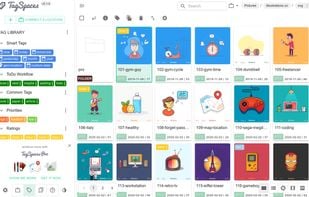
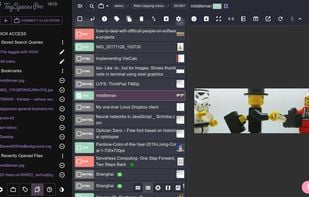
    Cross-platform file tagging
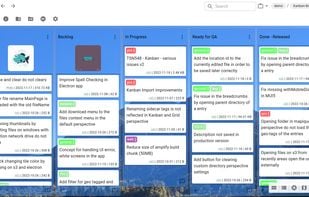
    Presenting folders as Kanban boards
    Automatic thumbnail generation
    +5
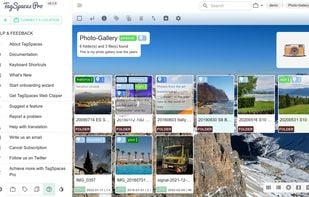
    File Browsing with instant preview for many file types
  7. QTTabBar icon
     Like

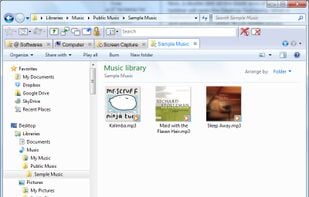
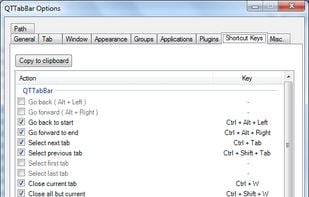
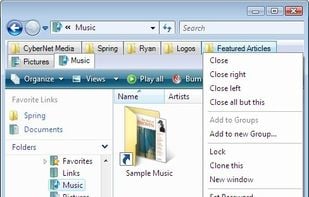
    QTTabBar is an extension for Windows Explorer that brings tabbed browsing to Microsoft's file browser. It comes with a number of nifty features including a favorites function for launching folders and applications, groupings of folders that can be opened together, tooltip...

    Cost / License

    • Free
    • Open Source

    Application type

    Platforms

    • Windows
    • Windows Explorer
    Tabbed Explorer
    QTTabBar screenshot 1
    QTTabBar screenshot 2
  8. JPEGView icon
     Like

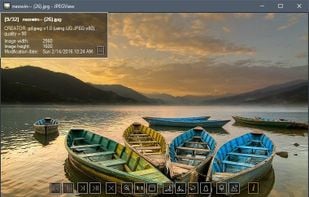
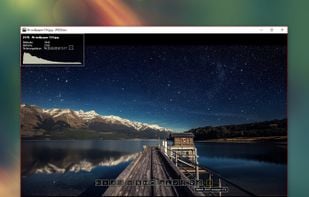
    Lightweight Simple Image Viewer with Slide show feature, Resize and Lossless-cut, Color correction, Rename, Multi-language and more...

    Cost / License

    • Free
    • Open Source

    Application types

    Platforms

    • Windows
    • PortableApps.com
    Very simple. Only a title bar other than the picture.
    JPEGView screenshot 1
No comments so far, maybe you want to be first?
Gu