





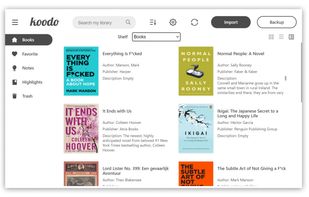
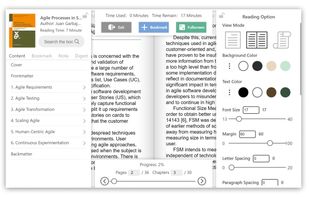
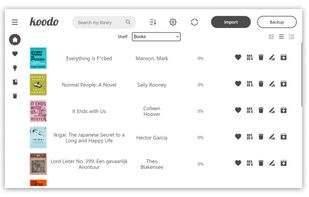
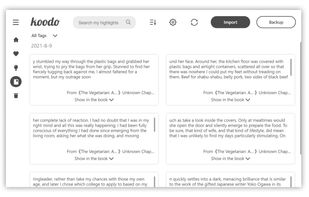
Koodo Reader is a powerful ebook reader designed to provide a simple and easy-to-use reading experience.
Cost / License
- Freemium
- Open Source
Application typeApplication types
Platforms
- Mac
- Windows
- Linux
- Online
- Android
- iPhone
- iPad
- Flathub



+2


Many applications support Dropbox in some form, but not all Dropbox integrations work the same way.
Some apps simply store their files inside a Dropbox-synchronized folder and rely on the Dropbox client to move those files between devices. That can work well, but it means synchronization depends on the Dropbox application or operating system file provider being installed and available.
The apps in this list work differently. They connect directly to Dropbox through its API, usually using OAuth authentication, and use Dropbox itself as a synchronization backend. In other words, the application handles the connection to Dropbox without requiring the Dropbox desktop client to synchronize its data.
This makes Dropbox useful as a common sync layer across very different applications, while allowing each app to remain independent from its own proprietary cloud service.
I've given preference to open-source applications whenever possible, although being open source is not a requirement for inclusion. The main requirement is that the application can communicate directly with Dropbox for synchronization rather than simply relying on a Dropbox-synced local folder.
Koodo Reader is a powerful ebook reader designed to provide a simple and easy-to-use reading experience.

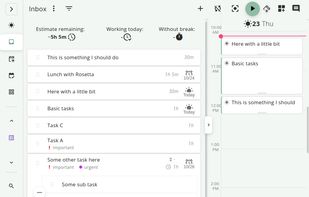
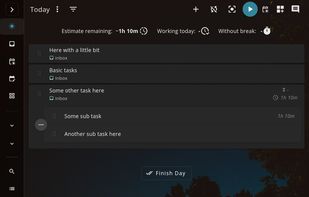
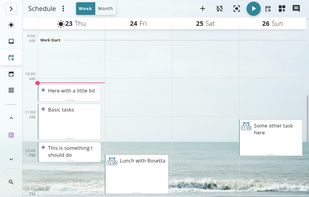
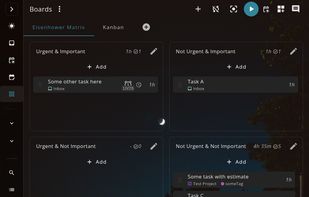
Free, open-source, local-first task manager and time tracker for desktop, web, Android and iOS, with Pomodoro focus and optional self-hosted sync.

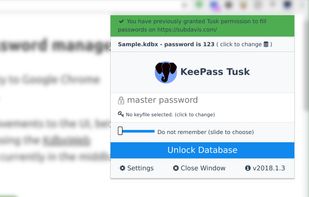
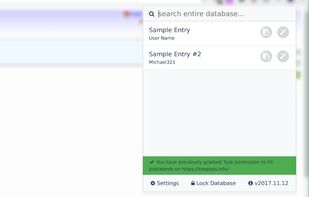
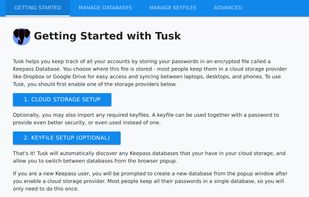
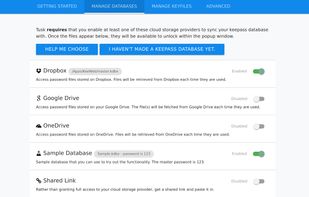
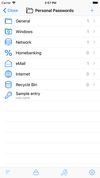
This extension adds KeePass autofill functionality to Chrome and Firefox without compromising security for convenience. Tusk is Open Source Software and free forever.




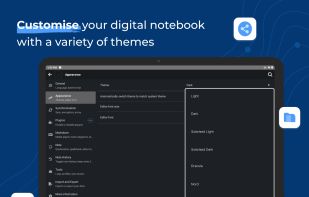
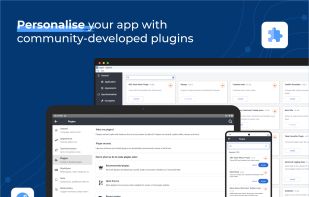
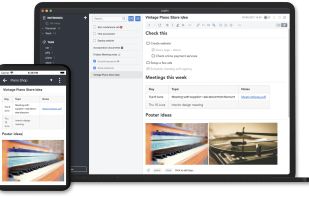
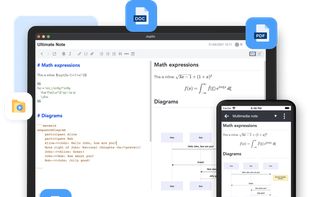
Open source note-taking app with Markdown support, to-do integration, and synchronization with cloud services like Dropbox and OneDrive.
No comments so far, maybe you want to be first?


