




Multi-award winning app offers professional tools and flexibility for creative illustration on iPad and iPhone with features like layering and brushes.
Cost / License
- Paid
- Proprietary
Application typeApplication types
Platforms
- iPhone
- iPad



+13
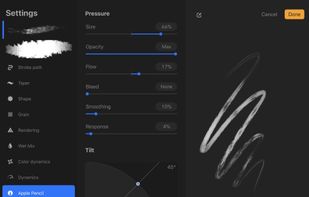


Have you ever wondered what software do I use? No? Have it anyway.
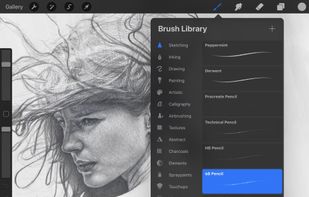
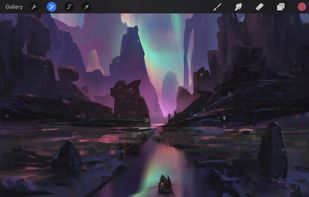
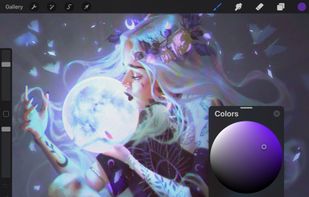
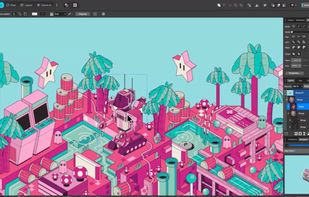
Multi-award winning app offers professional tools and flexibility for creative illustration on iPad and iPhone with features like layering and brushes.
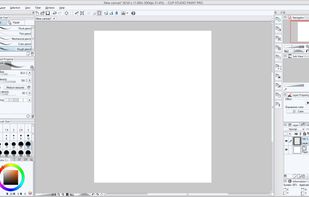
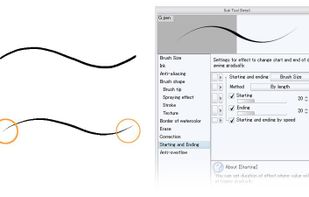
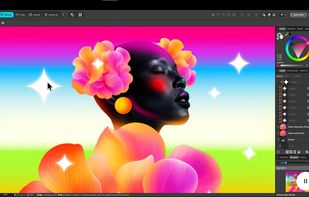
Essential digital tool for comic and manga artists, offering specialized tools for shortcuts like panel layouts, inking, vector support, and 3D model import.
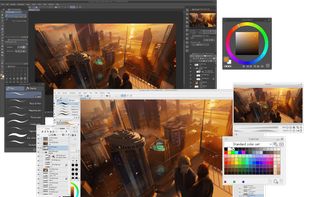
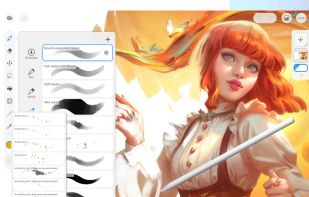
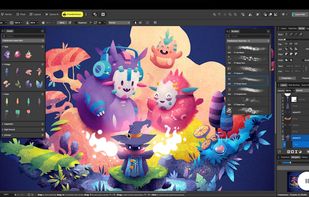
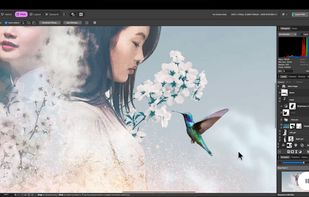
Professional tool combining photo editing, vector illustration, and layout features with non-destructive editing, file compatibility, AI tools, and cloud integration.

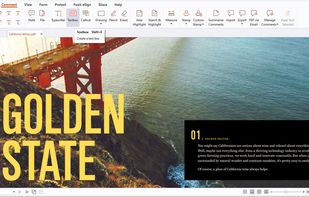
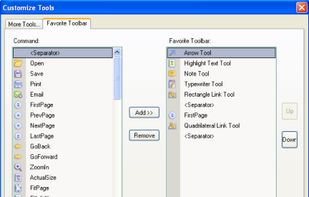
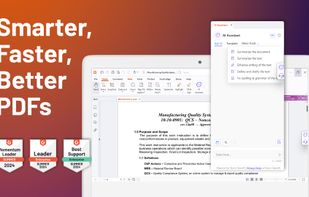
Free, lightweight PDF viewer available on multiple platforms. Features include annotation, form-filling, signing, cloud integration, and more.

No comments so far, maybe you want to be first?


