Top tools for a Technical Writer

When you are working with content on a daily basis, probably you already have a list of your favorite apps, tools, and services that allow you to work faster with texts and documentation. That's great! But chances are that this list is not perfect. "Fast" is not always equals "efficient".

Sometimes, when you urgently need a new tool for a specific purpose, you just type your search request and then choose the "most relevant" app from the top of the search results. Regardless of its usefulness, this app tends to stay in the favorites forever. As practice shows, this is rather an inefficient method.

This was my case previously. But now, I'm always trying to take some time to compare my new apps with some alternatives and find out whether my choice is the best one. Kind of trials and errors. This is, actually, the way how this list appeared. So, let me share my thoughts on what apps, tools, and services a seasoned Technical Writer must use. Or at least try.

Re
RemovedUserList by RemovedUser, last updated 
Copy a direct link to this comment to your clipboard
  1. Writing Tools

  2. Probably the best documentation writing format ever made. With a countless number of features out-of-the-box (with the greatest ones, like sections re-usage, source code inclusion, dynamic variables), Asciidoctor sets a new standard of how technical documentation should be written.

    Cost / License

    • Free
    • Open Source

    Platforms

    • Mac
    • Windows
    • Linux
    • Online
    • Self-Hosted
    Asciidoctor screenshot 1
  3. Markdown icon
     Like

    Markdown is a text-to-HTML conversion tool for web writers. Markdown allows you to write using an easy-to-read, easy-to-write plain text format, then convert it to structurally valid XHTML (or HTML).

    Cost / License

    • Free
    • Open Source

    Application type

    Platforms

    • Mac
    • Windows
    • Linux
    Markdown screenshot 1
    Markdown screenshot 1
  4. Sphinx icon
     Like

    Sphinx is a tool that makes it easy to create intelligent and beautiful documentation, written by Georg Brandl and licensed under the BSD license.

    Cost / License

    • Free
    • Open Source

    Application type

    Platforms

    • Mac
    • Windows
    • Linux
    • Python
    • Self-Hosted
    Sphinx screenshot 1
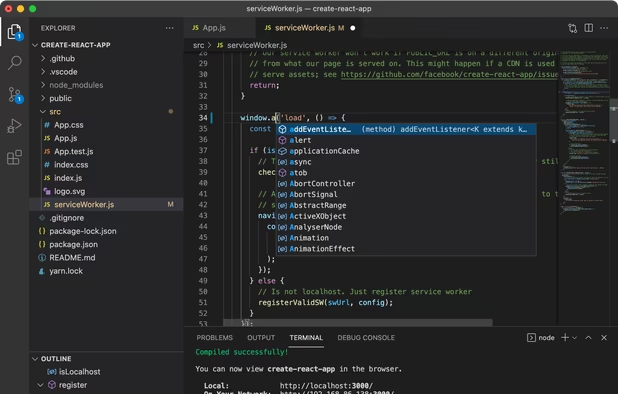
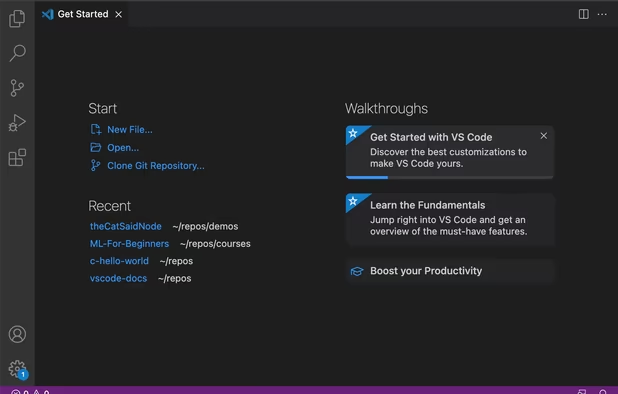
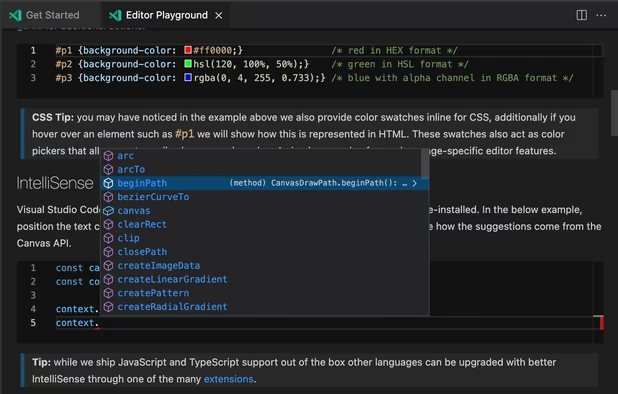
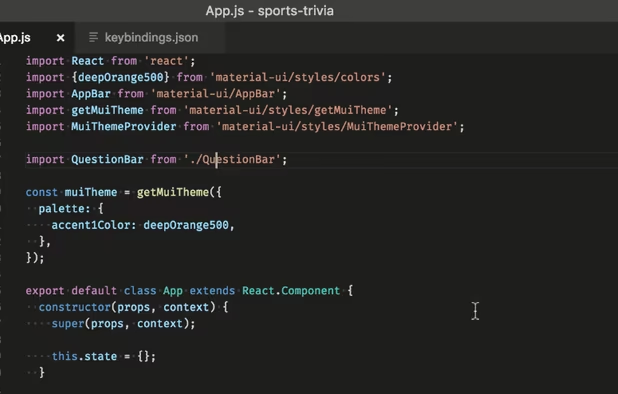
  5. Fast and intuitively simple code editor with lots of handy tools out-of-the-box. I've been using VS Code since late 2015 and this is a really great experience.

    Cost / License

    • Free
    • Proprietary

    Application types

    Platforms

    • Mac
    • Windows
    • Linux
    • Online
    • Chrome OS
    • Snapcraft
    Visual Studio Code screenshot 1
    Visual Studio Code screenshot 1
    Visual Studio Code screenshot 2
    +2
    Visual Studio Code screenshot 3
  6. Auxiliary tools

  7. I use Simplenote when I urgently need to jot down quickly some information and there is no pen/notepad at hand.

    What makes Simplenote perfect for me:

    • electron-based app with simple and clean UI.
    • just a single click to create a new note. No titles, no categories, no other required fields. Click and start typing your note.
    • auto-save as you type. Say "No" to unsaved/lost changes.
    • instant search. You are a few symbols away from the note or text you are looking for.
    • sync. Two-way cross-platform sync. So your notes are always up-to-date on any device.
    • markdown support with preview. Probably the best usage of Markdown is for taking quick notes. Simplenote supports Markdown flavor similar to GitHub, so you can use checkboxes (e.g. for todo lists), emoji, tables, etc.
    • sharing functionality. You can either add collaborators or share a particular note with the public link.
    • history of changes with immediate restoration of revisions.
    • pin important notes to top.
    • configurable UI view, theme, and sort order
    • trash bin. If you unintentionally deleted a note, you can restore it later.
    • export. During the export, all the existing notes are saved in .txt format and then archived. words/characters counter. It is useful sometimes.

    Cost / License

    • Free
    • Open Source

    Platforms

    • Mac
    • Windows
    • Linux
    • Online
    • Android
    • iPhone
    • Android Tablet
    • iPad
    Simplenote screenshot 1
    Simplenote screenshot 1
    Simplenote screenshot 2
    +3
    Simplenote screenshot 3
  8. Shutter icon
     Like

    Excellent tool for making screenshots on-the-fly. Lots of configurable settings, post-editing capabilities, uploading sources, and plugins. The only disadvantage - it doesn't support the entire page screenshot (like in Nimbus), only visible part of the screen.

    Cost / License

    • Free
    • Open Source

    Application type

    Platforms

    • Linux
    Shutter screenshot 1
    Shutter screenshot 1
    Main window
    +2
    Showcasing Shutter's image editing capabilities
  9. What could be better than one Terminal? Only two Terminals in one window... or three... or as many as you need, arranged in the order that makes you comfortable to work with these consoles.

    Cost / License

    • Free
    • Open Source

    Application type

    Platforms

    • Linux
    • BSD
    • GNOME
    Terminator is running Vim, Bash, and Python side by side.
    Terminator screenshot 1
    Terminator screenshot 2
    +1
    Terminator screenshot 3
  10. draw.io icon
     Like

    My job is not always writing. Sometimes I need to create graphic content, like BPMN, UML or just simplified workflow diagrams to provide users with better understanding of some technical aspect or feature. draw.io supports lots of diagram types and the final sketch can be easily exported to any format you want (including XML, HTML, PDF, JPG, PNG, and SVG) It is a perfect tool to create a technical drawing of any complexity.

    Cost / License

    • Free
    • Proprietary

    Platforms

    • Mac
    • Windows
    • Linux
    • Online
    • Chrome OS
    • Notion
    • Self-Hosted
    • Nextcloud
    • Microsoft SharePoint
    • Flathub
    • Microsoft OneDrive
    • PortableApps.com
    • Google Drive
    • Google Docs
    • Microsoft Teams
    • Google Slides
    • Flatpak
    • Google Sheets
    Use the diagram editor in dark mode. Go to app.diagrams.net/?splash=0&ui=dark
    Windows Desktop App
    Whiteboarding example
    +9
    draw.io screenshot 3
  11. GitKraken icon
     Like

    I tried many Git clients out there (however, I still use Terminator, as the most convenient one :)) but GitKraken is the only one I use from time to time to bring branch chaos into order in some of my personal repositories.

    Cost / License

    • Freemium
    • Proprietary

    Platforms

    • Mac
    • Windows
    • Linux
    • Visual Studio Code
    • Online
    • Google Chrome
    • Firefox
    • Microsoft Edge
    GitKraken screenshot 1
    GitKraken screenshot 1
  12. Caddy icon
     Like

    I use Caddy when I need a quick preview of some html files. Caddy is ready to serve your site in 1 second, it has flexible configuration options, HTTPS, hot reload and lots of plugins to extend server configuration. Why should you look for something else?

    Cost / License

    • Free
    • Open Source

    Platforms

    • Mac
    • Windows
    • Linux
    • BSD
    • FreeBSD
    • OpenBSD
    Homepage
    Caddy screenshot 1
    File Browser
    +1
    File Browser
  13. Static Site Generators

  14. Redocly icon
     Like

    The best documentation generator for OpenAPI Specification (Swagger). It is under continuous development, so new features appear on a regular basis.

    Cost / License

    • Free
    • Open Source

    Platforms

    • Online
    • Self-Hosted
    Redocly screenshot 1
    Redocly screenshot 1
    Redocly screenshot 2
    +1
    Redocly screenshot 3
  15. Antora icon
     Like

    A static site generator for creating documentation sites from AsciiDoc content aggregated from multiple repositories. Made by the creators of Asciidoctor.

    Cost / License

    • Free
    • Open Source

    Platforms

    • Mac
    • Windows
    • Linux
    Antora screenshot 1
  16. MkDocs icon
     Like

    MkDocs is static site generator that's geared towards building project documentation. Documentation source files are written in Markdown, and configured with a single YAML configuration file.

    Cost / License

    • Free
    • Open Source

    Platforms

    • Self-Hosted
    • Python
    MkDocs screenshot 1
  17. ESDoc icon
     Like

    Documentation generator for JavaScript.

    Cost / License

    • Free
    • Open Source

    Application type

    Platforms

    • Windows
    • Linux
    • Self-Hosted
    ESDoc screenshot 1
    ESDoc screenshot 1
No comments so far, maybe you want to be first?
Gu