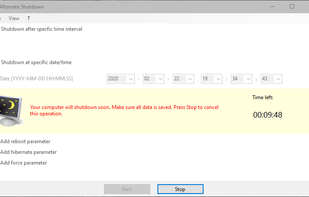
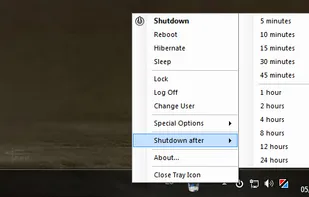
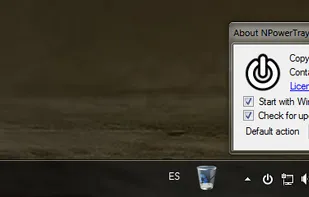
Shutdown8 is a simple program that allows users to shut down their computers with a timer. Users can simply add this program onto the taskbar and select the Shut down, Log off, Restart, Timer, Sleep or Hibernate menu.
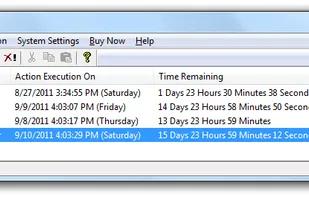
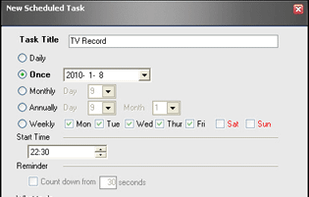
Automatically Shutdown Computer easily on a daily or weekly basis. You can even use the Easy Shutdown Softwareto automatically shutdown computer but skip selected days. In case you would like to shutdown computer daily without skipping any day, you can use the Daily Actions...
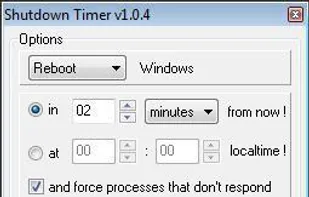
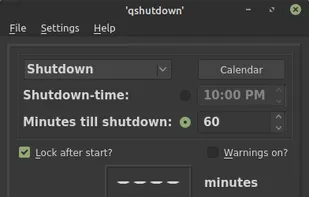
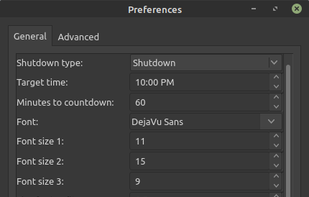
Hsiu-Ming's Timer is a graphical shutdown timer for Linux and Windows. It enables you to shutdown, turn off monitor, reboot or play sound after a period of time.
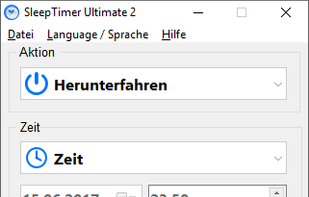
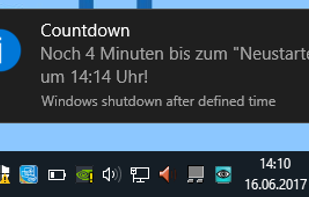
SleepTimer Ultimate is free. It can shutdown the computer after a defined time. Minimum requirement is a Windows XP system. Windows 10 is supported as well. SleepTimer can do other things if the time is reached and is customizable.
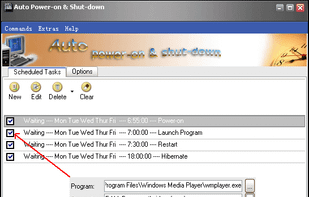
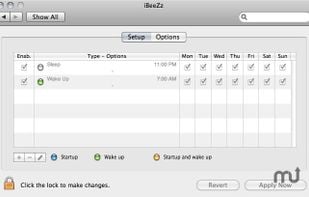
Resume from power-off state - Auto Poweron & Shutdown allows you to auto-start up your computer to work at a specified date and time, even if the system was stopped in hibernation.
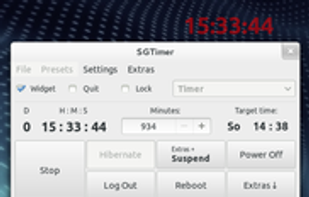
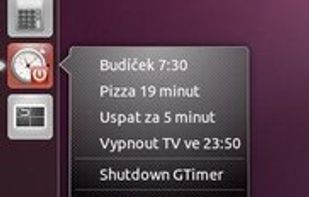
SGTimer is an advanced shutdown scheduler with easy to use GUI written in Vala and GTK+3. Besides shutdown, suspend, hibernation, restart and log out, SGTimer is able to execute Bash commands, or just to show a message or play sound.
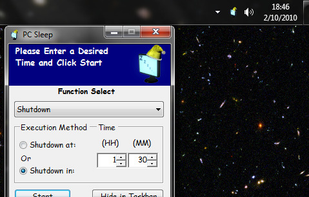
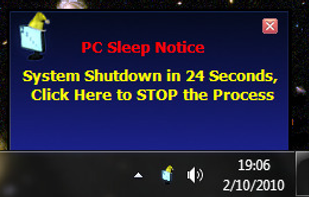
Pc Sleep is a "Sleep" timer for your computer. Automated Shutdown, Restart, Log Off, Standby, and Hibernate Windows functions in a user friendly, menu-driven program.
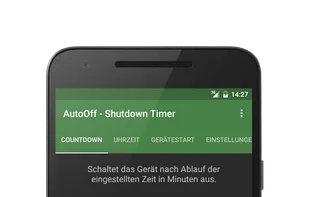
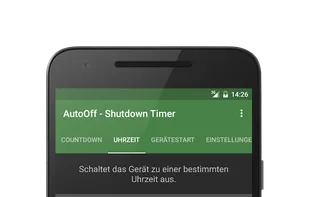
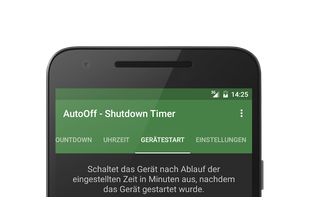
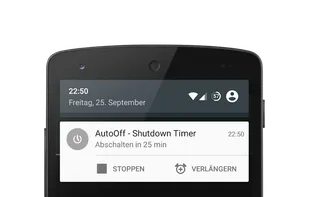
AutoOff allows you to automatically shutdown your device at a set time. You can schedule the timer either in minutes until shutdown or set the exact time of shutdown. Furthermore you can set the timer to automatically start on boot.


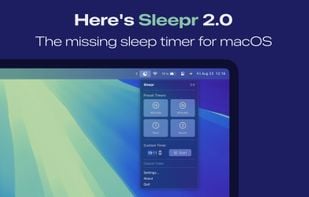

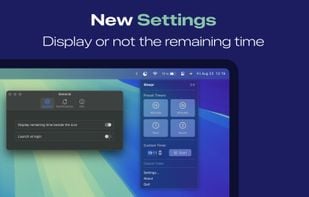
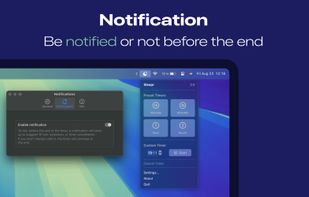


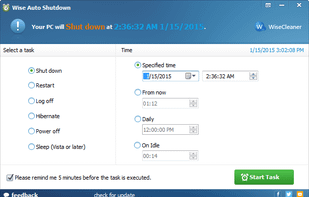



![Timed Shutdown [No Root] icon](https://img.alternativeto.net/icons/280/avif/timed-shutdown-android_224752.png)
![Timed Shutdown [No Root] screenshot 1](https://d4.alternativeto.net/F0j8cnNio-iW6PKTA1p6KuWjIImgR-FWImGtyjNtKlE/rs:fill:309:197:1/g:no:0:0/YWJzOi8vZGlzdC9zL3RpbWVkLXNodXRkb3duLWFuZHJvaWRfNjMwOTAxX2Z1bGwuanBn.jpg)
![Timed Shutdown [No Root] screenshot 1](https://d4.alternativeto.net/3T5PRtPQKE9GgifnKS-1hS-5qOBFiHGXQr_9Fq2K1P8/rs:fill:309:197:1/g:no:0:0/YWJzOi8vZGlzdC9zL3RpbWVkLXNodXRkb3duLWFuZHJvaWRfNDQ0MTMzX2Z1bGwucG5n.png)


















 China
China

 Germany
 EU
EU
![Timed Shutdown [No Root] icon](https://img.alternativeto.net/icons/140/avif/timed-shutdown-android_224752.png)


 Taiwan
 United States


 United Arab Emirates


