


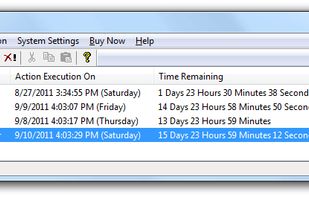
AMP WinOFF is an utility designed to schedule the shut down of Windows computers, with several shut down modes and fully configurable. Some of its features are:
Cost / License
- Free
- Proprietary
Alerts
- Discontinued
Platforms
- Windows
 Spain
Spain EU
EU
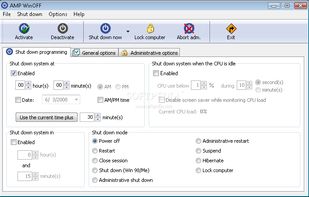

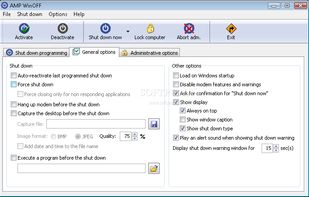

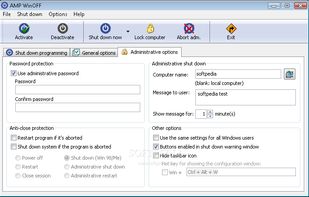


Apps similar to Shutdown8 include AMP WinOFF, which is free. Other options are Airytec Switch Off, Shutter Utility, Sleepr and Wise Auto Shutdown. There's no shortage of Shutdown Schedulers like Shutdown8, with more than 25 alternatives for Windows, Android, Mac, Linux and iPhone.
AMP WinOFF is an utility designed to schedule the shut down of Windows computers, with several shut down modes and fully configurable. Some of its features are:
SpainEU
Switch Off is a lightweight, easy-to-use, tray-based system utility that can automatically shutdown, suspend or hibernate your system. The user-friendly, intuitive interface is designed to seamlessly integrate into Windows and provide quick access to all operations through the...
 Russia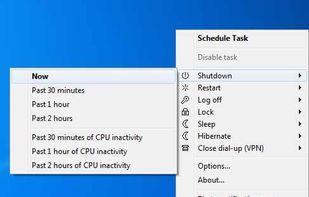
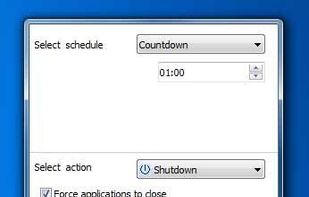
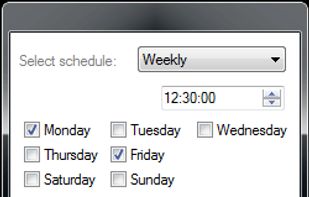
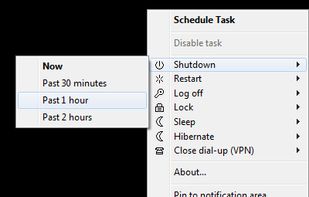


Shutter is a multifunctional scheduling utility, which has a user friendly and easy-to-use interface and supports many different Events and Actions.
 Australia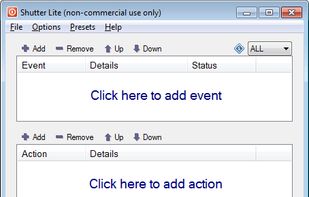
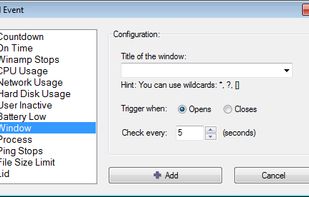
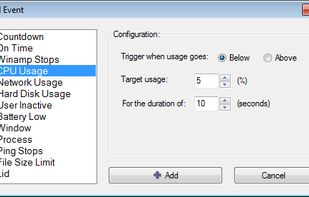


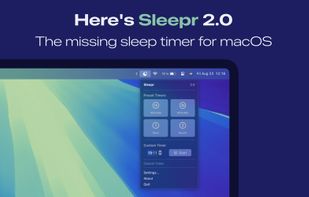
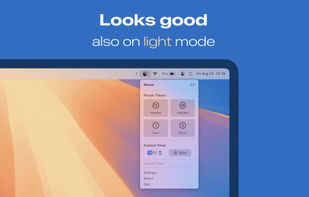
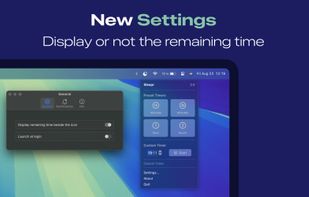
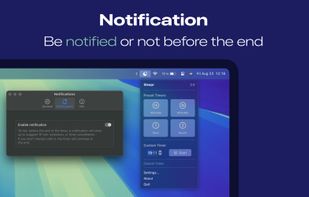
Sleepr lets you schedule your Mac to go to sleep when you're watching a movie or series, or listening to a podcast or music!


 China
China



 Indonesia

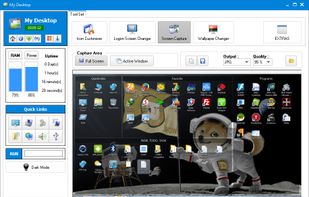



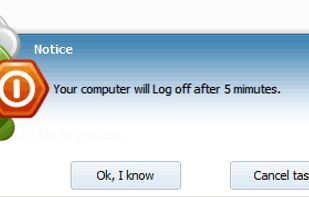
A stand-alone program that allows you to easily shutdown and wake up local or remote PCs, with many specific options.
 ItalyEU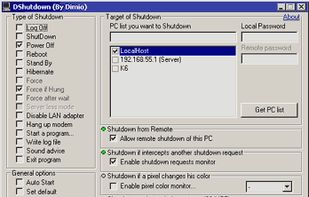


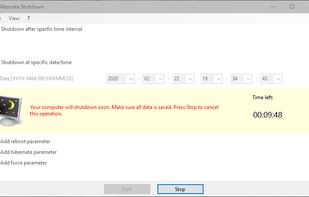
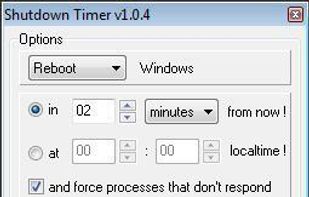
This program gives you the opportunity to shutdown your computer either after a period of time or at a specific date/time setting.
 GermanyEU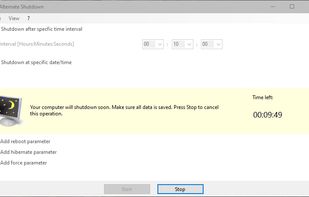


Automatically Shutdown Computer easily on a daily or weekly basis. You can even use the Easy Shutdown Softwareto automatically shutdown computer but skip selected days. In case you would like to shutdown computer daily without skipping any day, you can use the Daily Actions...


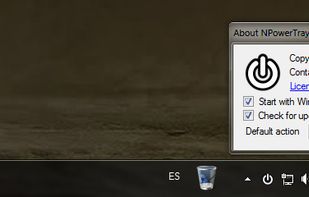
Daxtar's Shutdown Timer is a minimalistic tool to schedule your System's Shutdown via GUI or command-line. The Tool docks at the Windows System Tray.


 United States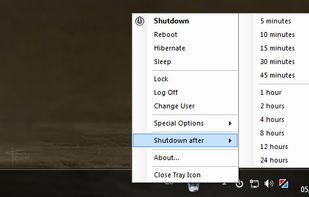


Hsiu-Ming's Timer is a graphical shutdown timer for Linux and Windows. It enables you to shutdown, turn off monitor, reboot or play sound after a period of time.


 Taiwan