Inspect, format, and partition disks with ease. Monitor health and configure RAID, while providing encryption and seamless integration into Linux systems.
 United States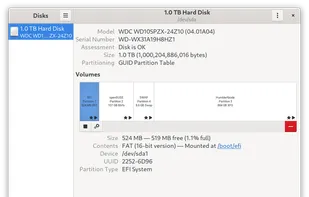


Inspect, format, and partition disks with ease. Monitor health and configure RAID, while providing encryption and seamless integration into Linux systems.

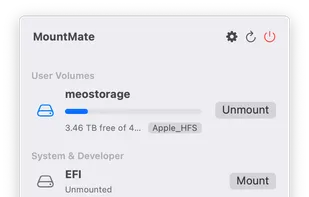
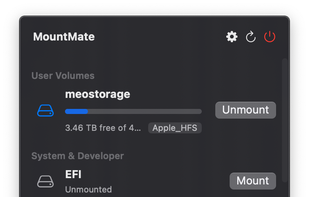
MountMate is a lightweight macOS menu bar utility that lets you mount and unmount external drives with a single click – no Terminal, no Disk Utility, no hassle.


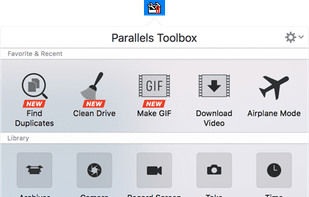
Parallels Toolbox is a collection of essential tools with zero complicated settings.
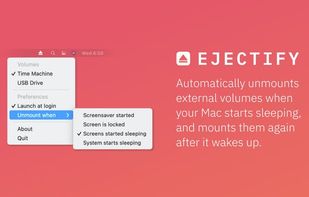
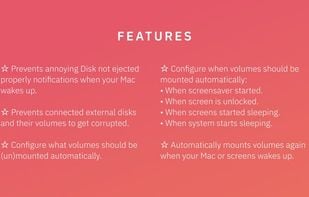
Ejectify automatically unmounts external volumes when your Mac starts sleeping, and mounts them again after it wakes up.
Eject allows removable media (typically a CD-ROM, floppy disk, tape, or JAZ or ZIP disk) to be ejected under software control. The command can also control some multi-disc CD-ROM changers, the auto-eject feature supported by some devices, and more.

Disconnect drives fast, from anywhere on your Mac.
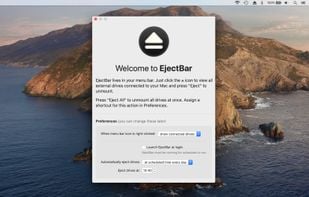
EjectBar lives in your Mac menu bar. Click to reveal a list of all connected drives. Right-click on the icon to eject all drives at once.
At the end of the day, you have to remember to eject any drives connected to your Mac bef.


A tiny, lightweight macOS menubar application to eject multiple mounted volumes in one click. Favorite a mounted volume to save it for quick unmounting later.
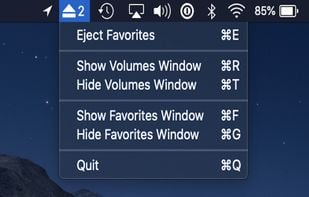

Ejector adds an Eject icon to the Mac OS X menu bar. From it you can eject any disks, e.g. an iPod, a CD, a DVD, an USB Key and even a .dmg or a hard disk (including external one). You can then safely disconnect them from your mac.

 United Kingdom

 Netherlands
 EU
EU

