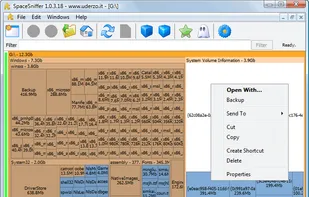
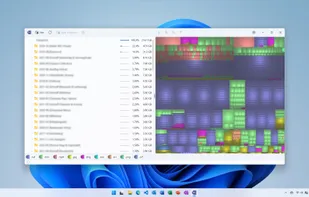
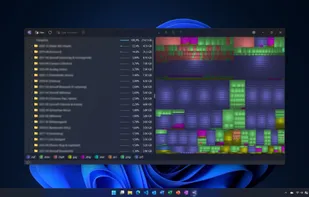
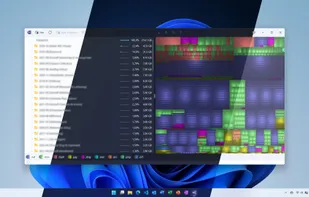
SpaceSniffer is a tool application that gives you an idea of how folders and files are structured on your disks. By using a Treemap visualization layout, you have immediate perception of where big folders and files are situated on your devices.
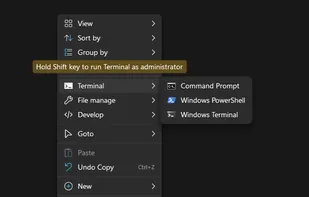
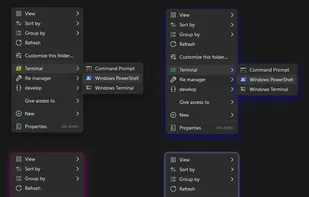
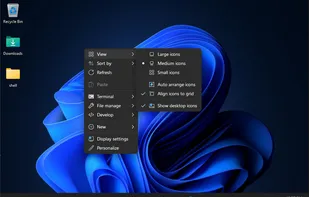
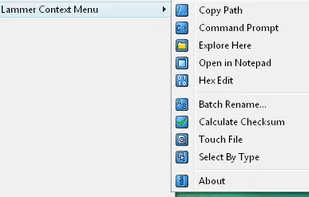
Shell is a context menu extender that lets you handpick the items to integrate into Windows File Explorer context menu, create custom commands to access all your favorite web pages, files, and folders, and launch any application directly from the context menu.
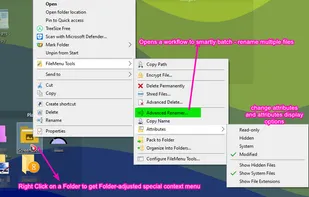
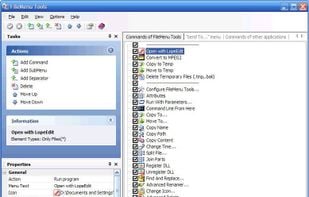
Customize right-click menus in Windows Explorer with built-in file operations, custom commands, symbolic links, folder sync, and advanced context controls.
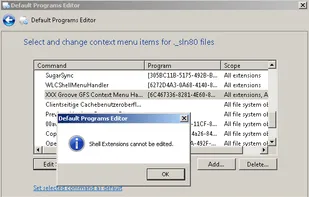
Shell Extensions are in-process COM objects which extends the abilities of Windows operating system. Most shell extensions are automatically installed by the operating system, but there are also many other applications that install additional shell extension components.
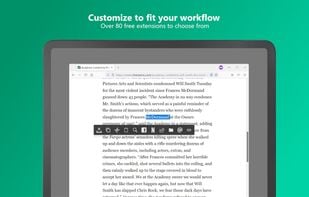
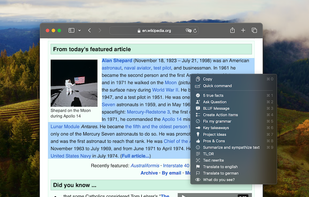
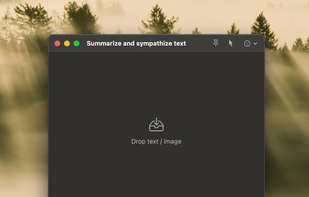
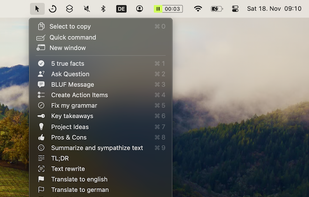
SnipDo is a productivity tool that makes it easier and faster to perform your daily tasks. Select a text in any application and SnipDo pops up to help you.
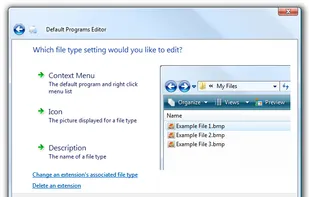
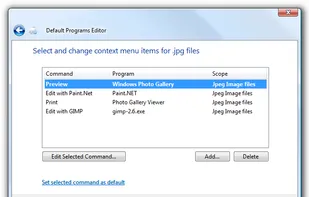
Default Programs Editor is a powerful but simple file association utility for Windows 7, Vista and XP. This free utility has three main functions: context menu editor, auto-play editor, and default programs association editor.
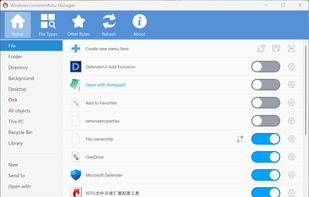
Ultimate Windows Context Menu Customizer is a freeware from door2windows that allows you to customize the context menu of many locations with ease in Windows
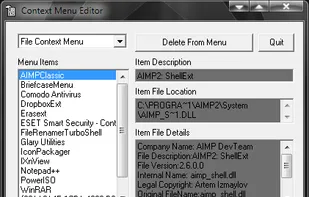
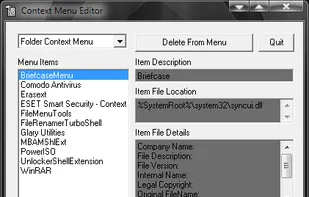
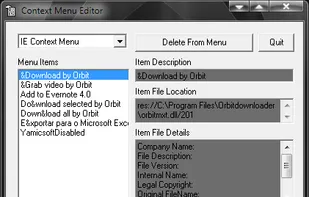
Context Menu Editor can view and delete links to programs on your context menus (the popup menus you see when you right-click). Context Menu Editor does not delete the programs, it just removes them from your menus.
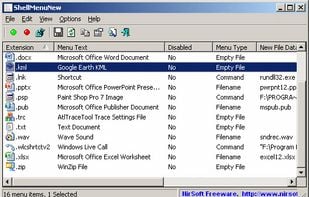
ShellMenuNew is a small utility that displays the list of all menu items in the 'New' submenu of Windows Explorer. It allows you to easily disable unwanted menu items, so this 'New' submenu will display only the items that you need.
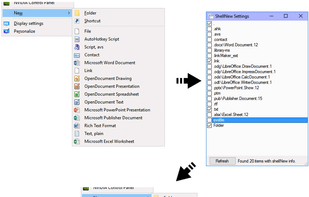
ShellNewSettings is a free tool for Windows to remove items from Explorer's "new" menu. The "new" item list can easily get bloated and this simple app helps clean it up.
AnySelect is a ChatGPT client designed to enhance your ChatGPT experience on your Mac. With its intuitive interface and powerful features, AnySelect is the ultimate solution for using ChatGPT seamlessly, no matter which application you are in.
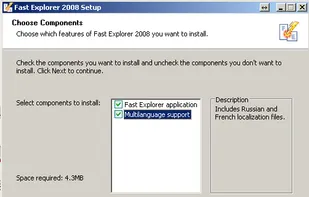
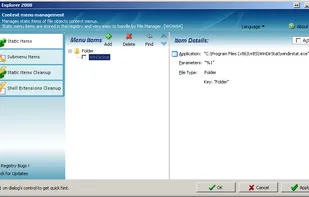
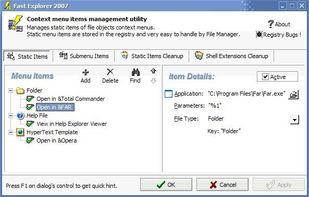
Fast Explorer is a handy Windows shell context menu editor that allows you to add new menu items, cascaded menus, customize menu bitmaps and hint text, and even clean up context menu items and remove shell extensions of files and folders.
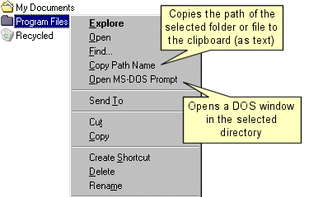
Is your windows context-menu growing all out of proportions? Use this utility to customize your windows menus. Remove menu-items you never use. Put rarely used functions out on a sub-menu.
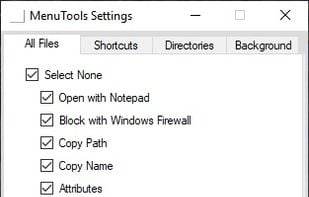
xMenuTools is an open source context menu extender for Windows Explorer. Some useful tools include, Open with notepad, block with Windows Defender, Open CMD prompt from here, Find Wallpaper and some file/folder attributes for quick access.
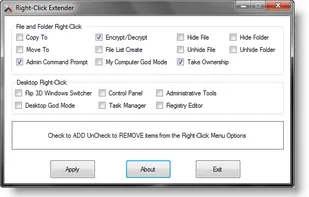
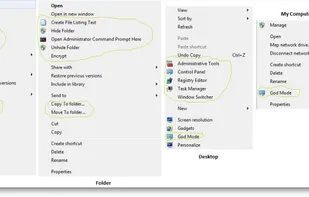
Right-Click Extender will allow you to add or remove the following additional options to a File, Folder, Computer and Desktops Right Click Context Menu.
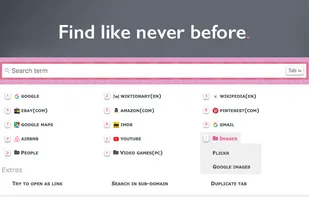
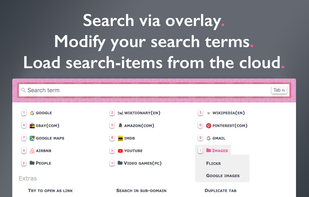
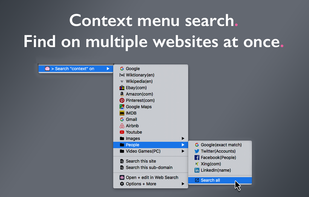
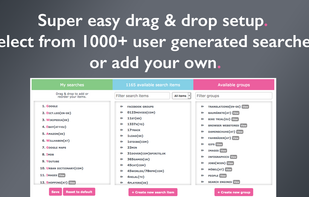
The all-in-one search addon: just select and search. Find on multiple websites at once. Search via overlay, context menu or omnibar. Featuring anonymous profiles. Easy setup: select from 1000+ user generated searches. Cross-browser sync.
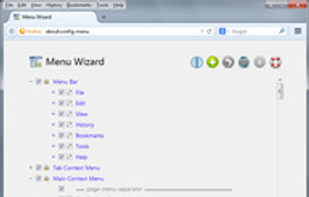
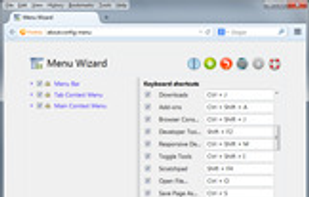
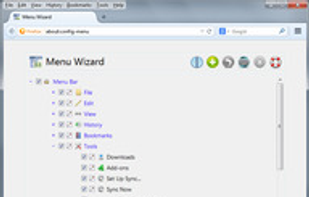
Customize menus : Helps removing, moving and renaming menus and menu items
New feature: Now you can change or disable any of used keyboard shortcuts
Support: Firefox, Thunderbird and SeaMonkey.


 Italy
Italy EU
EU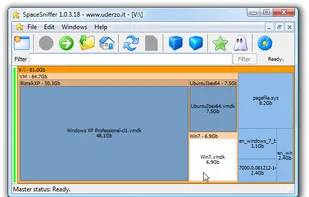
 WinDirStatand


 Egypt
Egypt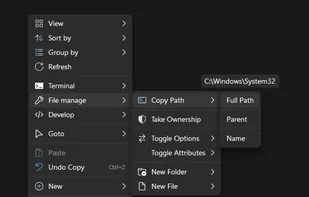


 Spain
Spain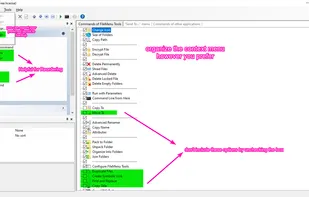


 China
China


 Israel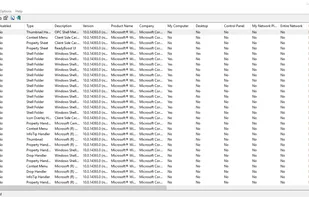








 United States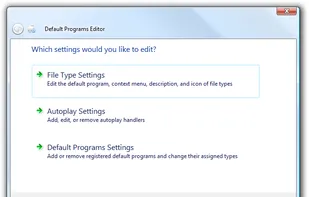




 India
India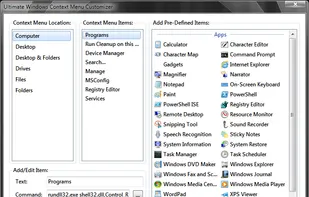



















 Austria