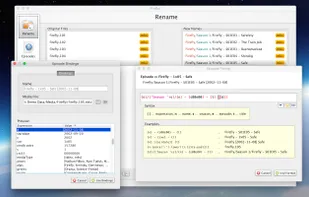
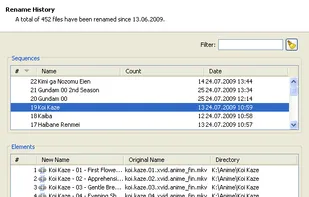
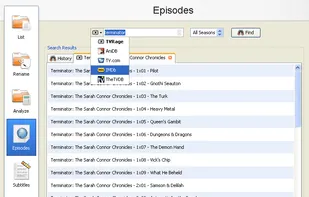
FileBot is the ultimate tool for organizing and renaming your movies, tv shows or anime, and music well as downloading subtitles and artwork. It's smart and just works.
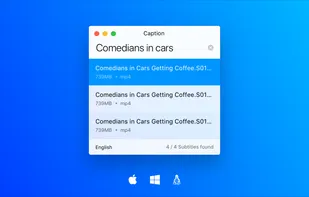
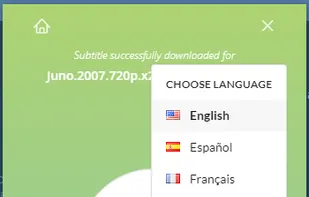
Caption takes the effort out of finding and setting up the right subtitles. A simple design, drag & drop search, and automatic downloading & renaming let you just start watching. Caption is multi-platform, open-source, and built entirely on web technology.
gSubs is a free and open-source desktop app that finds you the perfect subtitle match for your videos. Just drag and drop the video files that you want to search subtitle for and gSubs will do it's job.
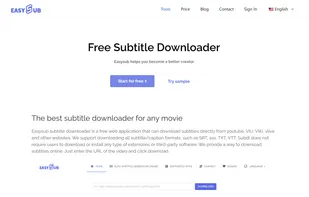
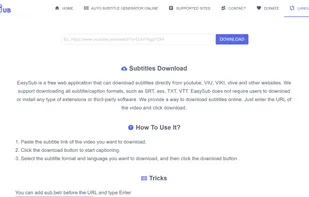
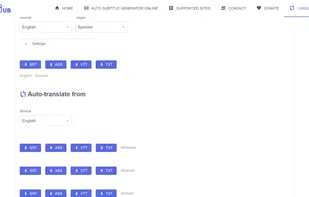
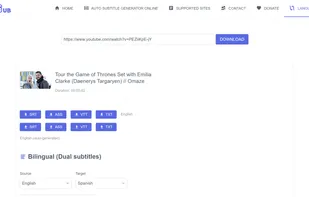
This is a free web application that can download subtitles directly from youtube, VIU, VIKI, vlive and other websites. We support downloading all subtitle/caption formats, such as SRT, ass, TXT, VTT. Just enter the URL of the video and click download.
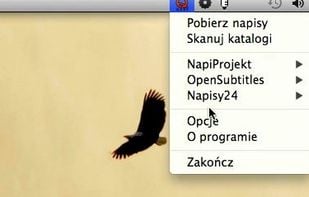
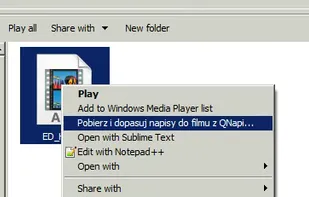
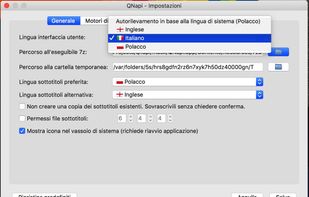
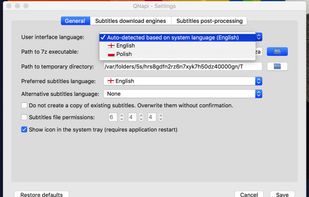
QNapi is designed to automatically download and match subtitles to a specific movie file. Unlike similar programs, QNapi queries several different subtitle databases to find the best subtitles for your movie.
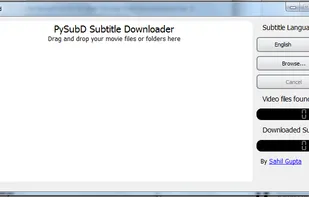
PySubD (Python Subtitle Downloader) is an extremely easy to use, cross-platform, free (as in beer and freedom) automatic subtitle downloader for your Movies and TV Series.
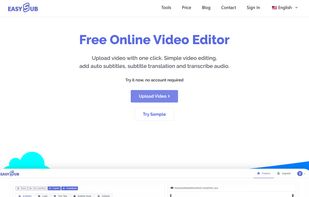
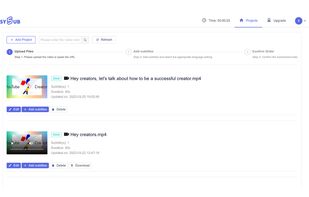
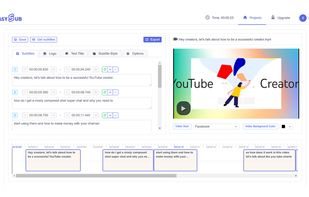
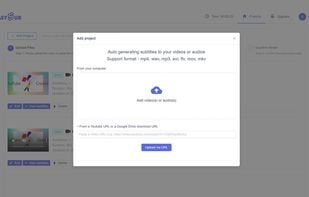
The most simple and practical online automatic subtitles generator and subtitle text generator. Easily and automatically generate and edit subtitles in videos & YouTube URL. Accurate transcription effect, cost-effective, convenient operation.
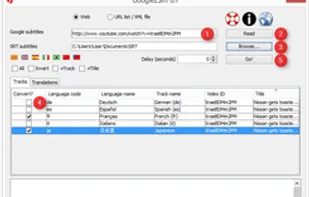
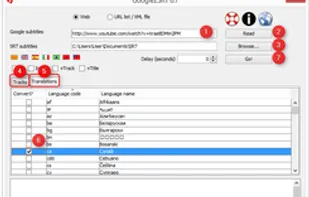
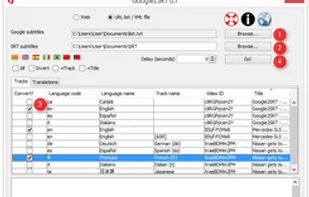
Google2SRT allows you to download, save and convert multiple subtitles and translations from YouTube and Google Video to SubRip (.srt) format, which is recognized by most video players. You can download XML subtitles or simply type video's URL, Google2SRT will do the rest.


 Austria
 EU
EU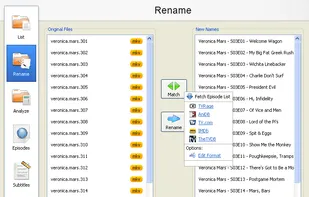






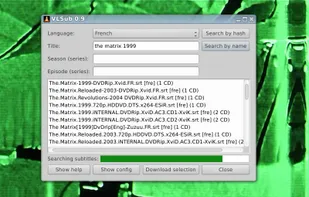
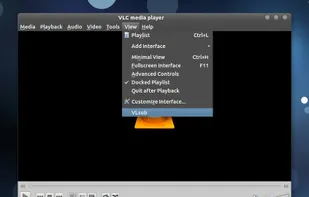









 VLC Media Playerand






 Netherlands

 France


 Israel
 United Kingdom

 Poland
