Book Managers Page 2 of 2

All apps in Book Managers category. Use the filters below to narrow down your search. 
Copy a direct link to this comment to your clipboard
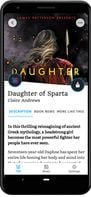
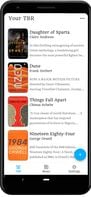
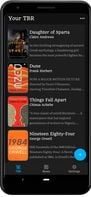
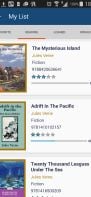
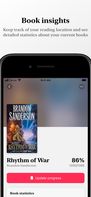
  1. TBR is a simple, elegant and modern place to track your reading. The books you want to read (your TBR, To Be Read), the books you are reading, and the books you've read. You can also organize your books into custom lists of your own choosing.

    • PaidProprietary
    • Android
    • iPhone
    • Android Tablet
    • iPad
    TBR: Book List Tracker screenshot 1
    TBR: Book List Tracker screenshot 2
    TBR: Book List Tracker screenshot 3
    73 alternatives
  2. BookPedia icon
     9 likes

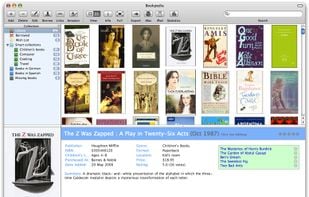
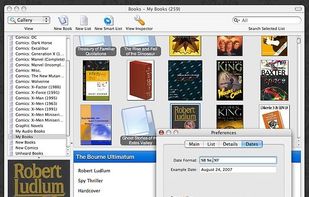
    Whether books line every wall of your house or barely fill one shelf, Bookpedia is the perfect application to help you keep track of them. Entering the information for each book is fast and easy because the program retrieves all the information from the Internet for you. So you

    • PaidProprietary
    • Mac
    Main window
    20 alternatives
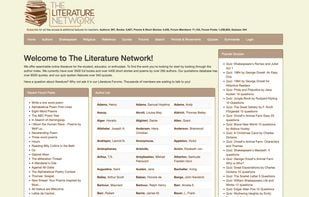
  3. We offer searchable online literature for the student, educator, or enthusiast. To find the work you're looking for start by looking through the author index. We currently have over 3500 full books and over 4400 short stories and poems by over 260 authors.

    The Literature Network screenshot 1
    26 alternatives
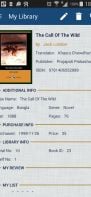
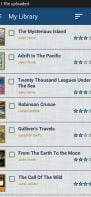
  4. With My Library Manager, you can track and manage your book collection in your personal or official library. You can store detail information about the books with more than 25 information fields to store.

    • FreeProprietary
    • Android
    My Library Manager screenshot 1
    My Library Manager screenshot 2
    My Library Manager screenshot 3
    24 alternatives
  5. BookCAT icon
     7 likes

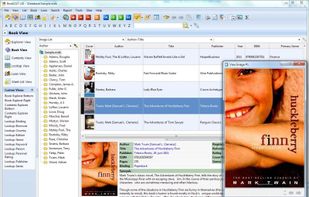
    BookCAT is a powerful book collector database program which will help you catalog a book collection of any size. BookCAT is used by book-lovers, schools, churches, clubs, and business libraries. Using BookCAT you can quickly catalog your books by downloading information from the...

    • Discontinued
    • PaidProprietary
    • Windows
    BookCAT screenshot 1
    19 alternatives
  6. csBooks icon
     2 likes

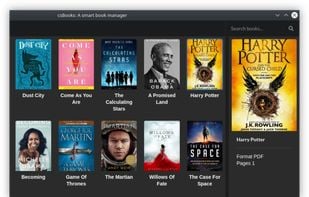
    csBooks is a smart solution to manage all your PDF, EPUB and MOBI files. csBooks will generates thumbnails and keeps the read status of your books. It also has filter and sorting functionality with beautiful interface.

    Dark Mode
    13 alternatives
  7. Leatherbound icon
     1 like

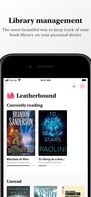
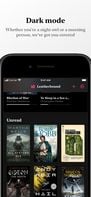
    Leatherbound is a beautiful way to keep track of the books in your life. It allows you to store and manage the books you're currently reading, want to read and have already read.

    • FreeProprietary
    • iPhone
    • iPad

    Leatherbound screenshot 1
    Leatherbound screenshot 2
    Leatherbound screenshot 3
    68 alternatives
  8. eLibrary icon
     5 likes

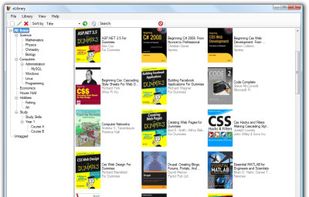
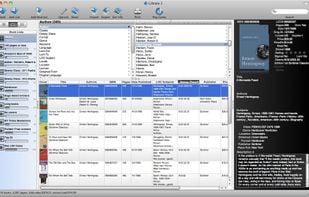
    eBookLibrary is an open source project for managing, sorting and tagging your private eBook collection.

    • Discontinued
    • FreeOpen Source
    • Windows
    eLibrary screenshot 1
    20 alternatives
  9. Shelves icon
     1 like

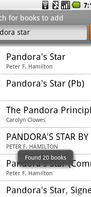
    Shelves lets you manage your collection of books from your phone. With Shelves, you can add books by scanning their barcodes, using Web searches or entering information manually. Shelves help you find books in your collection with various search capabilities including by...

    • Discontinued
    • FreeOpen Source
    • Android
    Shelves screenshot 1
    Shelves screenshot 2
    Shelves screenshot 3
    7 alternatives
  10. BookDB icon
     1 like

    BookDB is a free book catalog/catalogue program from Spacejock Software.

    With BookDB you can enter all your books with author, category, publisher etc and print them out in a variety of formats.

    If you're always going to book sales and buying bargains only to get home and.

    • FreeProprietary
    • Windows
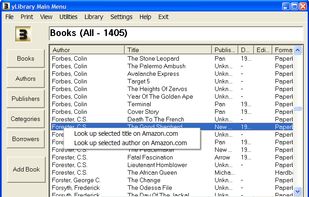
    BookDB screenshot 1
    8 alternatives
  11. Hardcover Bookclub is a self-hosted application that integrates seamlessly with the Hardcover API. It allows users to create and manage book entries, leave comments, engage in discussions, and track their reading progress—all within the...

    • FreeOpen Source
    • Self-Hosted
    • Docker
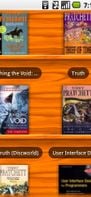
    Hardcover Bookclub screenshot 1
    33 alternatives
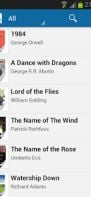
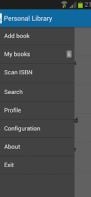
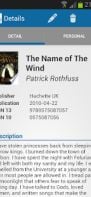
  12. Personal Library is a book management application that helps you organize and catalog your book collection.

    • Discontinued
    • FreeProprietary
    • Android
    Personal Library screenshot 1
    Personal Library screenshot 2
    Personal Library screenshot 3
    19 alternatives
  13. Little Stack icon
     1 like

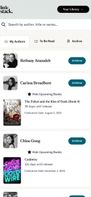
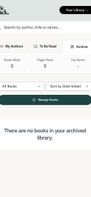
    Welcome to our organized collection of fiction. Build a personal library, get notified of new releases from your favorite authors, and manage your to be read list—all in one place.
    • FreeProprietary
    • Online
    Little Stack screenshot 1
    Little Stack screenshot 2
    Little Stack screenshot 3
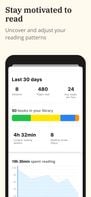
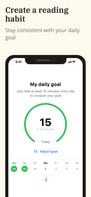
  14. An app designed for readers to track their books, reading time, take notes from books (by scanning pages or taking voice notes) set goals and analyze reading habit (by providing statistics of their reading behavior). Simply put, a smarter way to read.
    • PaidProprietary
    • iPhone
    Statistics screen
This is where the user comes to analyze and better understand his/her reading behavior. This is where you can see how many book you have in your library, how many of them you finished, how big is your To Be Read List or how many books you started but not finished. This also shows your time spent reading each day and how many pages you've read each day.  Reading Streak refers to the longest number of days the user spent reading consecutively.
    At the first use of the app, the reader is prompted with the question: How many books do you want to read this year? Based on the answer the app calculates how many minutes per day are you required to read daily to achieve your goal. Scrolling down further in this screen the user can find Yearly Goals. This section of the app is dedicated to your progress towards achieving your yearly books read goal. Here the user can tap to see the books they finished reading during the current year and how far they have progressed towards achieving their yearly goal.
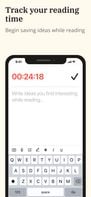
    After adding a book in the app ( you can't read the book in the app) and decide to read it, the user starts a Reading Session. This screen  shows the Reading Session screen where the reader can track their reading time and add notes. there are multiple ways to add notes such as: scanning a a page and extract a quote from it, type the ideas on your own; or use the speech recognition function and dictate your idea.
    10 alternatives