


- Best alternatives are13 alternatives


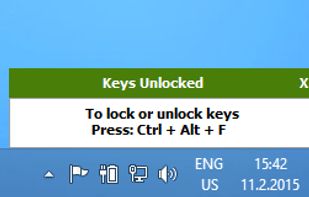
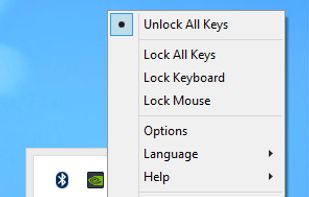
FREE Windows application that blocks your keyboard and mouse without “locking” the screen.You can block keyboard and Mouse separately or together.
Cost / License
- Free
- Proprietary
Since
- Since 2016

 +1
Bambam is a simple baby keyboard masher application that locks the keyboard and mouse and instead displays bright colors, pictures, and sounds. While OSX has great programs like AlphaBaby, I couldn't find anything for Linux and having wanted to learn Python for a while...
Cost / License
- Free
- Open Source
Since
- Since 2012
 Best alternatives are4 alternatives


Cost / License
- Free
- Proprietary
Since
- Since 2012
 Cyprus
 EU

Cost / License
- Free
- Proprietary
Since
- Since 2013

As babies smash on the keyboard, colored shapes, letters and numbers appear on the screen. Baby Smash will lock out the Windows Key, as well as Ctrl-Esc and Alt-Tab so your baby can't get out of the application.
Cost / License
- Free
- Proprietary
Since
- Since 2012

 Best alternatives are Bambamand4 alternatives


Let babies and toddlers have fun playing with the computer. An educational game for people with babies and small children who like to sit at their parent's computer and smash the keyboard. Every time a key is pressed, a letter is drawn.
Cost / License
- Free
- Proprietary
Since
- Since 2019
 Türkiye
 Best alternatives are4 alternatives

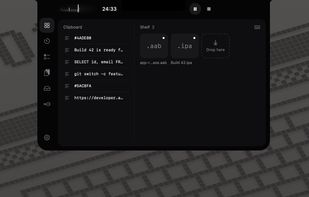
Free, open-source MacBook notch app with a focus timer, clipboard history, a file shelf that catches new builds, screen-to-task capture with OCR, and keys Claude Code can use without seeing them.
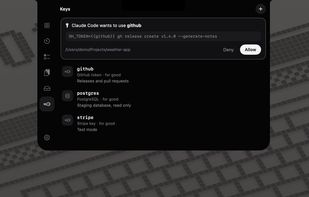
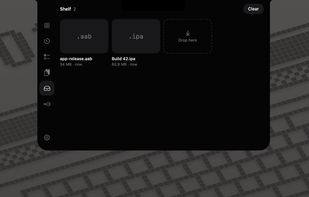 +2
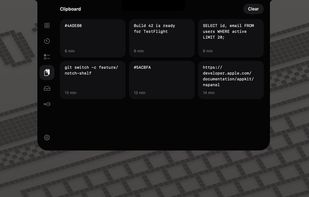 Best alternatives are6 alternatives


KeyboardCleanTool is a super simple little tool which blocks all Keyboard and TouchBar input.
Cost / License
- Free
- Proprietary
Since
- Since 2019
 Germany
- EU
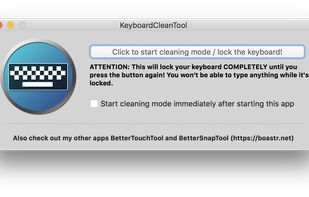

KCT is a simple and small tool that allows you to clean your keyboard without turning off your computer. It requires no installation and consists of just one button. It automatically operates in dark or light mode based on your theme, so you don’t need to make any settings...
Cost / License
- Free
- Proprietary
Since
- Since 2024
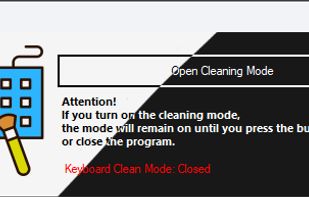
It comes in handy when you want to clean your keyboard, but you are afraid you might trigger a command or change or delete some of your current work beyond repair and undo. Of course you could save and close everything. Sometimes however, it is just not what you want.
Cost / License
- Free
- Proprietary
Since
- Since 2022

Keyboard Lock is a free, open-source Windows tray app for cleaning your laptop keyboard while the computer is on. Press Ctrl+Alt+K and key input stops, so wiping the keys does not type gibberish into open windows. Press it again when you are done.
Cost / License
- Free
- Open Source (MIT)
Since
- Since 2026
 India
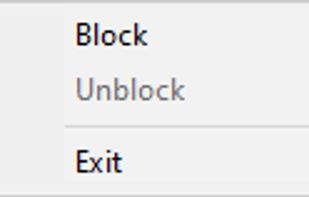
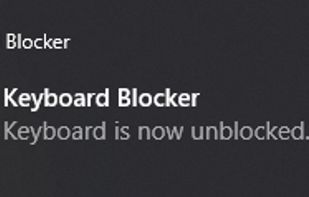
Keyboard Blocker is a lightweight Windows utility that completely blocks keyboard input while running in the background.
Cost / License
- Free
- Open Source (MIT)
Since
- Since 2026
 Russia

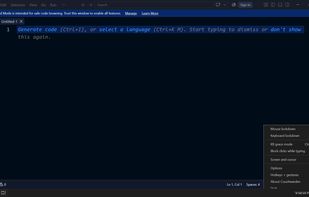
Lock your keyboard or mouse with one hotkey, and swallow the stray keypress that lands when you come back to an idle keyboard. No network code, no account.
Cost / License
- Freemium (Pay once)
- Proprietary
Since
- New
 United States
 +2


KeyWack is a game for people with babies and small children who like to sit at their parent’s computer and bang the keyboard. KeyWack prevents babies from accidentally opening most programs or documents, and makes banging even more fun by drawing shapes and playing random sounds...
Cost / License
- Free
- Proprietary
Since
- Since 2012
Best alternatives are Bambamand4 alternatives


