Apps tagged with 'Auto Brightness'

All apps in Apps tagged with 'Auto Brightness' category. Use the filters below to narrow down your search. 
Copy a direct link to this comment to your clipboard
  1. Iris mini icon
     19 likes

    Free cross-platform software delivers automatic blue light reduction and PWM flicker-free brightness control with a minimalistic, portable design.

    Cost / License

    • Freemium (Pay once)
    • Proprietary

    Application type

    Since

    • Since 2016

    Platforms

    • Windows
    • Mac
    • Linux
    • BG flagBulgaria
    • European Union flagEU
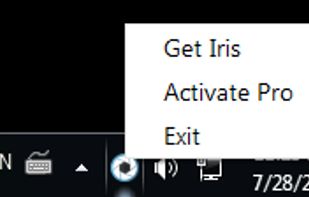
    Iris mini screenshot 1
    Iris mini screenshot 2
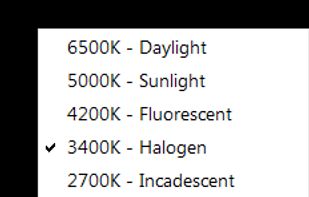
    Iris mini screenshot 3
    54 alternatives
  2. Lunar icon
     7 likes

    Intelligent adaptive brightness for your external display.

    Cost / License

    • Freemium (Pay once)
    • Proprietary (MIT)

    Since

    • Since 2018 (updated Nov 2022)

    GitHub

    • GitHub stars: 3.4k

    Platforms

    • Mac
    • RO flagRomania
    • European Union flagEU
    Lunar screenshot 1
    31 alternatives
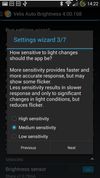
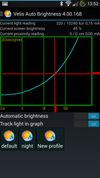
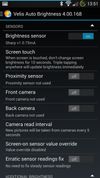
  3. Velis Auto Brightness is a pretty powerfully adjustable auto-brightness app for your android device.
    Cost / License

    • Freemium (Pay once)
    • Proprietary

    Since

    • Since 2023

    Platforms

    • Android
    • Android Tablet
    Velis Auto Brightness screenshot 1
    Velis Auto Brightness screenshot 3
    +2
    Velis Auto Brightness screenshot 4
    49 alternatives
  4. Vivid icon
     Like

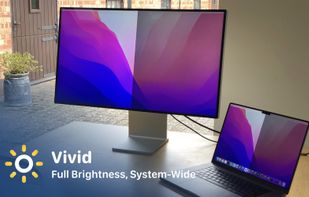
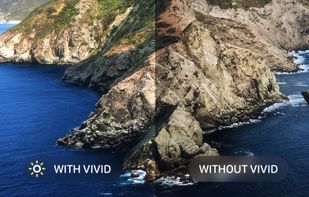
    Vivid is a software that enables users to amplify the brightness of their MacBook Pro and Pro Display XDR, system-wide, utilizing standard Apple APIs.
    Cost / License

    • Pay once
    • Proprietary

    Since

    • Since 2023

    Platforms

    • Mac
    Vivid screenshot 1
    Vivid screenshot 2
    37 alternatives
  5. EyeSavior icon
     2 likes

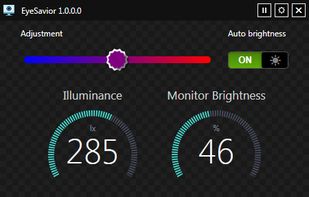
    EyeSavior is Windows utility that allows changing monitor brightness from desktop. You can change monitor brightness manually or if you have hardware light sensor monitor brightness will be changed automatically according to your settings.
    Cost / License

    • Free
    • Proprietary

    Since

    • Since 2018

    Platforms

    • Windows
    EyeSavior screenshot 1
    8 alternatives