All-In-One Productivity Accessory for Deep Work, Single-Tasking, Scroll Control, Work Music, and more.
Cost / License
- Freemium
- Proprietary
Application type
Platforms
- Mac
 United States



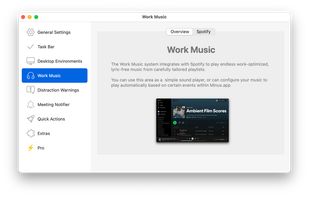


Apps similar to ZenFirst include Mindful : Focus & Screen Time, which is free and open source. Other options are LeechBlock, Cold Turkey, Reef Wellbeing and QuestPhone. You're spoiled for choice with Anti Procrastination Tools like ZenFirst: we list more than 50 alternatives for Mac, Android, Windows, iPhone and iPad.
All-In-One Productivity Accessory for Deep Work, Single-Tasking, Scroll Control, Work Music, and more.
United States
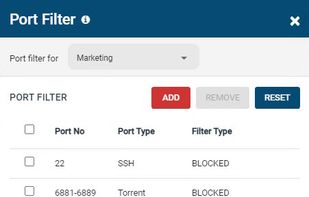
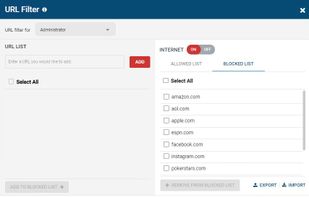
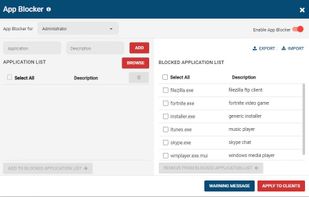
An agent-based web filter that blocks websites based on URLs and categories. Internet use quotas can be set based on schedules and timers. Includes a port filter and Windows application blocker.
 Canada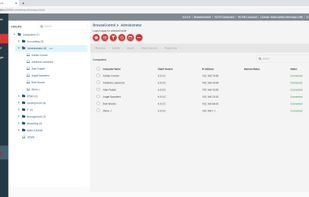


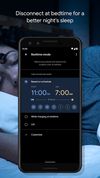
Use Android's Digital Wellbeing tools to find better balance with your phone. More productivity, more time unplugged, or more controls for the whole family.
United States



BlockSite is an extension, which automagically blocks websites of your choice. Additionally, this extension will disable all hyperlinks to these websites, by just displaying the link text without the clicking functionality.
 Israel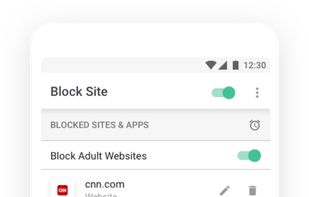
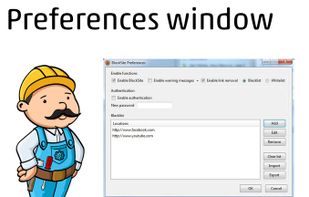
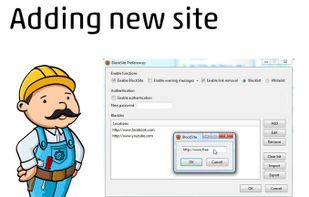


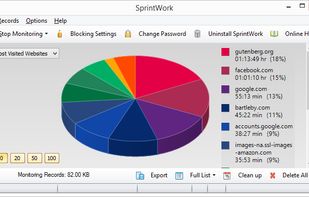
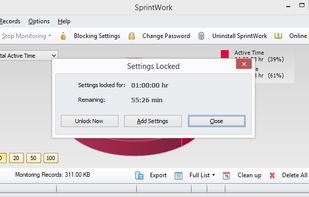
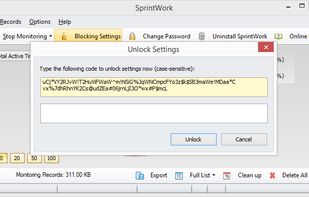
SprintWork is an effective distraction blocking and time tracking software that can help you get work done on time and recover valuable time lost to social media and games.
 United Kingdom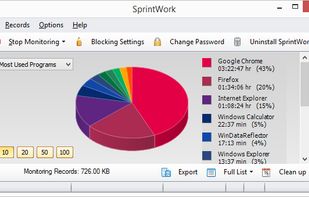

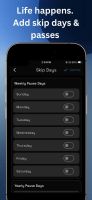
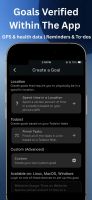
Digital Carrot blocks distracting apps, sites & games until you complete your goals. Completion verified via health trackers, GPS, Todoist, reminders, etc.
United States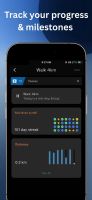


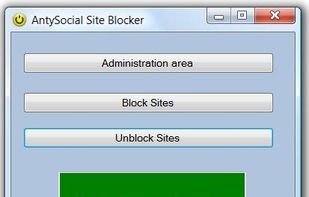
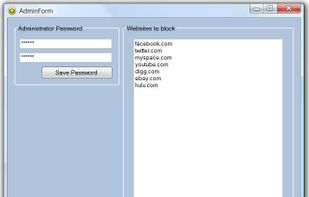
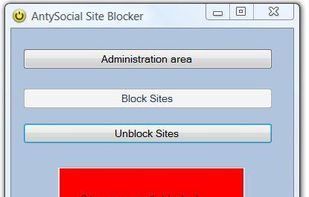
AntySocial Windows Software blocks access to websites like Facebook, YouTube, MySpace, Hulu, Digg and other social media / time-wasting websites.



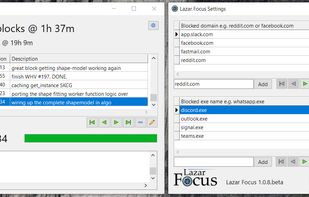
Lazar Focus is a tiny Windows application that is able to block distracting websites in all of the most popular browsers, without any additional plugins, and to block distracting Windows applications, enabling you to work on the truly important stuff.


Scary Productive is a behaviour training extension — it scares the hell out of you to train away visiting procrastinating websites when you shouldn't.
 Portugal
 EU
EU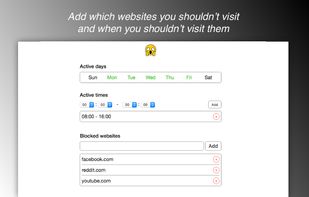



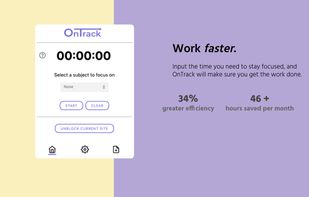
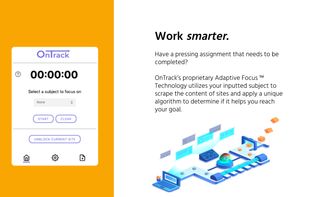
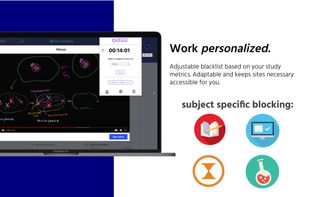
OnTrack uses keyword detection to make sure that the sites you are browsing are related to the specific subject you have selected. Multiple strictness modes are available, as well as a customized whitelist for mandatory sites to stay unblocked.


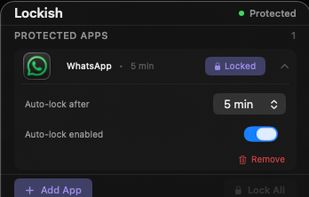
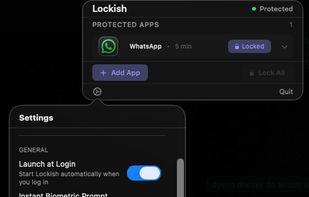
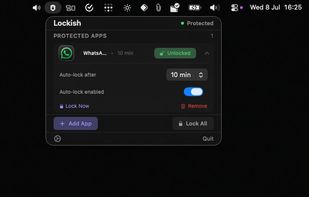
Lockish puts Touch ID in front of the apps you choose, like Messages, WhatsApp, your bank or your email, and leaves the rest of your Mac open. Lock them yourself with one click when you step away (everything at once, or one app), or let each app lock itself after you switch away...
United Kingdom