



Video editor for iPhone and iPad that you direct by speaking or typing, with on-device auto-captions, silence removal and free 1080p exports without a watermark.







Apps similar to YouCut include CapCut, which has a free version. Other options are Open Video Editor, Wondershare Filmora, Edits and Bunny Media Editor. You're spoiled for choice with Video Editors like YouCut: we list more than 25 alternatives for Android, iPhone, iPad, the web and Mac.
Video editor for iPhone and iPad that you direct by speaking or typing, with on-device auto-captions, silence removal and free 1080p exports without a watermark.

Enables real-time reframing of videos and photos using gyroscope or touch controls, allows smooth motion paths, offers six aspect-ratio presets, supports 720p, 1080p, or 4K HEVC export, keeps audio or adds voiceover, and exports motion paths for editing workflows.
 United States





Creovia Creator is a free video editor for Android. Edit on a multi-track timeline with clips, music, voice over, text, stickers and image overlays, then export up to 4K. No account or sign-in needed.
 India





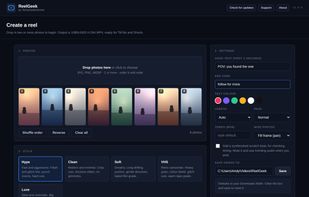
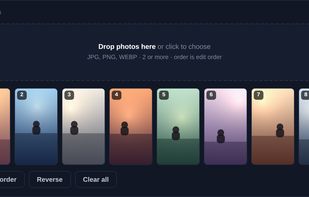
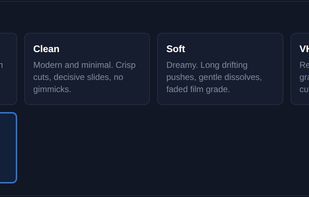
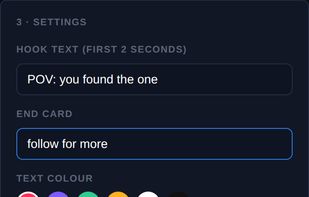
ReelGeek builds a real edit rather than a slideshow. Point it at a folder of photographs and it cuts them against a tempo grid, gives every shot its own camera move, picks a transition to get out of it, and renders a 1080x1920 H.
 United Kingdom


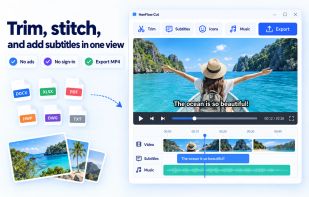
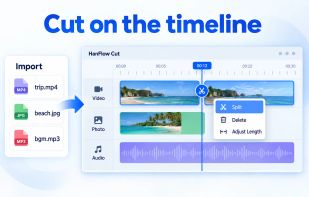
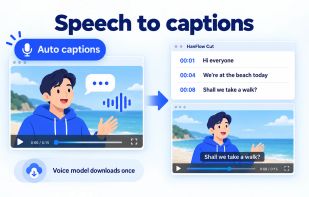
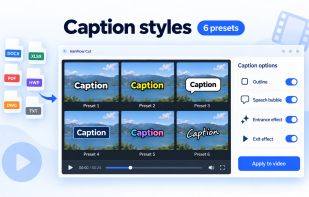
HanFlow Cut lets you trim, split and change speed on a timeline, add subtitles, icons and background music, and export to MP4. Auto captions turn speech into subtitles, with caption styles and effects. Part of HanFlow PC, light and ad-free apps with no sign-in.
 South Korea


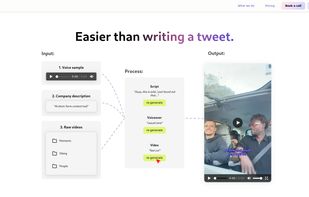
Merra is an AI video creation platform that turns raw clips into ready-to-post social content. Upload your footage, Merra generates the script, edits the video, adds voiceover and captions, and outputs a finished post in minutes.
 France
 EU


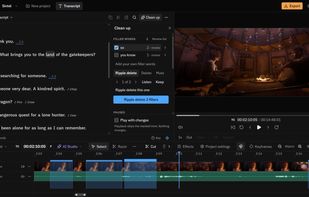
Raymarch is an AI video editor that runs in your web browser. Tell the AI agent what you want, and it edits your video on a full multitrack timeline. You can check every step, undo it, or change it by hand.
India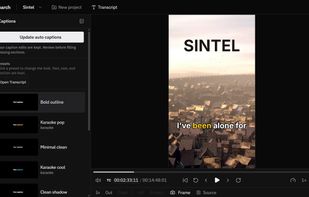
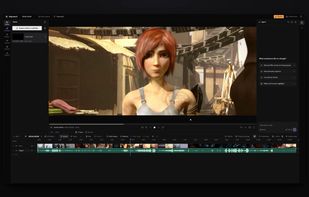
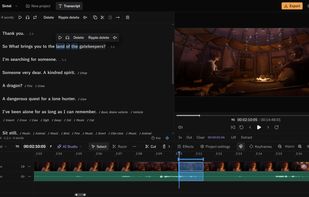


Rendley is a video automation platform. Create and edit video in Studio, connect through MCP, automate with the API, or build with the SDK. A real editing agent works over your actual footage and timeline, not a template, then renders on-device with no per-render fee.
United States


Create images and videos. Subtitle, translate, cut, and export media — all with One prompt , while your Files stay local.


