Cost / License
- Freemium
- Proprietary
Application typeApplication types
Platforms
- Online



+2


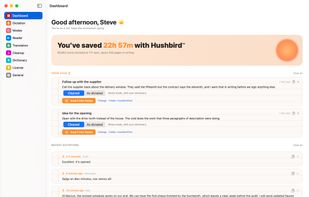
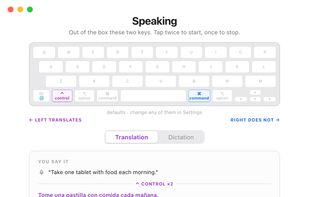
Apps similar to Yap - Voice Dictation include Vibe Transcribe, which is free and open source. Other options are OpenWhispr, FUTO Voice Input, Spokenly and SpeakoFlow. You're spoiled for choice with Audio Transcription Tools like Yap - Voice Dictation: we list more than 50 alternatives for Mac, the web, Windows, iPhone and Android.

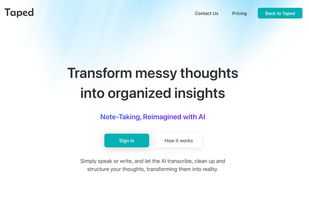
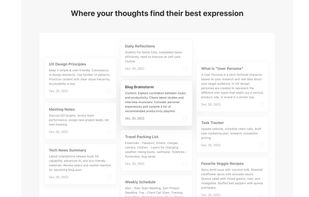
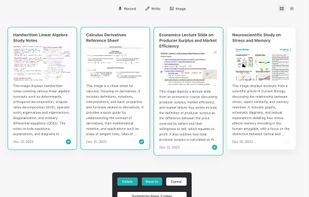
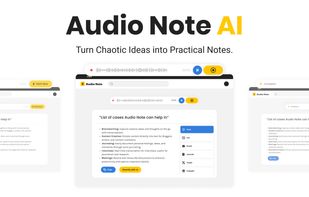
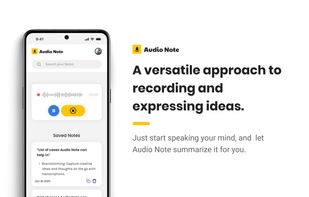
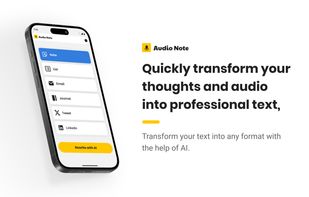
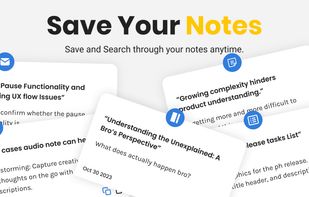
Transform thoughts into text effortlessly with Audio Note. Speak your mind and let AI refine it into formats of your choice like Journal Entries, Tweets, Notes, Lists or LinkedIn Posts. Unlock the power of your words!





Provides automatic and human-powered transcription for audio and video files in over 119 languages, enables accurate subtitles, translates transcripts, integrates with major communication tools, and supports team collaboration and review for accessible content.
 Spain
Spain EU
EU




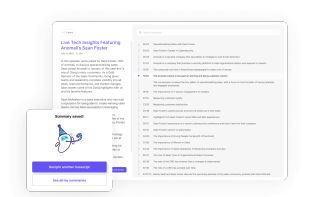
Powered by deep AI, Deciphr timestamps and summarizes your entire podcast transcript for you.


Ottex helps busy professionals turn speech into the right output for each task. In ChatGPT it preserves your exact words. In Gmail it follows your email style. In Linear it creates structured tickets. Create reusable workflows with instructions, tone, examples, and formatting...


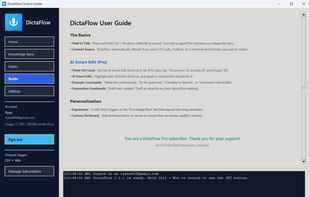
AI dictation and voice editing for Windows, Mac, iPhone, iPad and Android, with custom vocabulary and desktop typing mode.
 Canada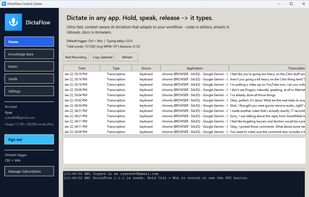
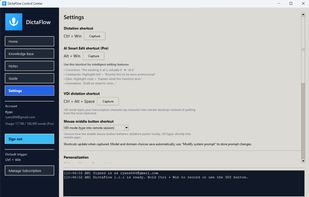


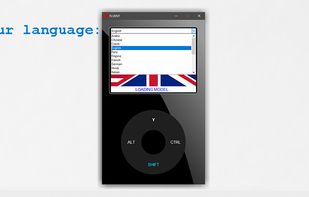
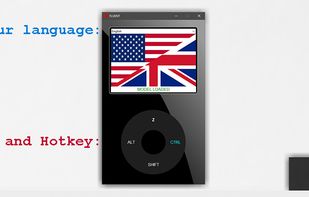
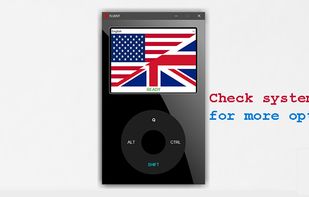
FLUENT is a hotkey-activated speech-to-text recognition tool that conveniently displays the recognition results & copies them to the clipboard.
 United States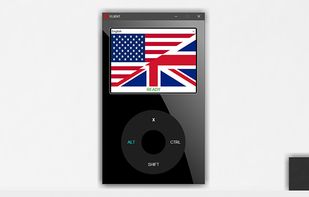


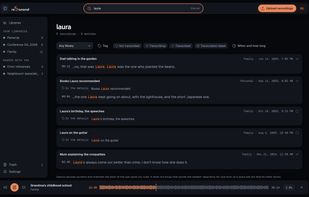
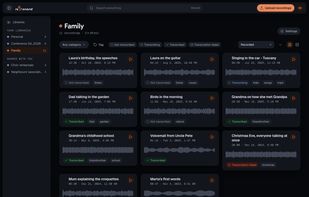
Keeps each recording byte-for-byte, transcribes it through a service you choose, and lets you search inside everything you have.
SpainEU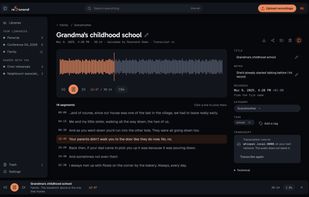
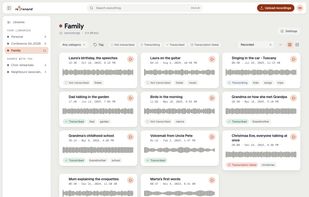


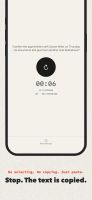
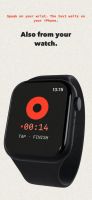
Speak and Hallig will write it down. The text is automatically saved to your clipboard. Open the app, it's recording. Tap Done and paste the text wherever required. Hallig doesn't alter your words, it retains the original text. It offers transcription, not interpretation.
 GermanyEU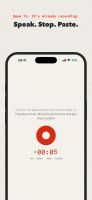


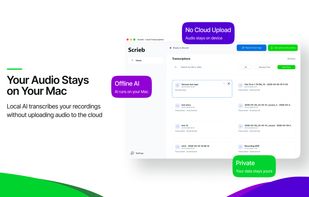
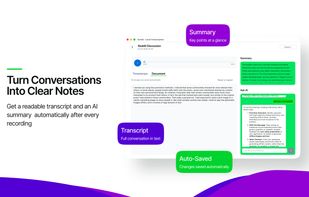
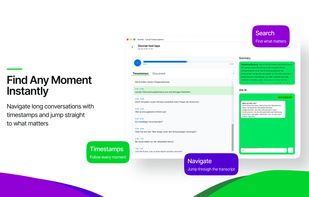
Most transcription apps send your audio to their servers. Scrieb doesn't. Everything — recording, transcription, export — happens on your computer. No cloud. No uploads. Nothing leaves.
SpainEU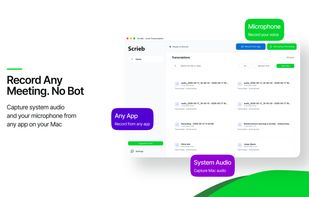

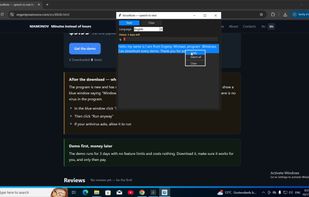
A Windows speech-to-text tool with a simple Record/Stop interface. Dictate in Russian or other languages, then copy or save the finished text. It works on your computer without sending text to third-party servers, and offers a three-day unrestricted demo.
 Russia