Hourglass is the most advanced simple countdown timer for Windows. Just enter a time in just about any format, and hit Enter.
Cost / License
- Free
- Open Source (MIT)
Application typeApplication types
Since
- Since 2015
Alerts
- Discontinued
 Australia


X


Hourglass is the most advanced simple countdown timer for Windows. Just enter a time in just about any format, and hit Enter.
Australia
All the timers I tested were too complex for my taste. I decided to write one that was dead simple, so you could run it, type in a time and hit enter. The aim of SnapTimer is to get out of the way and help you be productive.


Effective time-management, better than pomodoros Work and rest, with wnr now.


 Australia


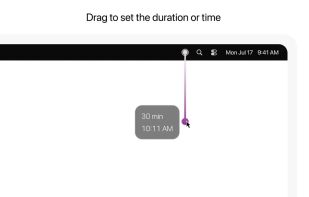
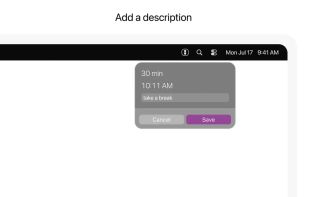
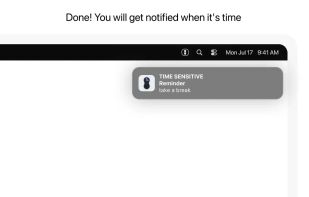
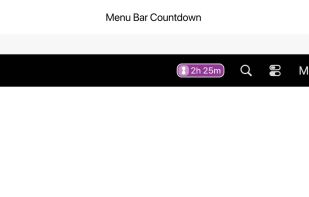
A macOS menu bar utility for creating titled timers and short reminders with one drag: drag distance sets the duration. It manages multiple active items, displays remaining time in the menu bar, sends an alert when due, and syncs reminders with Apple Reminders.
 Japan


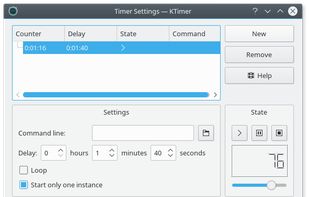
It allows you to enter several tasks and to set a timer for each of them. The timers for each task can be started, stopped, changed, or looped.
 Germany
 EU


TTclock is a simple, compact alarm clock, countdown timer and stopwatch that can be minimized to the system tray. It has two display modes: pure clock and control panel.
GermanyEU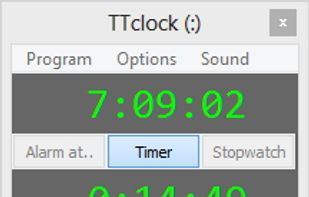


CookTimer is a simple cross-platform countdown timer that helps when cooking, making tea or eggs. It also works for any other timing purpose such as working out. it was developed using wxWidgets and was tested on Windows and Linux.


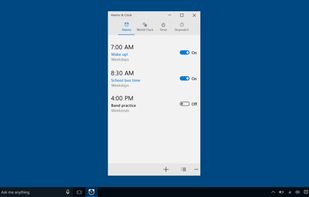
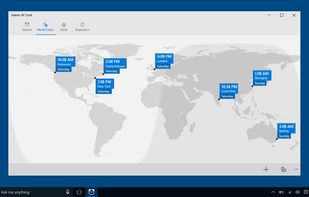
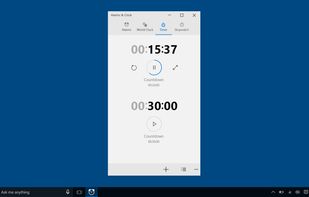
A combination of alarm clock, world clock, timer, and stopwatch. Set alarms and reminders, check times around the world, and time your activities, including laps and splits.
 United States
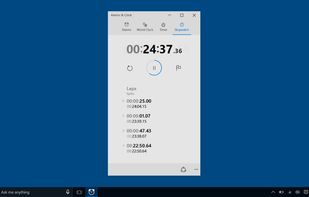


Free Stopwatch is a free, full-featured and accurate flexible digital stopwatch software for Windows 10 and Windows 7.
 Canada
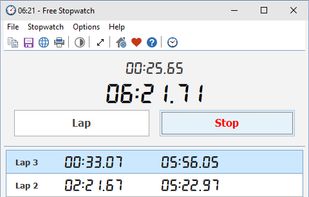

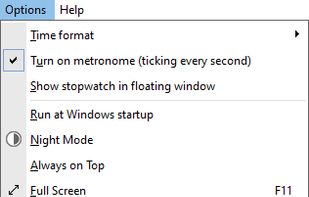


Ethervane Stopwatch is a simple timer for Windows 2000 or later. It can be used for example to track the time spent working or performing other activities on the computer. The timer can be paused and resumed at any time.
 PolandEU

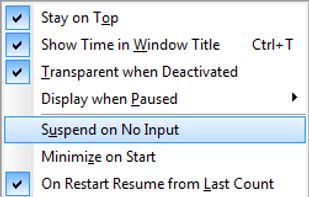


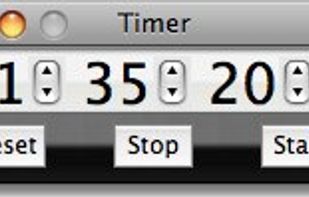
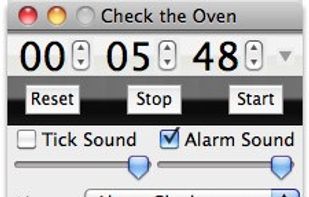
Timer is a simple chronometer application. Enter a value and click Start to count down any number of hours, minutes, and seconds, or start at zero to track elapsed time. Available for Macintosh and Microsoft Windows computers.