Cost / License
- Free
- Open Source (GPL-3.0)
Application type
Platforms
- Linux
 Germany
 EU
EU



+1
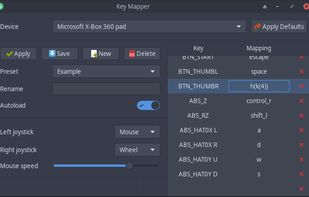


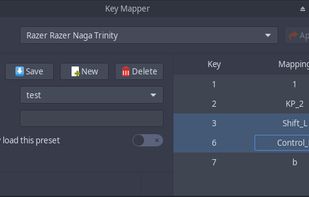
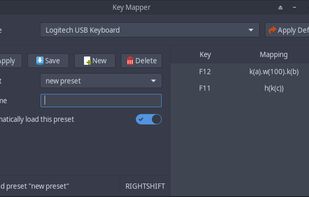
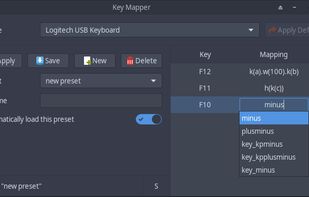
The best Key Mapping alternative to X-Mouse Button Control is Input Remapper, which is both free and Open Source. If that doesn't suit you, our users have ranked more than 25 alternatives to X-Mouse Button Control and ten of them are Key Mapping Tools so hopefully you can find a suitable replacement. Other interesting Key Mapping Tool alternatives to X-Mouse Button Control are Piper, LinearMouse, Key Manager and Razer Synapse.
GermanyEU
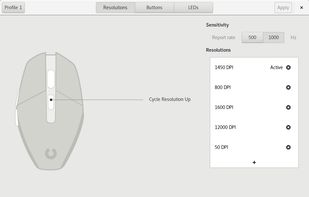
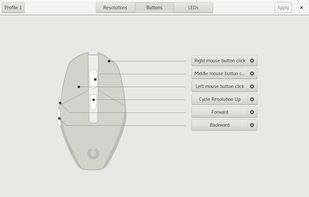
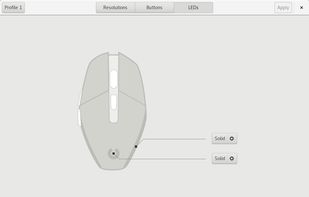
Piper is a graphical user interface to configure gaming mice. Configuration options include changing the resolution (DPI) of the mouse, adding and removing profiles, setting LED colors and changing button behaviors.


LinearMouse is a free and open-source utility for macOS which aims to improve the experience and functionality of third-party mice.
 China
China


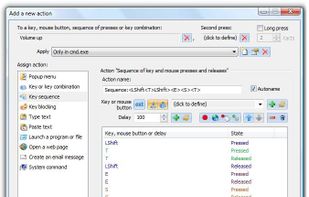
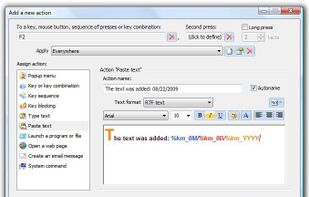
Key Manager reveals the full potential of your keyboard and mouse and allows you to save time and efforts while working with your computer. Thanks to its flexible interface, you can now create various actions and execute them by pressing keys, mouse buttons and combinations of...
 Russia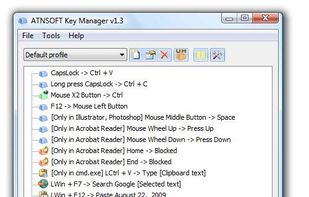



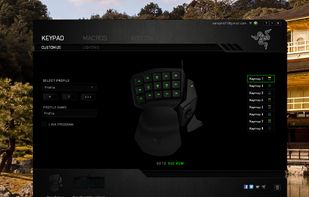
Razer Synapse is unified configuration software that allows users to rebind controls or assign macros to any Razer peripherals and saves those settings automatically in the cloud.
 United States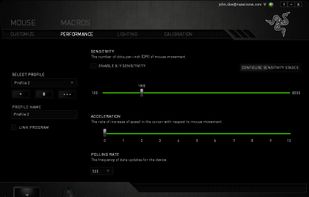


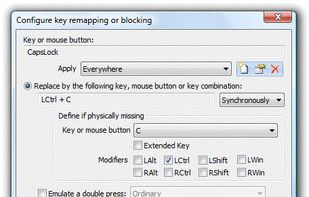
Intended for remapping keys, mouse buttons and mouse wheel actions, Key Remapper allows you to:
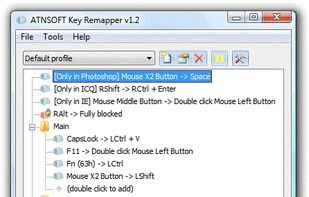
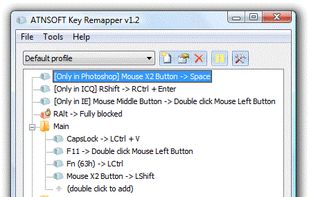


Do you want to remap keyboard keys with another key ? Do you want to remap mouse buttons ? Then try Key Remapper. With Key Remapper you can easily remap key or remap mouse buttons with another key, program, mouse button, custom text.
 GreeceEU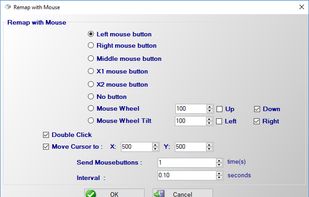
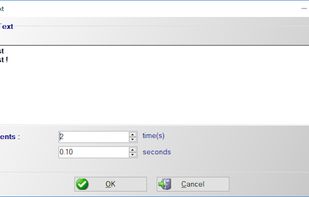


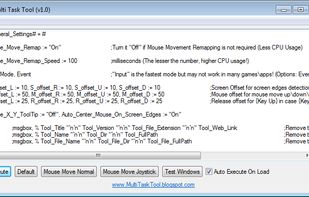
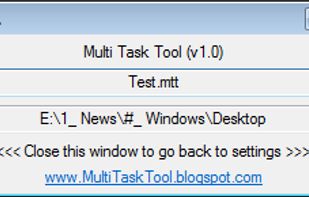
Multi Task Tool is a portable tool that, as its very name suggests, can be used to execute multiple tasks in Windows OS!


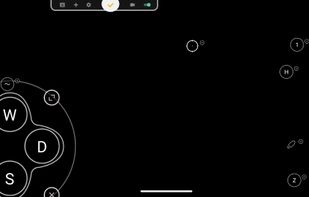
Support Android 12! The activator updated, please download the activator again and activate it on PC.




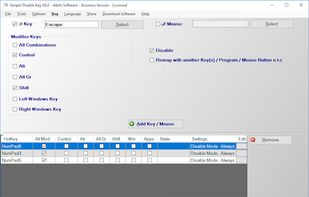
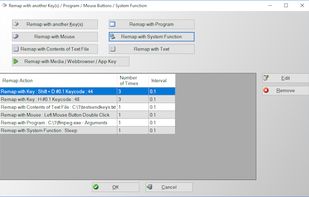
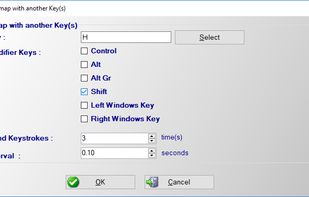
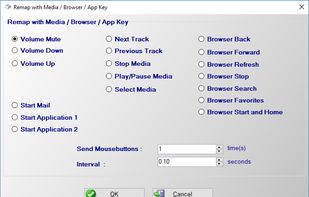
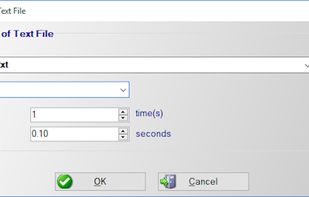
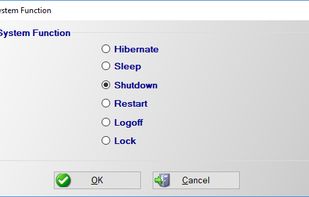
Do you want to want to disable any key on your keyboard or mouse buttons ? Do you want to remap a key or mouse button to another key, program, contents of text file, media key, text or system function ? Then this application is for you.
GreeceEU