Cost / License
- Freemium
- Proprietary
Platforms
- Mac
- Windows
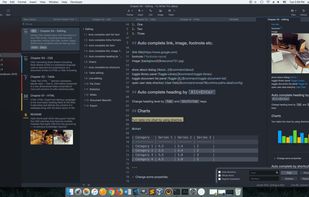


Apps similar to Writing Kit include ghostwriter, which is free and open source. Other options are Dillinger, Haroopad, MarkdownPad and Byword. You can choose from more than 10 Text Editors like Writing Kit for Mac, Windows, Linux, the web and iPhone.

A beautiful and easy to use editor for the popular Markdown markup language, combined with a themed live preview feature, you will never have to write boring documents again.
 United States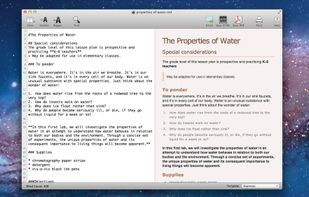
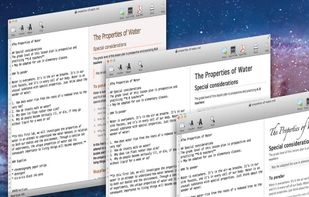

Writage is a new add-in for Word, which enables to edit Markdown documents. Zero knowledge of Markdown is required in order to write structured documents. No need to remember markup for hyperlink or footnote, or how to format a table.

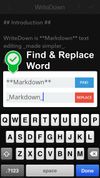
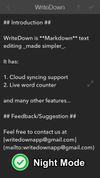
Try WriteDown, an app that made text editing simpler. You can write your note whether you are at home, at work, or on the go. Your notes are synchronized to the cloud, so you can easily read it wherever you want.


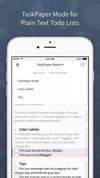
Editorial is a plain text editor for iOS with great Markdown support and powerful automation tools.
Whether you write personal notes, todo lists, blog posts, screenplays or your next novel — Editorial provides powerful productivity tools you need.
 Germany
 EU
EU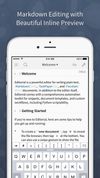


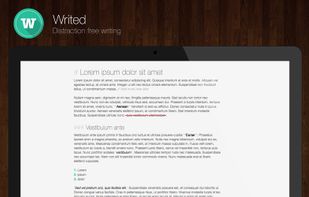
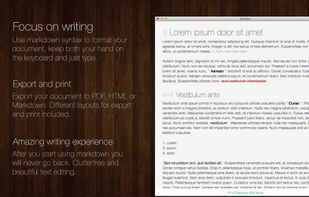
Writed is a distraction free text editor that will help you type more in less time. Writed uses markdown* syntax to format your document in real time, keep both your hand on the keyboard and just type.



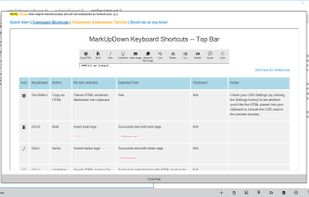
MarkUpDown is an editor specialized to make creating Markdown code easy for beginners and experts. With helpful toolbars for beginners, GitHub Flavored/Multimarkdown table support, and keystroke shortcuts & Easy Actions for the expert, MarkUpDown is ready to help anyone...




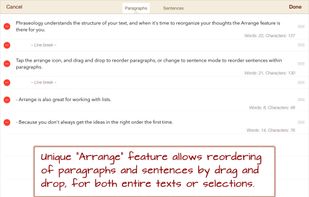
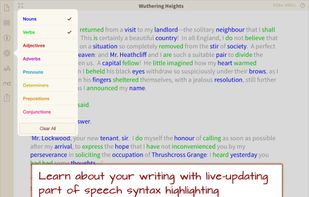
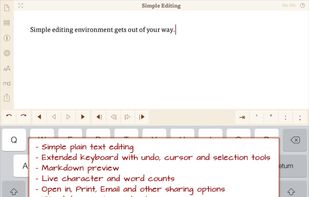
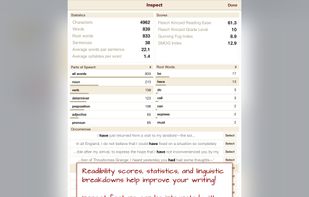
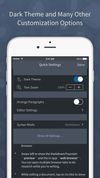
Phraseology is an iPad app for writing. Phraseology is a simple, plain text editing environment focused on making it enjoyable and productive to write - also support writing with tools to improve word selection, better understand and structure text.
United States