


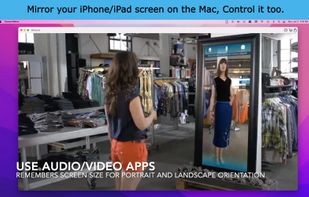
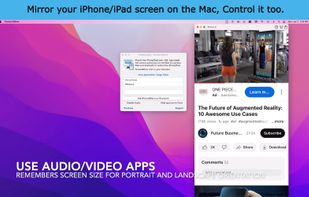
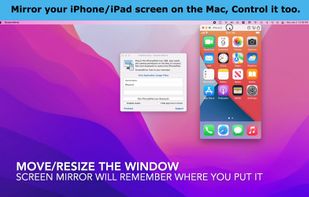
Interact with your small phone on your big display, your good speakers and your keyboard. Share your iPhone/iPad screen in Zoom/Teams.
Cost / License
- Freemium (Pay once)
- Proprietary
Application typeApplication types
Since
- Since 2022
 United States




+6


Apps similar to Wormhole - Control Phone from PC include scrcpy, which is free and open source. Other options are NectarLink, MyPhoneExplorer, guiscrcpy and AndroLaunch. You can choose from more than 10 Screen Mirroring Apps like Wormhole - Control Phone from PC for Mac, Windows, Android, Linux and iPhone.
Interact with your small phone on your big display, your good speakers and your keyboard. Share your iPhone/iPad screen in Zoom/Teams.
United States
Remotely control mobile devices like smartphones or tablets. You can control the device from your PC as if you were holding it in your hand.
 Germany
 EU


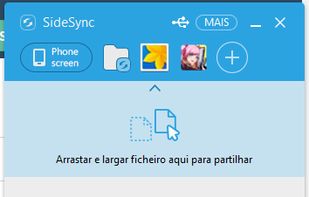
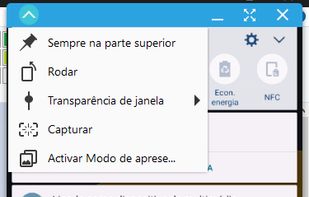
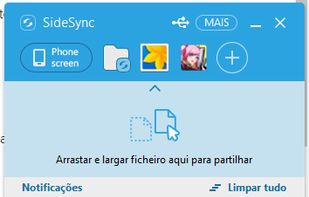
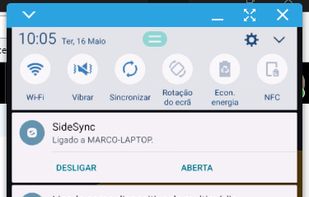
SideSync is a new PC-Mobile solution that enables screens, windows, and data to be shared easily. Share between a PC and a Galaxy smartphone, or between a Galaxy Tab and Galaxy smartphone.
 South Korea

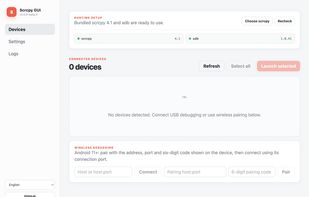
Desktop app to control an android device remotely using mouse and keyboard. Should work on Windows/Linux/MacOS with any Android device.


👻 A simple & beautiful GUI application for scrcpy. QQ?:734330215 - Tomotoes/scrcpy-gui


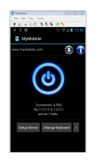
The MyMobiler desktop application controls your Android device through USB connection or WiFi. It allows you to see your mobile device remotely and capture the screen or video. What you see in the desktop application is mirroring your device screen and you can interact with your...
United States


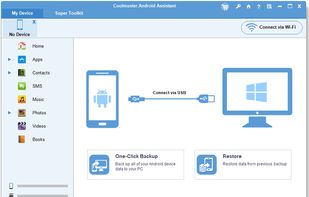
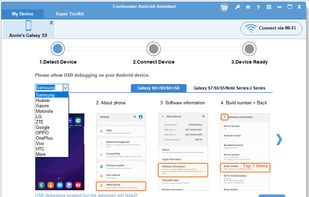
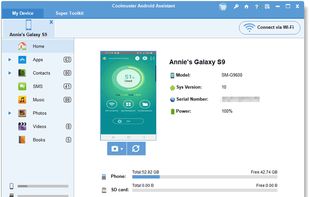
One user friendly tool that simplifies Android device management, enabling efficient data transfer, backup, and restore, making it an essential tool for seamless and secure Android device operations.
 China
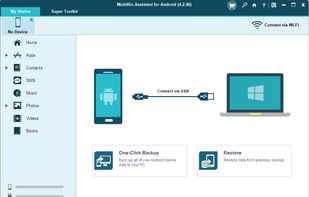
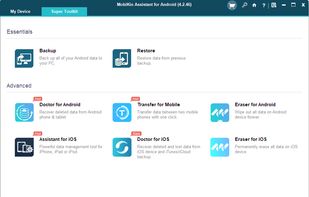
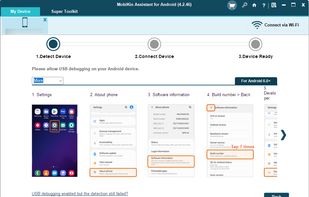
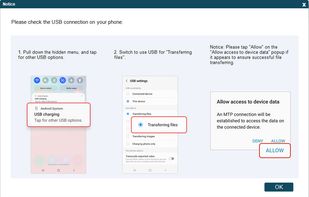


As one-stop Android managing software, Coolmuster Android Assistant is fully capable of dealing with Android media, contacts, SMS, apps, etc. in one place on your PC!.
China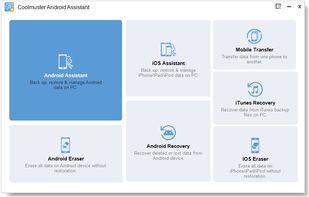


Interact with your small phone on your big display, your good speakers and your keyboard. Share your iPhone/iPad screen in Zoom/Teams….
United States


