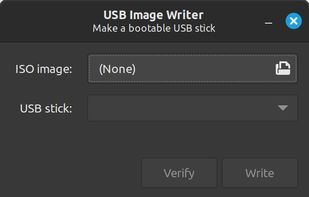
Linux Mint's USB Image Writer (mintstick) is an easy to use and dependable means of creating bootable USBs.
Cost / License
- Free
- Open Source (GPL-2.0)
Application type
Platforms
- Linux
- Linux Mint
 Ireland
 EU
EU



WinDiskWriter is described as 'Create bootable Windows USB drives on macOS with support for UEFI, Legacy BIOS, and bypassing TPM and Secure Boot checks. Quick, simple process' and is a bootable usb creator in the cd/dvd tools category. There are more than 25 alternatives to WinDiskWriter for a variety of platforms, including Linux, Windows, Mac, Flathub and Flatpak apps. The best WinDiskWriter alternative is Rufus, which is both free and Open Source. Other great apps like WinDiskWriter are Ventoy, balenaEtcher, UNetbootin and YUMI exFAT.
Linux Mint's USB Image Writer (mintstick) is an easy to use and dependable means of creating bootable USBs.
IrelandEU
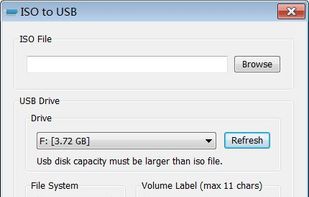
ISO to USB is a free and small software that can burn the ISO image file directly to the USB drives, these USB drives include USB flash drives, memory sticks and other USB storage devices, it also supports to create a bootable USB disk with Windows operating systems.


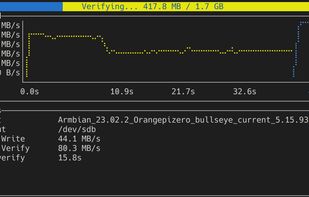
A user-friendly, lightweight TUI wrapper for the dd command written in Rust that performs easy disk imaging and ISO burning with only a single command with graphs and rich confirmation dialogs.


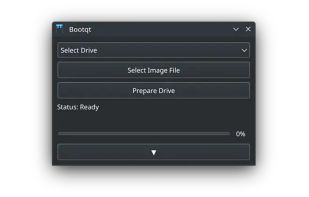
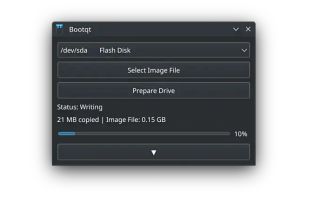
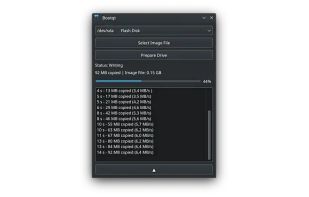
Bootqt is a simple app for making a bootable USB drive from an ISO or IMG file. It is written in Python and uses Qt technologies to provide an easy to use graphical user interface.


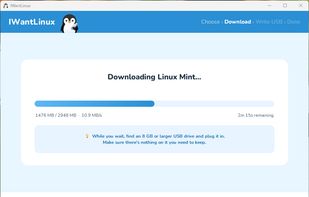
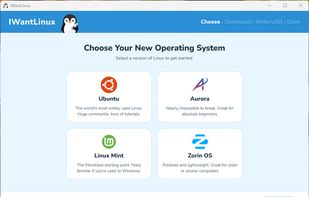
IWantLinux is a simple, beginner-friendly tool for Windows that helps you get started with Linux. Choose a distro from a curated list, and IWantLinux will download it and write it to a USB drive — ready to boot.
 United States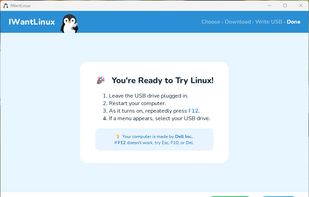


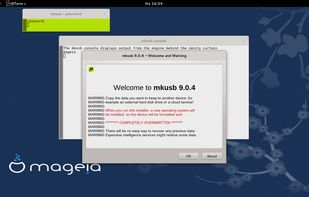
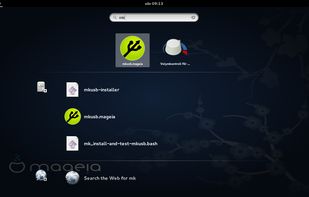
(Straight up rufus for Linux users ) The mkusb tool was developed to make it simpler and safer to create boot drives with the method to flash or clone an iso image or a compressed image file. It is using dd under the hood.


Flash disk images onto your drives with ease. Select an image, insert your drive, and you're good to go!
United States


 United States


Deepin Boot Maker is a boot maker developed by Deepin Technology Team. It is simple in interface and easy to operate. It helps users to easily make deepin boot disk.




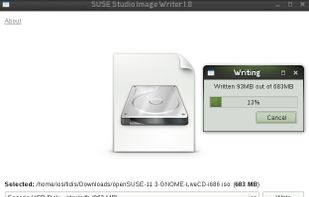


Optical drives are rapidly disappearing from our computers of all kinds, and consequently installing operating systems from USB flash disks is becoming increasingly popular. ISO images of the ROSA Linux distribution were originally intended for burning to DVD disks, but they can...
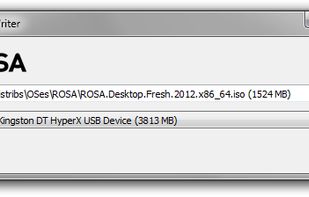


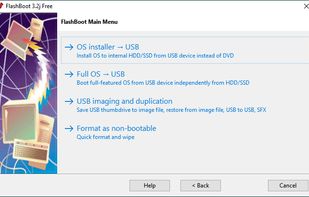
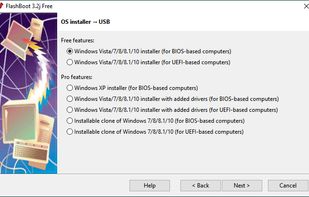
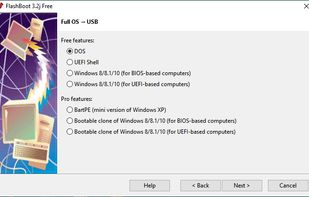
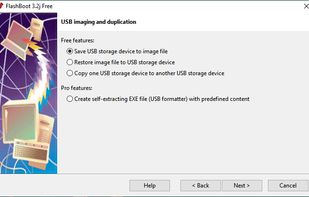
FlashBoot is a tool to create an installable clone of Windows 7/8.x/10 (including all your apps and data) on the USB thumbdrive/HDD and instantly transfer your entire OS to another computer, even with dissimilar hardware:
 Russia