Platforms
- Linux
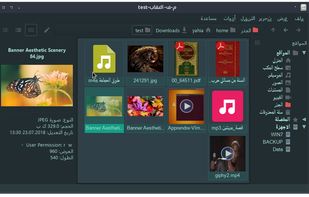

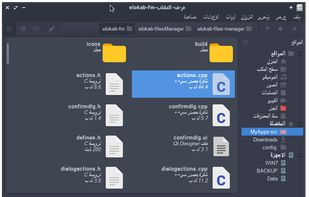


WinBrowser has been discontinued. Similar apps include Double Commander, which is free and open source. Other options are Files, Spacedrive, Total Commander and Dolphin File Manager. You're spoiled for choice with File Managers like WinBrowser: we list more than 100 alternatives for Windows, Android, Linux, Mac and the web.
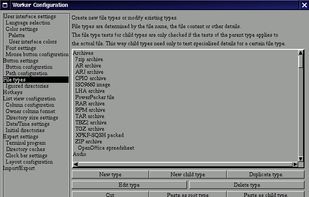
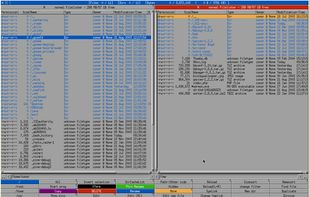
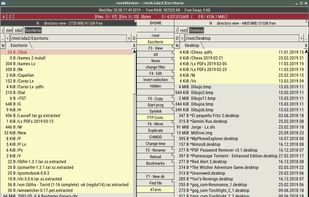
Worker is a file manager for the X Window System on UN*X with low requirements (basically only the X11 libraries). The directories and files are shown in two independent panels (similar to Midnight Commander).
 Germany
 EU
EU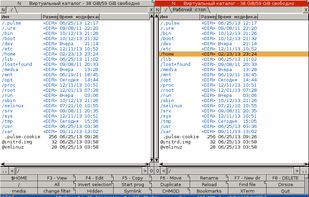

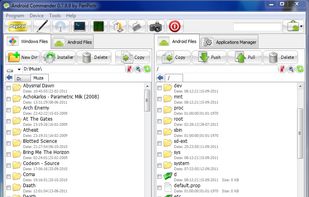
Android Commander is a small, very fast and intuitive application for Windows. You can easily manage files and apps on your rooted android device via ADB without typing any command and mounting a SD card.


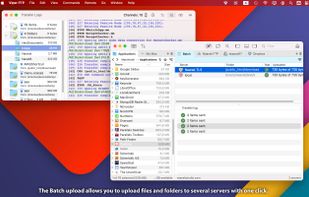
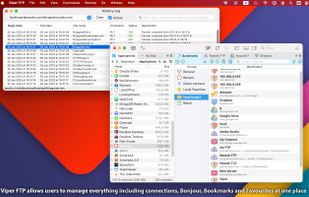
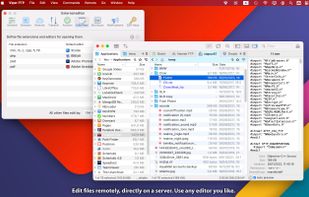
File management utility for macOS supporting FTP, FTPS, SFTP, WebDav, Amazon S3, and Google Drive, with AES-256 local encryption, fast search, hidden file access, previews, sync, logging, archive handling, favourites management, and HTTP link sharing.
 Thailand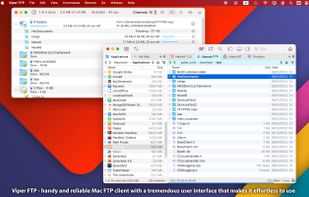


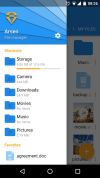
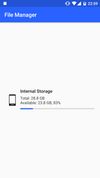
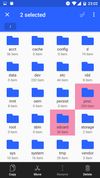
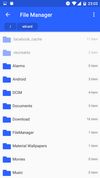
Smart and free file manager for Android with perfect set of features. It provides quick and convenient access to your pictures, music, videos, documents and other files. You'll find that all operations on files become easy and more intuitive.
 PolandEU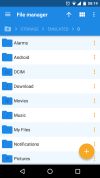




An innovative visual file browser that makes huge amounts of data (be it music, video or documents) easily browsable and searchable. It does this by plotting data in 2D and other usability simplifications.
GermanyEU


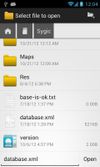
OI File Manager allows you to browse your SD card, create directories, rename, copy, move, and delete files. It also acts as an extension to other applications to display "Open" and "Save" dialogs.
GermanyEU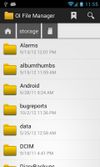
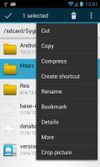


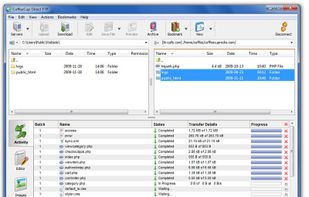
Free FTP is a simplified, intuitive, and best of all free FTP client! It uploads and downloads files quickly and reliably, keeps your FTP server settings in one place, and allows you to pause or cancel transfers.


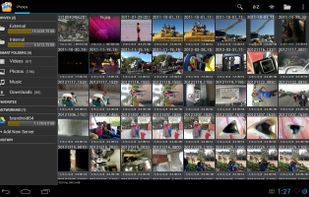
Open Explorer - Open source file manager for all devices! (Tablets, Phones, Google TVs, sandwiches!)


STDU Explorer is a piece of software that offers you the opportunity to work with image files (support psd, bmp, png, gif, pcx, jpeg, wmf formats) and e-books in DjVu, PDF, FB2, JBIG2, XPS, DCX, WWF, PDB, CBR and CBZ formats.
 Ukraine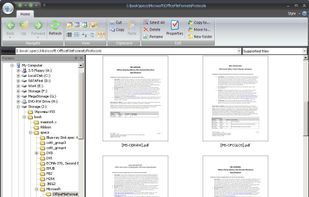


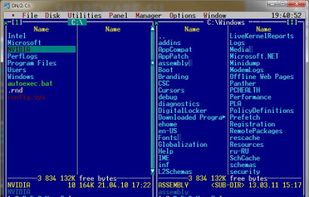
Dos Navigator Open Source Project is dedicated for development of the popular file shell Dos Navigator (DN) through collective efforts of an open group of programmers.
 United States