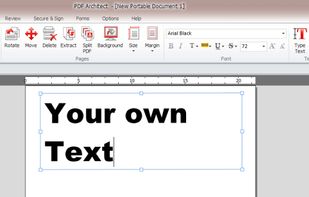
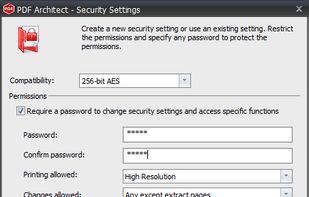
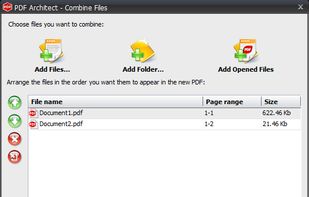
PDF Architect is a PDF Editor with free functions like rotate, delete and move pages and even more like editing text, PDF to Word, 256 Bit AES Encryption and more.
Cost / License
- Freemium
- Proprietary
Application type
Platforms
- Windows
 Germany
 EU
EU



+4
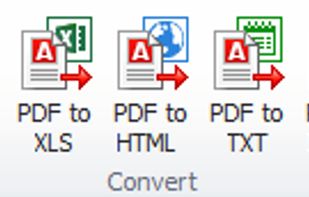


Apps similar to Wide Angle PDF Converter include PDFsam Basic, which is free and open source. Other options are PaperKnife, Master PDF Editor, Sejda and Nitro PDF . PDF Editors like Wide Angle PDF Converter are a crowded field, with more than 50 alternatives for Windows, the web, Mac, Linux and Android.
PDF Architect is a PDF Editor with free functions like rotate, delete and move pages and even more like editing text, PDF to Word, 256 Bit AES Encryption and more.
GermanyEU
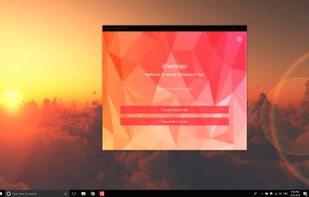
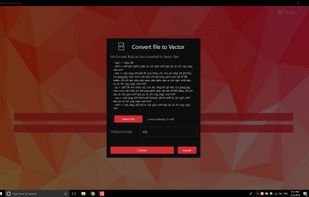
💥 Easily converts SVG, AI, CDR, PS, WMF, and other vector files to PNG, PDF, PS, EPS, and back.


Whether you’re an individual or a large enterprise, cutting costs and improving efficiency are imperative. Yet workflow challenges are often met with free software and tools that seemingly help you cut costs, but in actuality don’t meet your unique needs.
 United States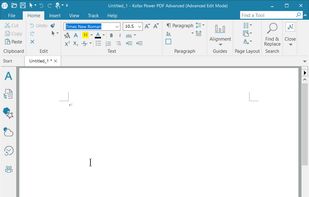


PDF2Word (PDF to Word) software exports the text, images and other contents from any PDF document into MS Word document format (RTF or Word), so you can edit and reuse your PDF content. PDF2Word (PDF to Word) preserves the original PDF text, layout and bitmap images in the...
 China
China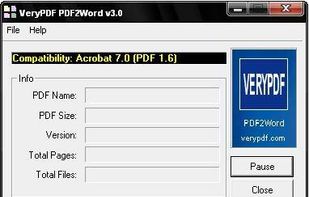


Converts PDF files into Word, Excel, PowerPoint, HTML, ePub, and diverse image formats using advanced OCR technology, ensures accurate preservation of layout and structure, supports batch and partial page conversions, and handles multilingual and scanned documents.
 Hong Kong SAR China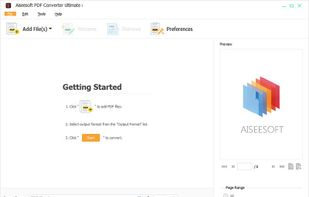


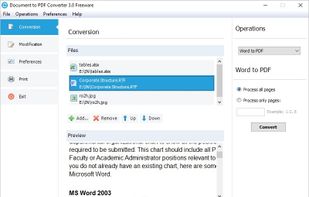
This program allows you to convert between PDF and other formats. PDF is free format for reading, but not for creation and exporting. So many people are looking for solution to convert their documents to PDF, or convert PDF to other formats.


Convert PDF documents to Word Free Online: turn hard to use PDF into editable Word documents.
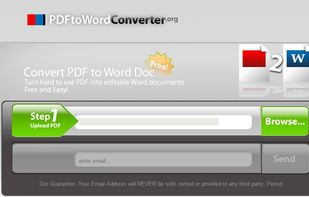


This free online tool allows you to convert a PDF document to Microsoft Word DOC format, providing better quality than many other converters.


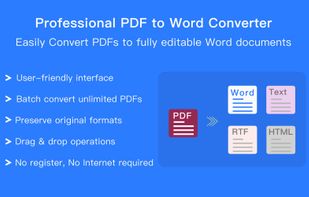
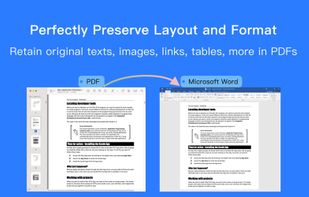
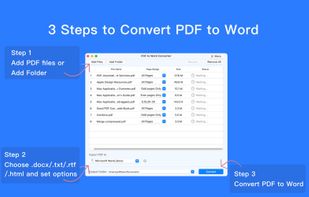
The Best Adobe PDF to Office Word Document Converter Offline Batch Convert PDF to editable Microsoft Word, TEXT, RTF and HTML, preserving original formatting and layouts.
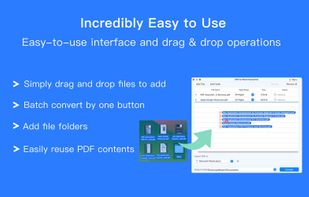


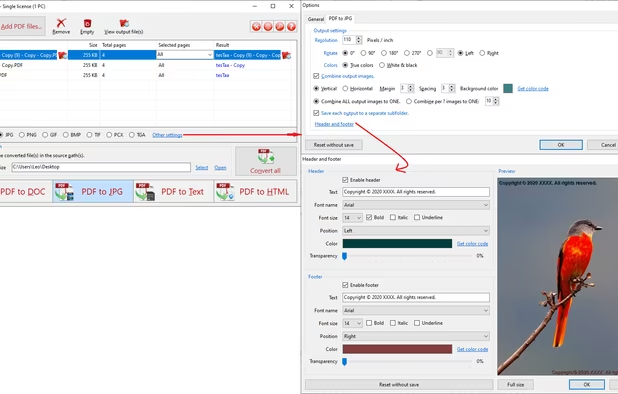
PDF to JPG is used to convert PDFs to JPG, PNG, BMP, TIF, GIF, PCX and TGA images in batch mode. It works without Adobe Acrobat or Adobe Reader, and has Command Line Interface (CLI), fast and accurate conversion ability, friendly GUI, small size.
United States


PDF to X is used to convert PDF documents to Word (.doc)/WordPad (.rtf) documents, HTML web pages, JPG/PNG/BMP/TIF/GIF/PCX/TGA images and plain text files in batch mode. It works without Adobe Acrobat or Adobe Reader.
United States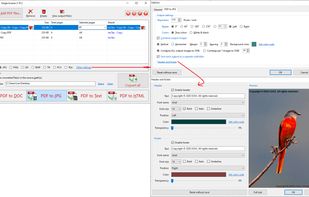


It's virtually the fastest solution for users to edit PDF documents in any circumstances, all you need to do is several clicks!.