Whiteboard is an open-source desktop app where humans and agents can architect software together in a common workspace.
Whiteboard plugs into the tools you already use - e.g. Claude Code, Codex, etc. – and gives your agent an SDK to draw on an in-app canvas to describe its work.
Why does this exist?
Diagrams that lead to code
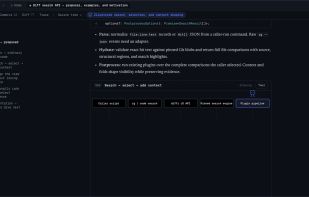
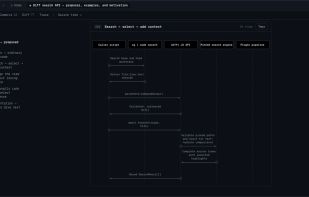
Pure HTML tools didn’t provide easy affordances to connect a spec or diagram to code; this is especially tricky since tradeoffs are often only discovered after a first pass at implementation. In Whiteboard, when you click on visualizations like a sequence diagram, an entity relationship diagram, or a quote from the agent’s trace, you can jump to the underlying code directly. When navigating code, you get keybindings and LSP support from VSCode out of the box.
Semantic diff viewer
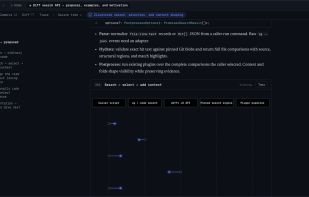
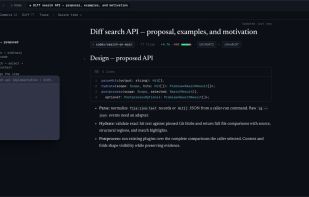
Raw diff views can be very noisy, so we wrote a semantic, AST-aware diff viewer in Rust so you can only view the code changes which are relevant to you. We’ve set up some sane defaults: large added functions are summarized as pseudocode, and things like unit tests and documentation changes are collapsed / hidden. This is all customizable with a WASM-based plugin system.
Decision log
We found it difficult to reason about what set of decisions our agents made autonomously & how that impacts a change. So we built tools for agents to query and link their own traces on the Whiteboard, so you can visualize the requirements that you set, understand how they were implemented, and understand what decisions the agent made autonomously.










No comments or reviews, maybe you want to be first?