WhichLogin Alternatives

WhichLogin is described as 'Was it Facebook? Or Twitter? Or GitHub? WhichLogin is a browser extension for people forgetting how they signed into websites. Never create accounts accidentally again' and is an app in the web browsers category. There are more than 50 alternatives to WhichLogin for a variety of platforms, including Windows, Android, iPhone, Mac and Web-based apps. The best WhichLogin alternative is Bitwarden, which is both free and Open Source. Other great apps like WhichLogin are KeePassXC, KeePass, LastPass and 1Password.

Copy a direct link to this comment to your clipboard
WhichLogin alternatives page was last updated

Alternatives list

  1. KeyCat icon
     Like
    Copy a direct link to this comment to your clipboard

    Open-source end-to-end encrypted password manager.

    152 KeyCat alternatives

    Cost / License

    • Free
    • Open Source

    Application type

    Platforms

    • Self-Hosted
     
  2. Vault One icon
     1 like
    Copy a direct link to this comment to your clipboard

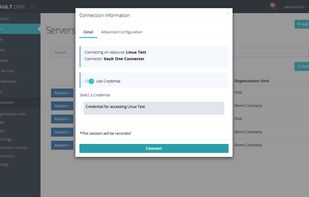
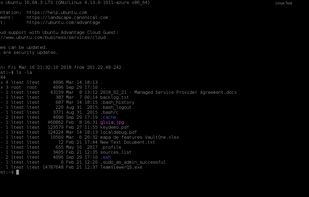
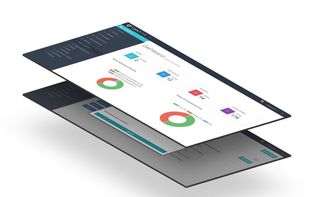
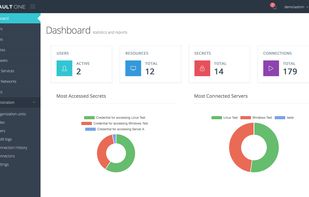
    Vault One is a cybersecurity platform that helps you control and protect privileged credentials and user access to websites, applications, services, and infrastructure.
    Cost / License

    • Pay once
    • Proprietary

    Application type

    Platforms

    • Online
    • Self-Hosted
     
  3. Copy a direct link to this comment to your clipboard

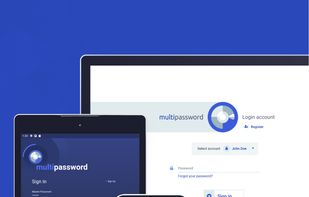
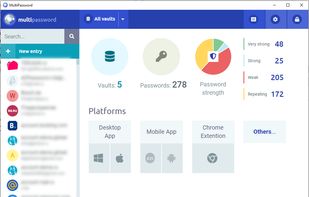
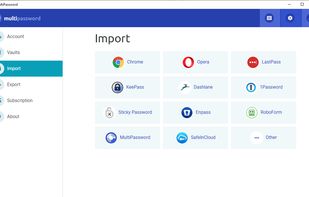
    Secure password storage with the MultiPassword.com password manager featuring syncing across devices and web browsers.

    Cost / License

    • Freemium (Subscription)
    • Proprietary

    Application type

    Platforms

    • Online
    • Android
    • Microsoft Edge
    • Google Chrome
    • Yandex.Browser
    • Opera
    • Brave
     
  4. Copy a direct link to this comment to your clipboard

    Penteract Password Manager™ lets you keep your passwords on your device, not in the cloud, and is free of monthly charges. With one click your password is copied, and your web browser is launched to the appropriate website.

    Cost / License

    • Pay once
    • Proprietary

    Application type

    Platforms

    • Windows
    • Android
    • iPhone
     
  5. Lifekees icon
     Like
    Copy a direct link to this comment to your clipboard

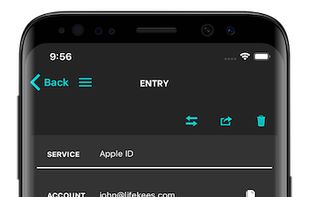
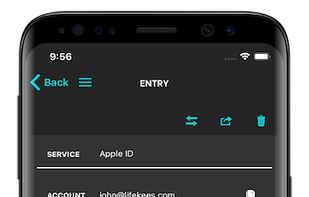
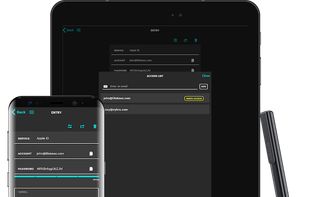
    Keep your passwords and secrets securely organized with superior encryption and access on all your devices. Peace of mind has never been so simple.

    Cost / License

    • Pay once or Subscription
    • Proprietary

    Application type

    Platforms

    • Online
    • Android
    • iPhone
     
  6. PassDrop icon
     Like
    Copy a direct link to this comment to your clipboard

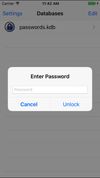
    A fully-featured secure password management system, compatible with the free KeePass and multi-platform KeePassX desktop applications.
    Cost / License

    • Free
    • Open Source

    Application type

    Platforms

    • iPhone
    • iPad
     
  7. LogDog icon
     1 like
    Copy a direct link to this comment to your clipboard

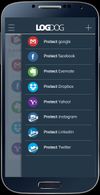
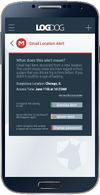
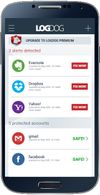
    1 in 4 online accounts gets hacked. LogDog gives you free protection from hackers and identity theft. You’ll get alerts any time suspicious activity occurs in your Gmail, Facebook and other accounts.
    Cost / License

    • Free
    • Proprietary

    Platforms

    • Android
     
  8. Copy a direct link to this comment to your clipboard

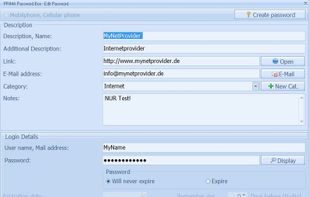
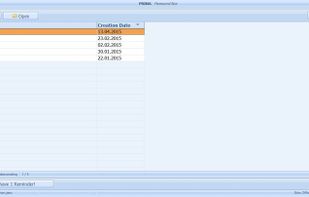
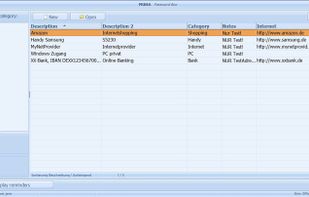
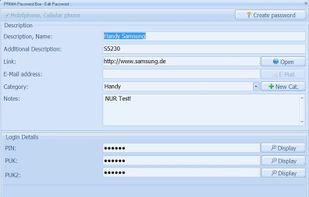
    A program for the central management of passwords, PINs and PUKS. With this application I have to know only the Windows-Login and the Master-Password for my Password Case.
    Cost / License

    • Free
    • Proprietary

    Application type

    Platforms

    • Windows
     
You are at page 5 of WhichLogin alternatives