


WhatFont - What html font lets you know what font is used on any website. This extention helps you identify the font on a web page, html font size, color, font family.
Cost / License
- Free
- Proprietary
Platforms
- Mac
- Windows
- Online
- Google Chrome


Sites and apps similar to WhatFontIs include WhatFont - What html font, which is free. Other options are WhatFont, WhatTheFont, Find my Font and Fonts Ninja. You can choose from more than 10 Color Picker Tools like WhatFontIs for Mac, Windows, Android, iPhone and Linux.
WhatFont - What html font lets you know what font is used on any website. This extention helps you identify the font on a web page, html font size, color, font family.

WhatFont is a bookmarklet and Chrome extension that makes it easy to find out the fonts used in a webpage.
 China
China


WhatTheFont uses deep learning to search our collection of over 233,000 font styles and find the best match for the fonts in your photo. It even works with connected scripts and when there’s more than one font in an image.
 United States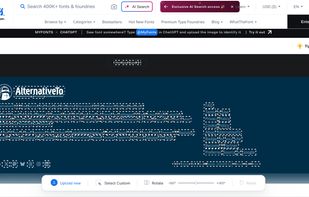





Find my Font is a software application that runs on your device (PC or mobile) and identifies the fonts in images.


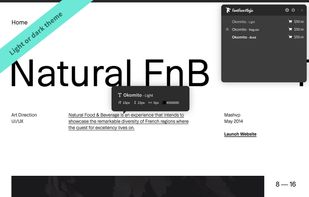
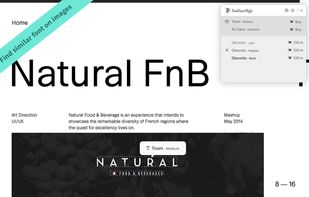
From websites to any of your design software in one click. Try fonts in your designs without buying them.
 France
 EU
EU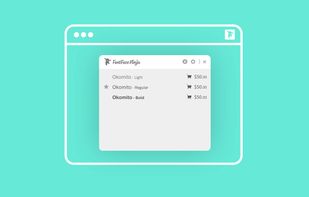
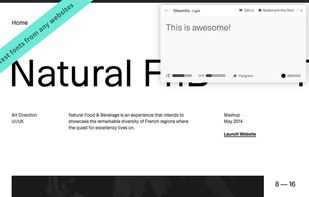


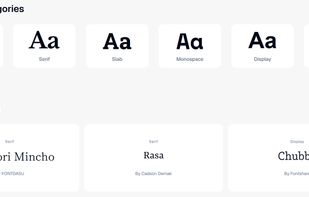
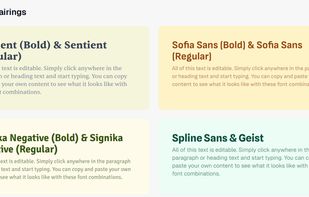
Quickly find compatible Google Font pairings with practical real-world previews, filter by style or category, access typography tutorials and inspiration, and explore curated or community-submitted font combinations for web, print, and digital design projects.
United States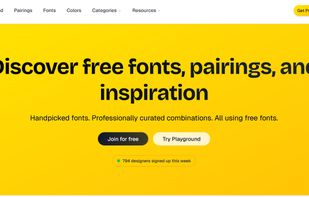

 United States



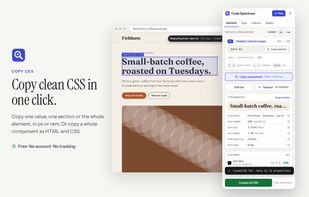
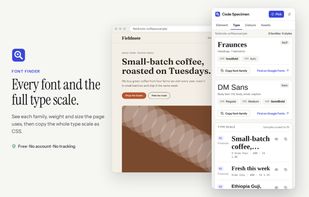
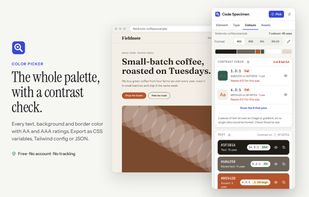
Free Chrome and Firefox extension for inspecting web pages through a side panel. View fonts, colors, spacing, box-model values and CSS, copy components, export palettes, download assets, edit styles live, and convert selections to Tailwind classes.
 Nigeria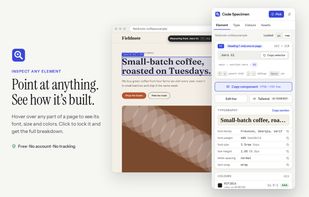


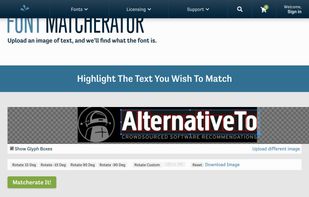
The Fontspring Matcherator is a free font finder tool that will search the catalogue of over 900,000 free and paid fonts available for download or purchase on the Fontspring site and find what font it is.
United States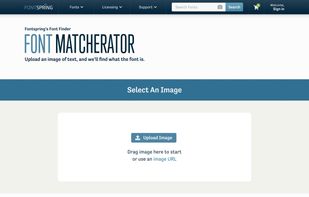


Identifont was launched in November 2000 to provide designers with a tool to help them identify fonts or select the best fonts for their projects. Since then it has grown to become the largest independent directory of digital fonts on the Internet, with a number of unique tools...
 United Kingdom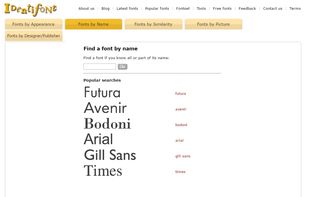


Fontsnatcher helps you in identifying, testing and discovering new fonts and typefaces being used on the internet.
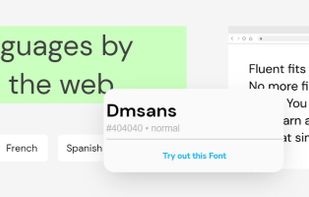


Font Finder by Image identifies any font from a photo or screenshot. Upload an image, crop the text, and it returns the closest matching fonts from a 75,000-font index. Free, no signup — a free alternative to WhatTheFont and Matcherator.


 Greece


