


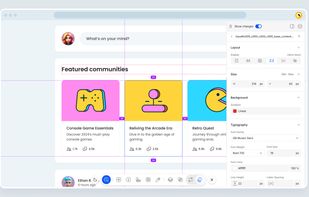
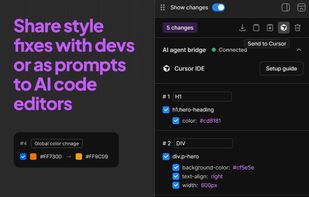
Inspecta Chrome extension turns your browser into a visual CSS and live content editor — fix UI bugs and share changes with Devs or your AI code agent.
Cost / License
- Free
- Proprietary
Platforms
- Google Chrome
 Israel





Apps similar to Web Editor include Inspecta, which is free. Other options are Pesticide, CSS Peeper, VisBug and SuperDev Pro. You can choose from more than 10 apps like Web Editor for the web, Mac, Windows, Linux and Android.
Inspecta Chrome extension turns your browser into a visual CSS and live content editor — fix UI bugs and share changes with Devs or your AI code agent.
Israel
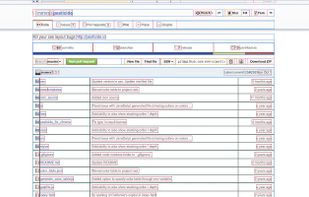
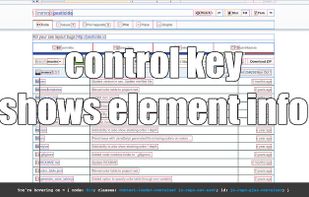
This extension inserts the Pesticide CSS into the current page, outlining each element to better see placement on the page.


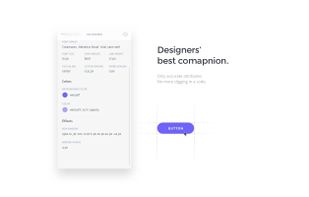
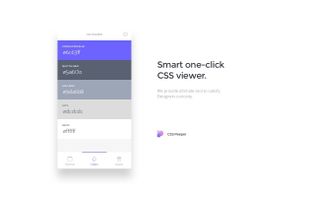
Get access to the useful styles with our Chrome extension. Our mission is to let designers focus on design, and spend as little time as possible digging in a code.
 Poland
 EU
EU


 United States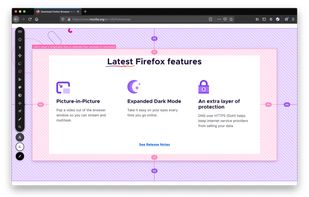
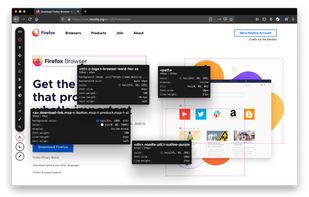
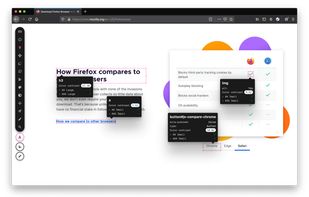
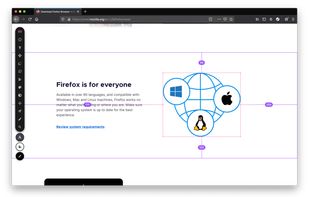


SuperDev Pro is a 14-in-1 browser extension 🧩 for web development that allows you to inspect, edit, and refine any website right within the browser. It has these features:
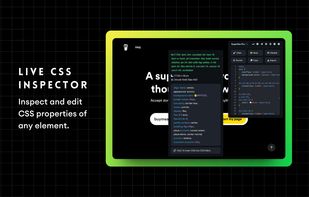
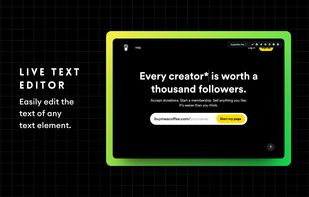
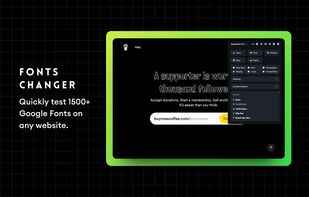
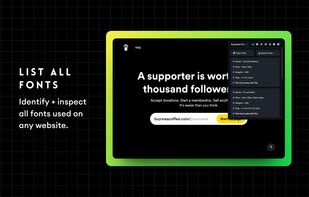


SnipCSS is a developer tool that extracts every CSS rule needed to rebuild the DOM subtree of any element. Unlike other tools it never uses computed styles, it uses the devtools protocol to extract the styles.
United States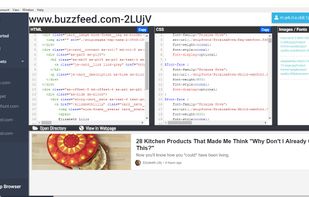


As a designer, a developer, or anybody who hearts the web, you have a curiosity to find out what others are doing to make awesome websites. SNATCHR is your new best friend.



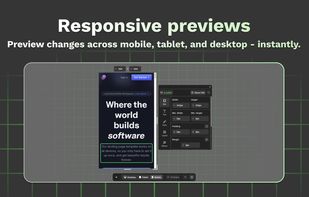
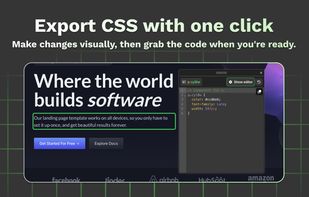
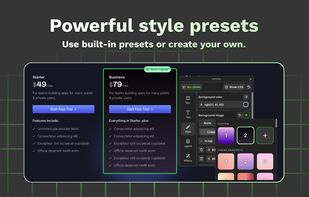
Effortlessly adjust styles, update text, swap visuals, and explore design ideas — right inside your browser. No setup needed.
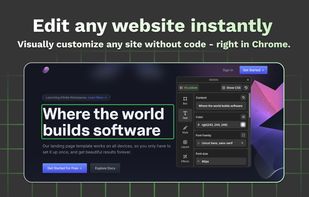


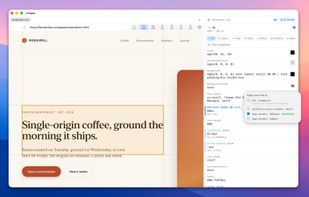
The CSS inspector that remembers. A standalone Mac browser where you click any element, dial in the styles with real visual editors — color pickers, gradient builders, shadow controls — and your edits stay put through reloads.
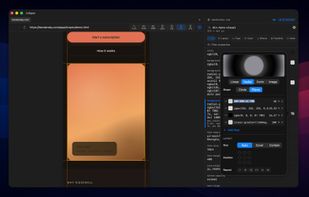
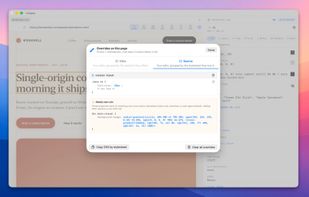


CSS Scanner is a Chrome extension that helps you scan, edit, and export CSS and HTML from any website.
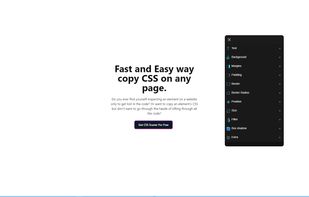
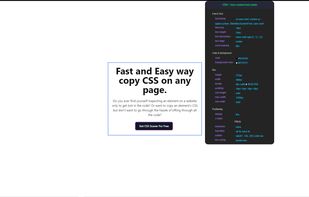
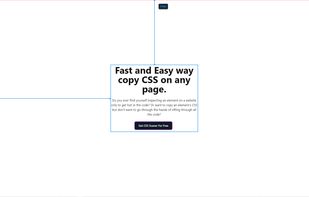


CSS Scan Pro is a browser extension that makes it radically easy to get the looks of any website. Hover over any element, and copy its entire CSS with a single click.
United States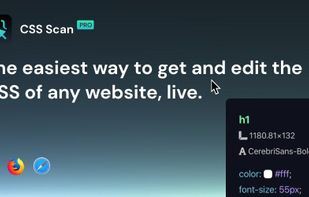


 France


