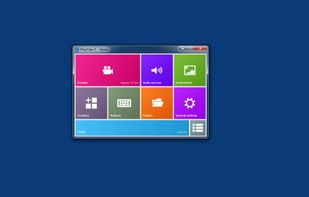
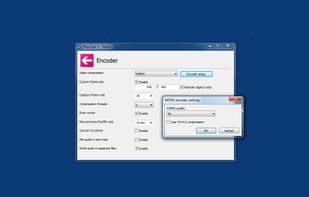
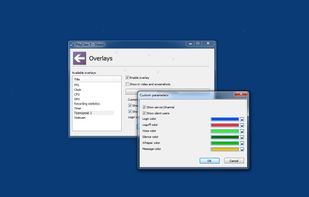
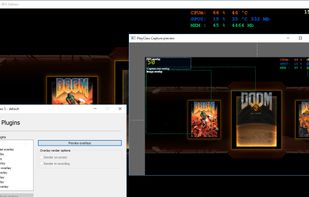
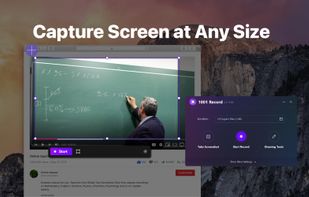
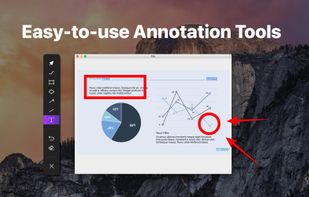
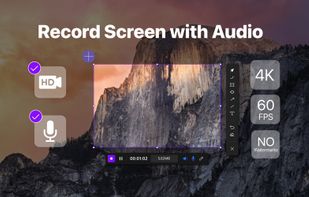
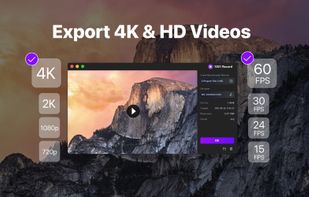
1001 Record, the simple and reliable Mac screen recorder that allows you to easily capture and save screen videos.
Cost / License
- Freemium
- Proprietary
Application typeApplication types
Platforms
- Mac
 Germany
 EU
EU



+1


Apps similar to VSDC Free Screen Recorder include OBS Studio, which is free and open source. Other options are OpenScreen, Recordly, GPU Screen Recorder and SimpleScreenRecorder. You're spoiled for choice with Screen Recorders like VSDC Free Screen Recorder: we list more than 100 alternatives for Windows, Mac, Linux, the web and Android.
1001 Record, the simple and reliable Mac screen recorder that allows you to easily capture and save screen videos.
GermanyEU GermanyEU


Lightstream is a powerful, live-streaming studio that runs through your browser so you can stream shows from any internet connected computer with the utmost simplicity. Lightstream's cloud engines also provide compositing and encoding power so your computer can focus on the...
 United States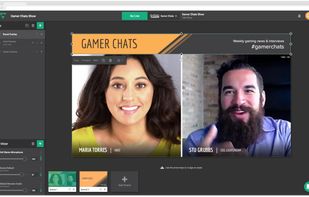


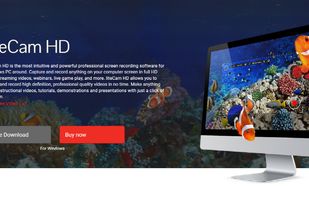
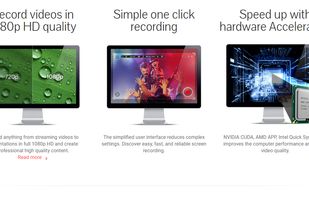
liteCam HD is the most intuitive and powerful professional screen recording software for Windows PC around. Capture and record anything on your computer screen in full HD from streaming videos, webinars, live game play, and more.
 South Korea


SCREEN2EXE is a free utility designed in order to create instant screen demos with the highest compression ratio in the world!
 China
China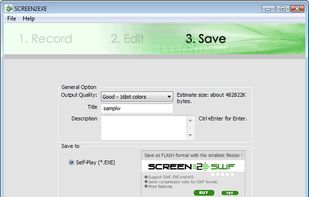


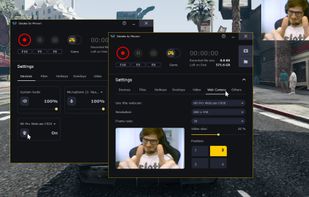
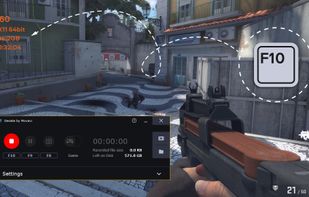
Gecata by Movavi is a lightweight game recording software for PCs that lets you capture gameplay or a Windows desktop with one click and no lags.
 CyprusEU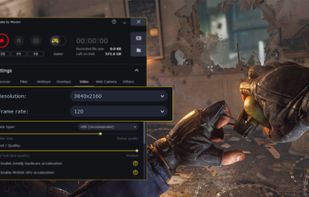

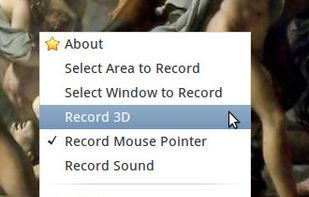
Istanbul is a desktop session recorder for the Free Desktop. It records your session into an Ogg Theora video file. To start the recording, you click on its icon in the notification area. To stop you click its icon again. It works on GNOME, KDE, XFCE and others.


A light application for instant recording of events happening on the monitor and saving that to an AVI file at high quality.


oRipa Screen Recorder is a handy tool to record your Windows desktop activities in real time and save it as a video file. oRipa Screen Recorder also captures anything you can hear on your PC, such as, music and talking through the PCs microphone.
United States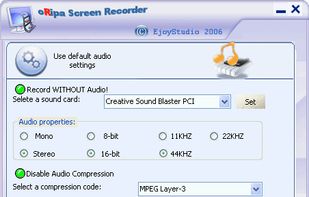


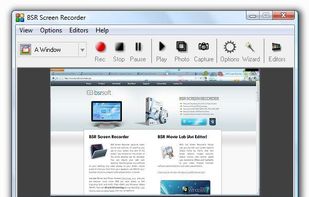
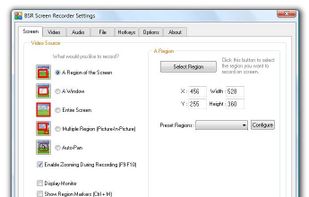
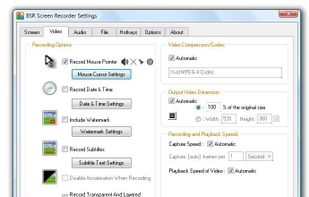
BSR Screen Recorder captures video, sound, and pictures of anything you see on your screen and records to AVI (Standard Video Format), SWF (Flash File), WMV (Windows Media Video), and EXE (Executable File). Any portion of the screen can be selected for recording.


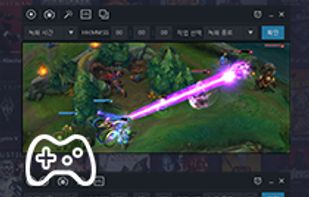
Record what you see on your PC screen exactly as it appears. GOM Cam also records all audio outputs from your PC, allowing you to make more dynamic videos. Record your computer screen, webcam video or games, and share with others on YouTube, Google Drive or Facebook.




 Russia