


Void
37 likes
The open source AI code editor. Write code with the best AI tools, use any model, and retain full control over your data.
Cost / License
- Free
- Open Source (Apache-2.0)
Application types
Alerts
- Discontinued
Platforms
- Mac
- Windows
- Linux
Discontinued
From their GitHub: "We've paused work on the Void IDE (this repo) to explore a few novel coding ideas. We want to focus on innovation over feature-parity. Void will continue running, but without maintenance some existing features might stop working over time. Depending on the direction of our new work, we might not resume Void as an IDE."

Features
Properties
- Privacy focused
- Lightweight
Features
- AI-Powered
- No Tracking
- Ad-free
 ChatGPT integration
- Syntax Highlighting
- Works Offline
- Autocompletion
- No registration required
- Full-Text Search
- VSCode
- Third party integrations
Void News & Activities
Highlights All activities
Recent News
No news, maybe you know any news worth sharing?
Share a News TipRecent activities
- ameera860 liked Void
- wizeowl88 liked Void
 FuryCow added Void as alternative to CodeCritic
 femtowin added Void as alternative to Minion Agent Framework
- updated Void
- fitguypk thinks AI-Powered is a important feature of Void
- fitguypk liked Void



Void information
Developed by
VoidLicensing
Open Source (Apache-2.0) and Free product.Written in
Alternatives
84 alternatives listedSupported Languages
- English

AlternativeTo Categories
Development, AI Tools & ServicesGitHub repository
- 28,421 Stars
- 2,361 Forks
- 315 Open Issues
- Updated


What is Void?
Void is an open-source AI code editor, positioned as an alternative to Cursor. It's built as a fork of VS Code, allowing users to easily transfer their existing themes, keybinds, and settings.
Key features and aspects include:
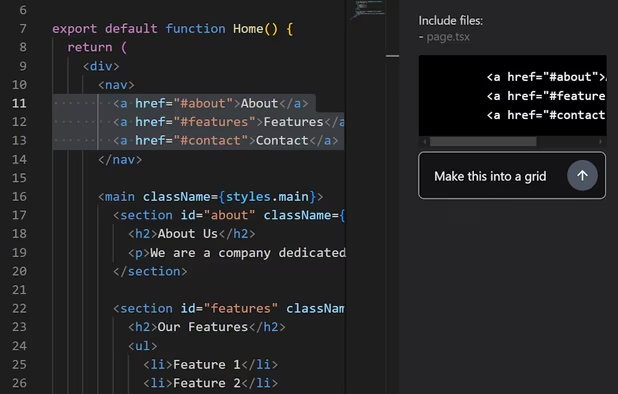
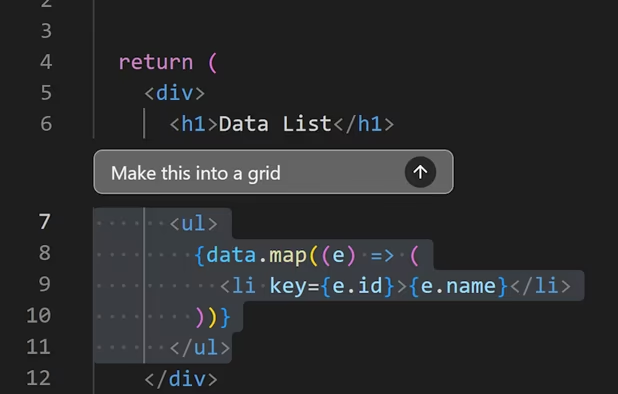
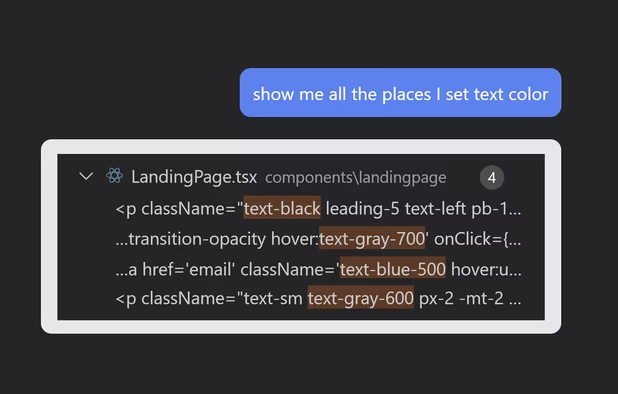
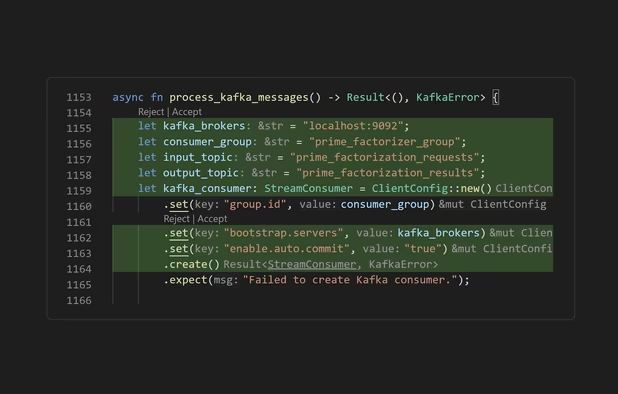
- AI Integration: Write code using advanced AI tools, including features like autocomplete, inline editing, asking questions, including files in prompts, and intelligent search.
- Model Flexibility: Use any AI model you prefer, including the option to host models locally. Void communicates directly with models without acting as a middleman.
- Data Control: Retain full control over your data.
- Customization: View and edit the underlying prompts used for AI interactions.
- Performance: Offers fast application of changes, even on large files, and maintains contextual awareness.
Comments and Reviews
Its really good and open source