

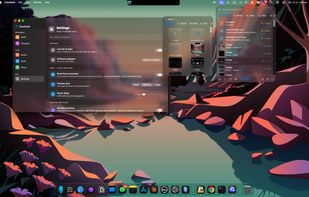
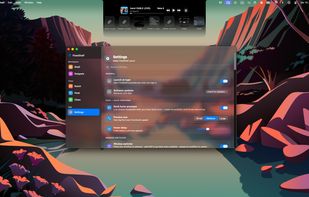
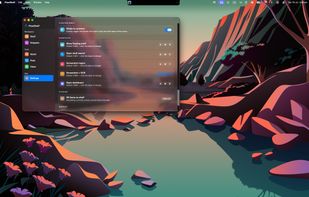
FlowShelf a free Mac app that turns your notch into a Dynamic Island and gives everything you copy, drop, or screenshot a temporary home.
Cost / License
- Free
- Proprietary
Application type
Platforms
- Mac
- Homebrew
 Australia




Unclutter is described as 'Handy desktop app for storing notes, files, and clips. Access via screen top, drag and store. Syncs with Dropbox, optimizes multi-display setups' and is a clipboard manager in the os & utilities category. There are more than 100 alternatives to Unclutter for a variety of platforms, including Mac, Windows, Linux, iPhone and iPad apps. The best Unclutter alternative is CopyQ, which is both free and Open Source. Other great apps like Unclutter are Ditto, PasteBar, Planck and CopyCat Clipboard.
FlowShelf a free Mac app that turns your notch into a Dynamic Island and gives everything you copy, drop, or screenshot a temporary home.
AustraliaNow you don't have to worry that copying one thing will erase something else! It keeps the clipboard history that you can use to paste any selected fragment again. The clipboard contents will be saved, even in the case of Windows crash or power failure.
 United States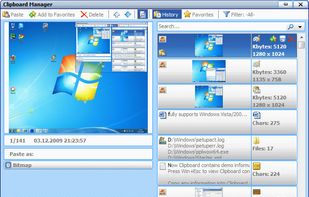


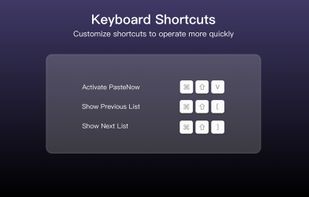
PasteNow is a clipboard management app that make your daily work easier and faster. You can use it to store every kinds of temporary data: text, link, image and even code.
 China
China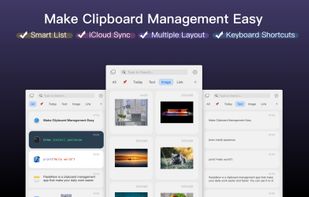
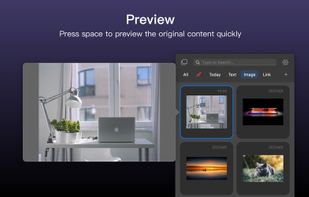
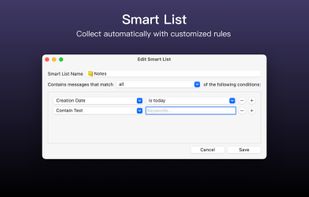


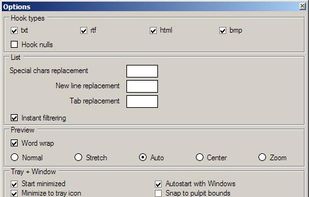
Fast, reliable multi-clipboard tool. It allows to save text, rtf, html and bitmap formats for future use. Especially useful for software engineers.



Simulates a couple of clipboards. Save your clipboard data automatically. Reuse copied content afterwards as much as you like. Paste your clipboard in any application.
 Germany
 EU
EU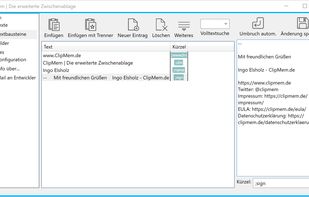
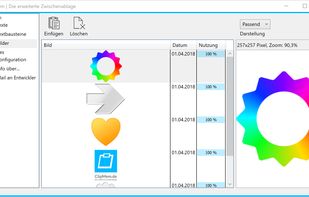
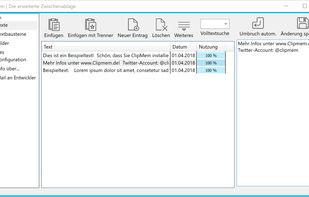


The Smartest of all Clipboard Managers. And best of all - it's FREE! MyClip is not yet another Clipboard Manager, but one of the handiest tools for any IT specialist (Software Developers, DB Administrators, Web Masters, Business Analysts). Just read some (not close to all) of.
 Mexico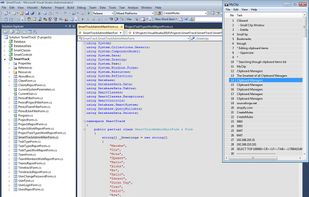
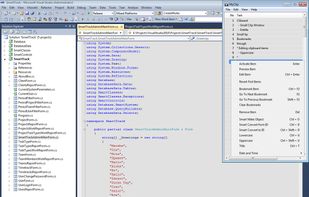

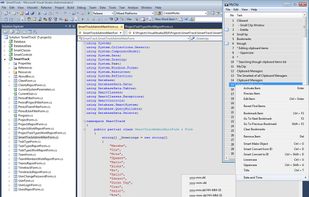


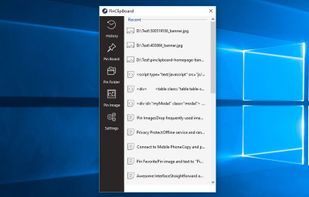
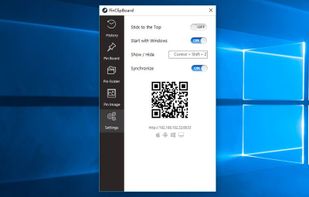
PinClipBoard is one of the best clipboard manager software that enables you to track and record clipboard data for future use. As a universal clipboard manager, you can copy and paste images/text across Android/ios/Mac/Windows/Tablet.



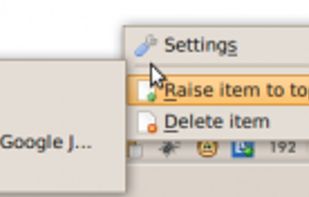
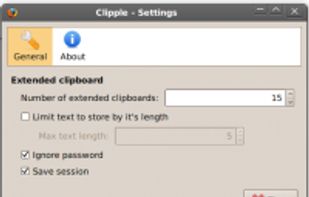
Clipple provides extended clipboard system to Firefox. All text you copied will be stored and you can paste text in it later.


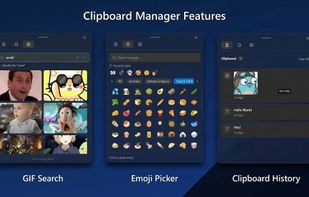


Gisti keeps everything you write, copy or capture on your Mac in one panel and lets you search it by meaning rather than by exact words. A month later you remember what something was about, not how it was worded: type "flight to Berlin" and Gisti finds the note that...
 Kazakhstan


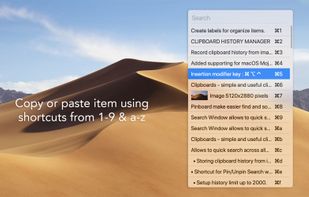
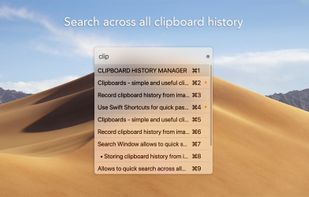


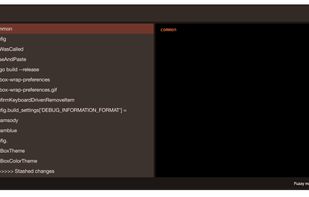
Pasteboard history for macOS done right. Using the proven UI style of Alfred, Spotlight etc. Use fuzzy searching to find what you want to paste.