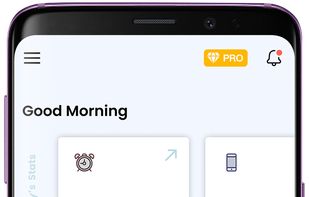
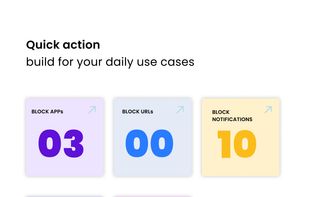
All-In-One Productivity Accessory for Deep Work, Single-Tasking, Scroll Control, Work Music, and more.
Cost / License
- Freemium
- Proprietary
Application type
Platforms
- Mac
 United States



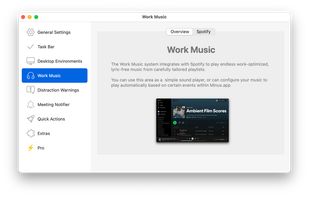


Apps similar to Twert include LeechBlock, which is free and open source. Other options are Cold Turkey, Reef Wellbeing, Curbox and Opal Focus. There's no shortage of Anti Procrastination Tools like Twert, with more than 50 alternatives for Android, Mac, Windows, iPhone and iPad.
All-In-One Productivity Accessory for Deep Work, Single-Tasking, Scroll Control, Work Music, and more.
United States
MindShield is an open-source browser extension that adds a 5-second reflection timer before submitting simple queries to ChatGPT, Claude, and Gemini, helping you build better AI habits while processing 100% locally.
 Switzerland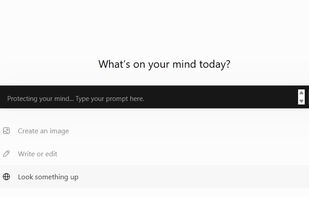


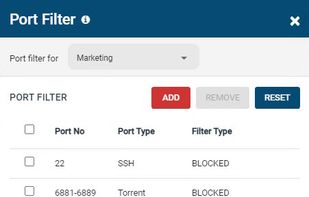
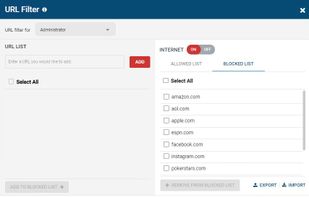
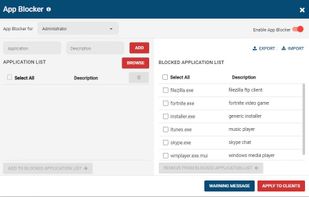
An agent-based web filter that blocks websites based on URLs and categories. Internet use quotas can be set based on schedules and timers. Includes a port filter and Windows application blocker.
 Canada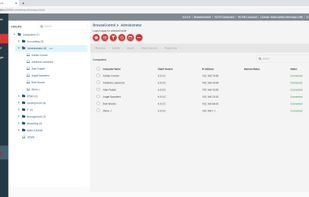


Use Android's Digital Wellbeing tools to find better balance with your phone. More productivity, more time unplugged, or more controls for the whole family.
United States




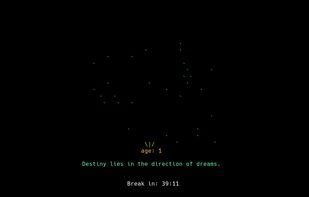
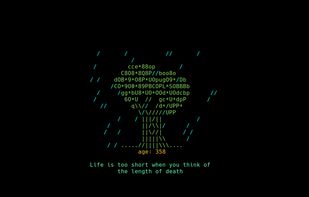
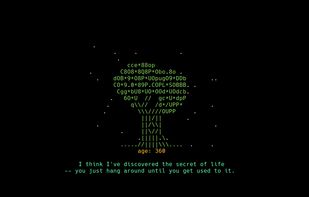
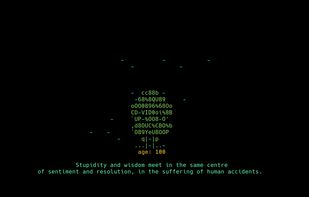
Wisdom Tree is a tui concentration app. Inspired by the wisdom tree in Plants vs. Zombies which gives in-game tips when it grows, Wisdom Tree gives you real life tips when it grows. How can you grow the tree? by concentrating!


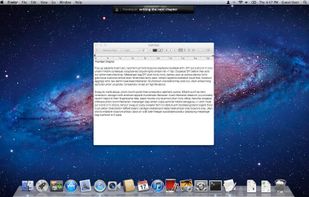
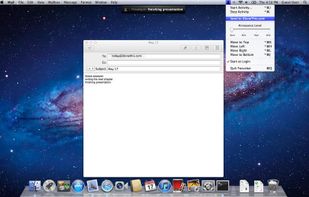
Bring your tasks to a focus with Focusbar - simple but powerful tool to help you work on one thing at a time. Stop multitasking and stay focused.
 Poland
 EU
EU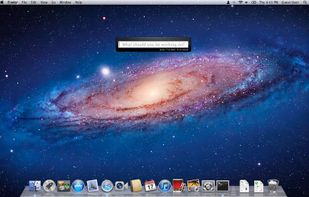


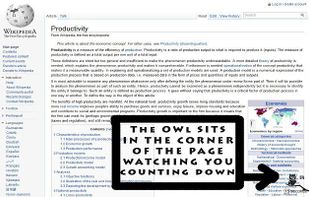
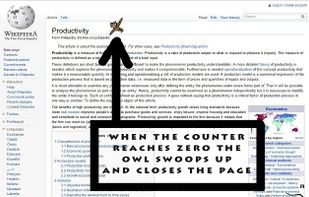
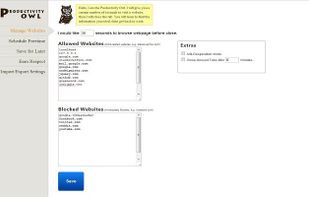
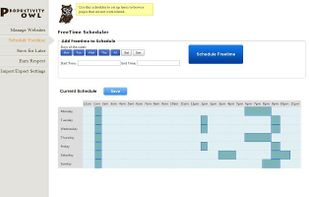
The Productivity Owl is a Google Chrome extension that eliminates your time wasting habits on the internet.


Anti-Social is a productivity application for Macs & Windows that turns off the social parts of the internet.
United States




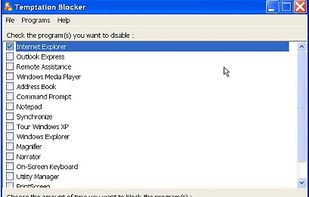
Temptation Blocker is a program that lets you lock yourself out of specific applications for a specified period of time. A window displays how much time remains. In order to unblock a program you must enter a 32 character string as a disincentive.



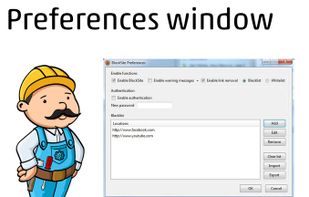
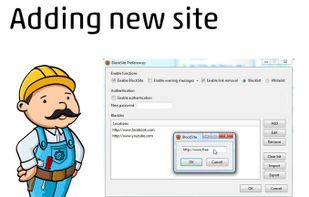
BlockSite is an extension, which automagically blocks websites of your choice. Additionally, this extension will disable all hyperlinks to these websites, by just displaying the link text without the clicking functionality.
 Israel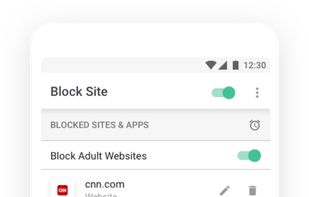


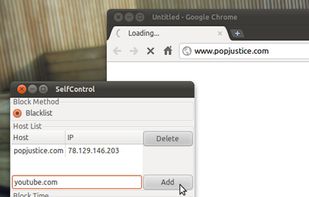
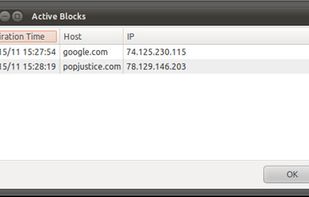
Linux port of the Mac OS X application SelfControl . Uses Perl/Gtk2 + iptables. Provides basic timed blocking of specified hosts.


Stay focused helps you focus by restricting the daily usage of selected apps to the selected time. Spending too much of time Social Networking or Messaging Apps? Focus it and it will help you reduce the usage.