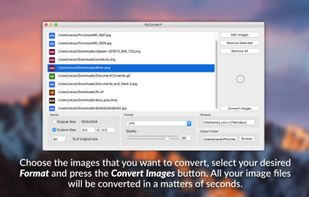
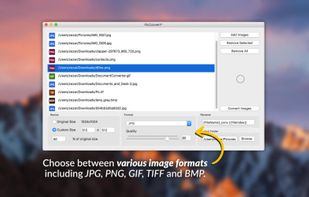
Image Conversion Tool allows you easily converts jpg, png, bmp, gif, tiff, heic and other images to pdf, eps, ico, odd, ps, psd and other formats and other formats.
Cost / License
- Paid
- Proprietary
Application type
Platforms
- Windows
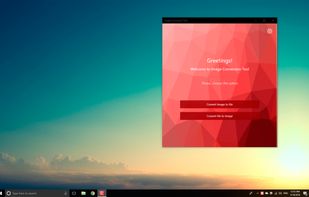

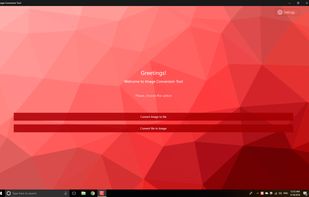

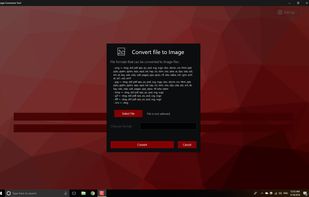


Apps similar to Total Image Converter include ImageMagick, which is free and open source. Other options are XnConvert, Switcheroo Image Manipulation, Converseen and Filestar. You're spoiled for choice with Image Converters like Total Image Converter: we list more than 25 alternatives for Windows, Mac, Linux, the web and iPhone.
Image Conversion Tool allows you easily converts jpg, png, bmp, gif, tiff, heic and other images to pdf, eps, ico, odd, ps, psd and other formats and other formats.

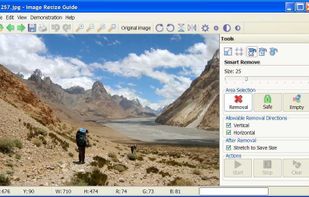
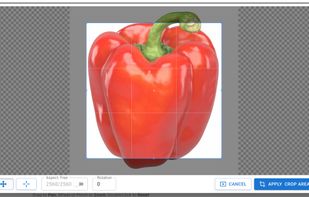
Resize an image by removing "unnecessary" portions yet keeping the "important" features intact. Remove objects from an image without visible traces.


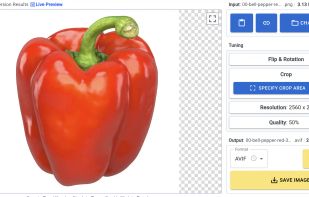
Powerful and intuitive online tool for viewing, resizing, cropping, and converting images. It supports all major formats, including AVIF, WebP, HEIC/HEIF, TIFF, and 32-bit HDR/EXR. Enjoy the unique Live Preview feature that lets you see real-time conversion results before downloading!


iResize can resize, compress and save as JPEG or PNG the following image formats GIF, JPEG, PICT, PNG, TIFF and PSD files.
 Switzerland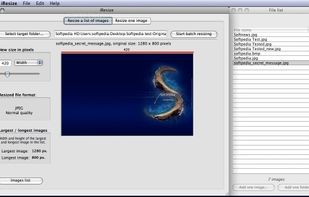


Imverter is a fast online image converter.
Imverter supports over 500 file formats, including vector, postscript, raw, regular, rare and obsolete. The maximum file size: 20MB.


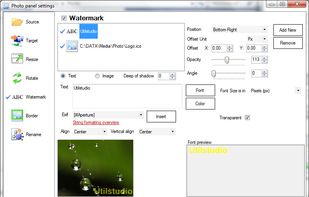
Resize photos in the batch and save photos to the following targets: Disk folder, FTP remote connection (web server for example), send photos via Email using email templates, upload to Facebook or save them to Clipboard.
 Slovakia
 EU
EU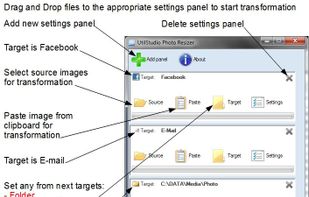
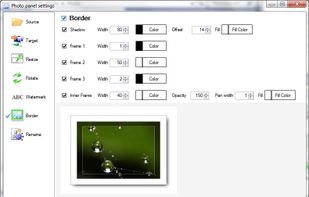


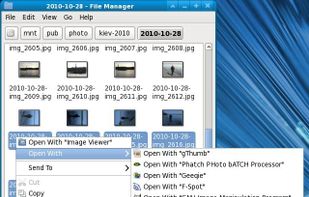
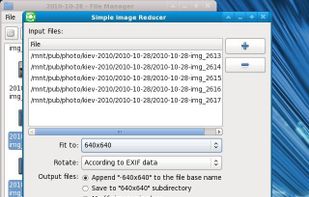
A program to simple reduce and rotate images. This GTK application can be useful for processing digital photos before sending by e-mail or uploading on the web.

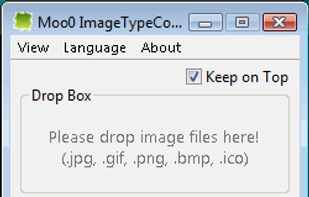
Moo0 Image Converter let you easily convert image files into different format.
It's very easy to use and you just need to drag & drop files onto the program window. It currently supports jpg, gif, png, bmp and icon format. Yes, you can create even icon files only by drop.


Dropresize is a portable application that can automatically resize images in folders specified by the user. It resides in the system tray so it won’t interfere with your work, however it’s readily available if you want to configure it.
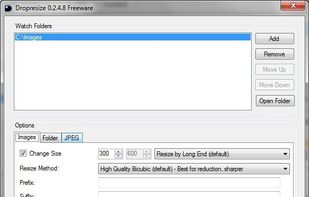


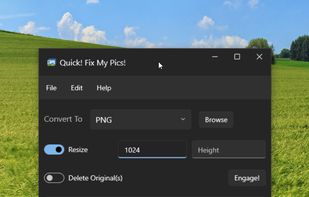
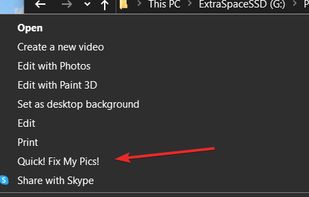
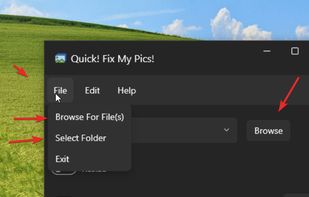


Photo Resizer Expert - Versatile batch image resizer - Adjust, apply effects and filters to images - Watch folders - Resize image with right click in Windows Explorer.
 GreeceEU


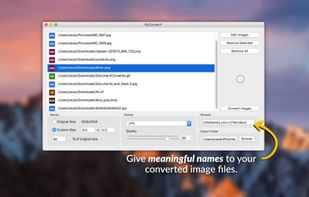
Convert, resize and rename thousands of image files in batch mode. Select the images that you want to convert, choose an image format, select the folder where you want your converted images to be saved and you're done!.
 ItalyEU