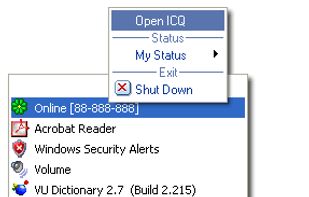
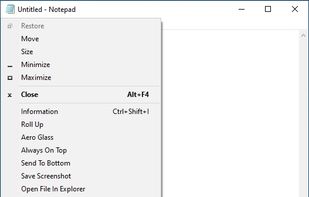
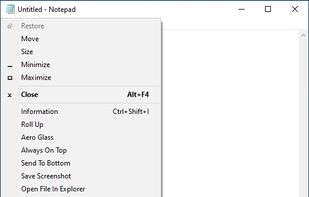
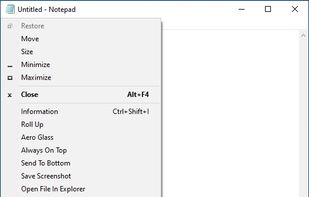
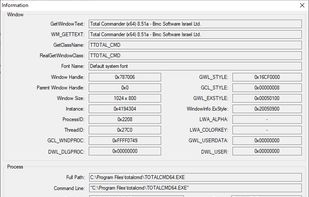
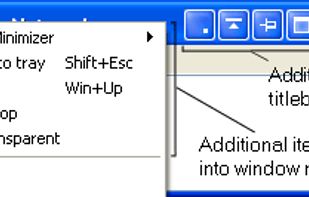
SmartSystemMenu extends system menu of all windows in the system. It appends next custom items to menu:
Cost / License
- Free
- Open Source (MIT)
Application typeApplication types
Platforms
- Windows
 United States



+1


Apps similar to TopMenu include SmartSystemMenu, which is free and open source. Other options are WindowTop, RBTray, 4t Tray Minimizer and KDocker. Window Managers like TopMenu are a crowded field, with more than 25 alternatives for Windows, Linux and Mac.
SmartSystemMenu extends system menu of all windows in the system. It appends next custom items to menu:
United States
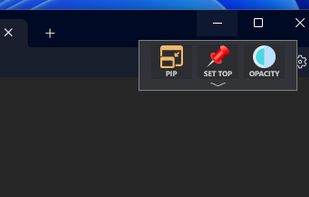
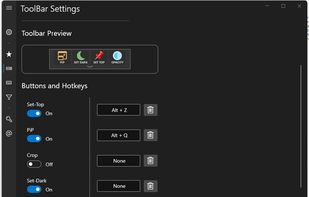
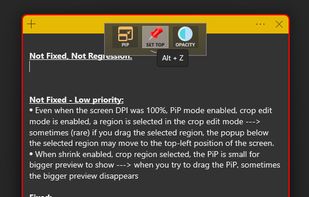
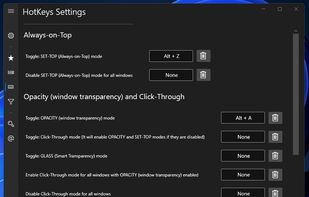
Boost your multitasking with Always-on-Top, Interactive Picture-in-Picture & Crop, Opacity & Click-Through, Anchors, Dark Mode and more!.


Allows almost any program to be minimized to the system tray by right clicking its minimize button.
 Russia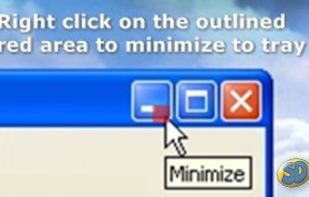


4t Tray Minimizer is a lightweight but powerful window manager, which helps you to free up space on the desktop and the taskbar via the following actions:
Russia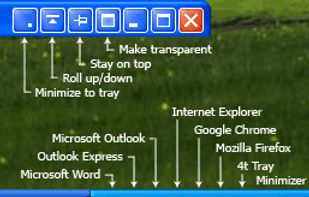


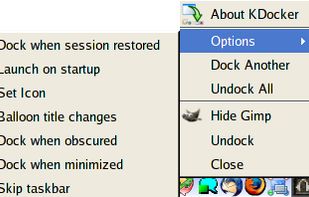
KDocker will help you dock any application into the system tray. This means you can dock Openoffice, xmms, Firefox, Thunderbird, anything!
Just point and click. Works for all NET WM compliant window managers - that includes KDE, GNOME, Xfce, Fluxbox and many more.




SmartContextMenu adds a context menu to all windows in the system. This program is enhanced version of SmartSystemMenu. I hope it will be more convenient, because it supports all types of windows, including windows without a system menu.
United States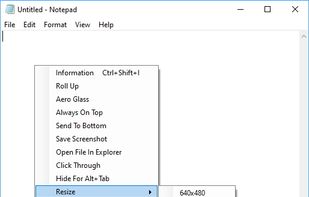

 Russia
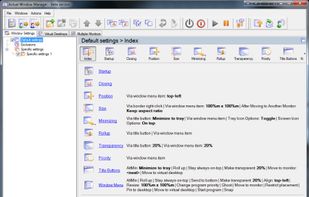
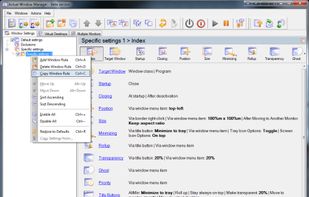


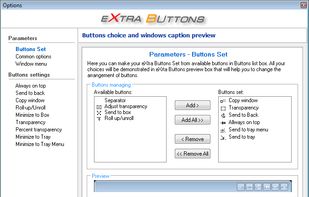
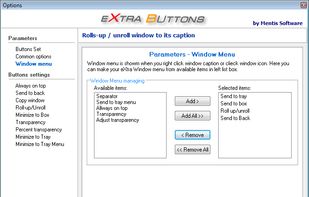
eXtra Buttons lets you add up to 10 additional buttons to the title bar of each window, which allow you to minimize the window to the tray, keep it on-top, send it to the background, adjust the window's transparency and more.
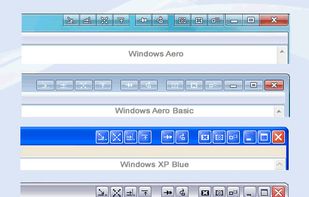


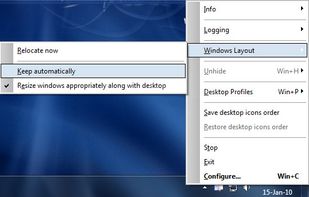
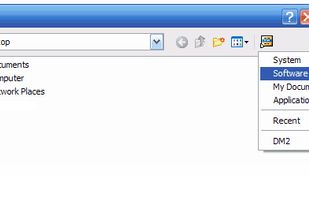
DM2 provides several Windows enhancements that may help in every-day work. One of the nicest and most popular features of DM2 is minimizing windows to floating icons® (unique feature!) freeing both task bar and tray bar space.



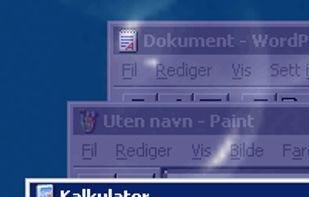
Make all windows but the active one transparent.
Features:
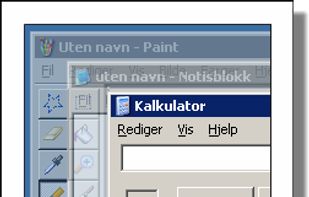


Dims all windows except the active one.
Features:


PS Tray Factory allows you to take a full control over icons in the system tray area of the taskbar. With PS Tray Factory you can: hide icons from system tray into menu, change the order of icons in the system tray (sort tray), restore tray icons after Explorer.
Russia