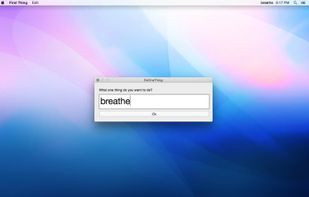
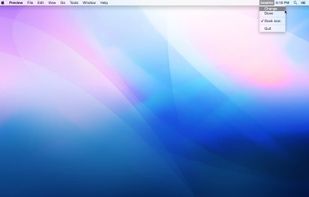
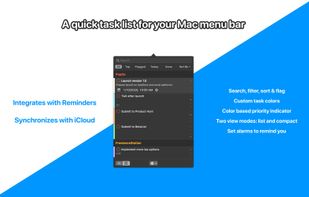
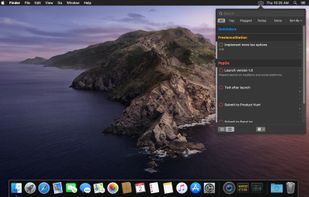
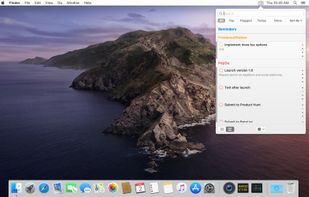
PopDo is a Mac app that sits in the menu bar for easy access to tasks. It integrates with Reminders and iCloud to store tasks and lists.
Cost / License
- Paid
- Proprietary
Platforms
- Mac
 Sweden
 EU
EU




Apps similar to todoglow include CmdList, which is free. Other options are Chunk, Clear, Commitments and Tot. You can choose from more than 10 Todo List Managers like todoglow for Mac, Android, iPhone, iPad and self-hosting.
PopDo is a Mac app that sits in the menu bar for easy access to tasks. It integrates with Reminders and iCloud to store tasks and lists.
SwedenEU
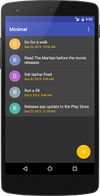
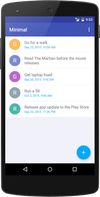
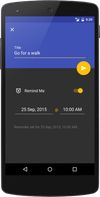
This is a minimalistic, Android-only app that allows you to make very simple lists of tasks.


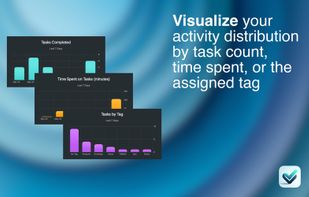
Track tasks with a tiled Activity Graph that visually represents task completion for each day of the month.
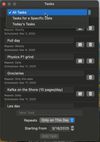
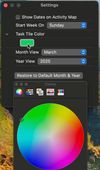
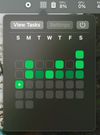


A simple macOS menu bar app that helps you manage your tasks without switching between windows. Access and update your todo list right from the menu bar, making it easy to stay organized while you work.
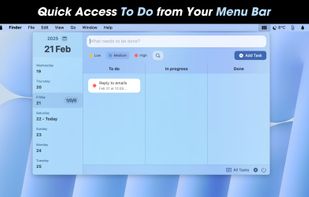
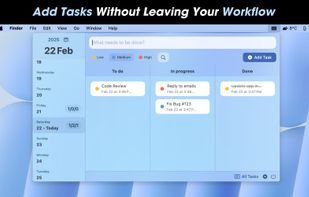
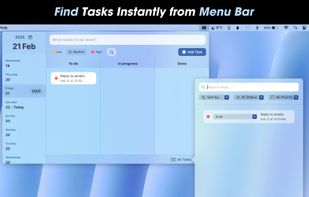
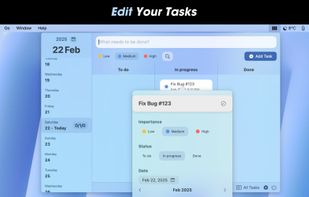


Todoey is the simplest way to remember things. It sits in your menubar so it is always just one click away. It blends perfectly into your macOS desktop in both dark and light theme. It also syncs using iCloud so you will be always backed up and up to date on all your Macs.
 PolandEU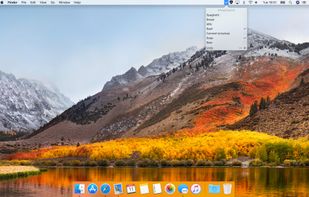
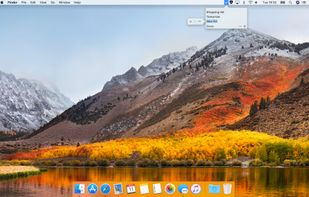
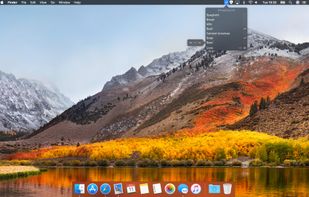


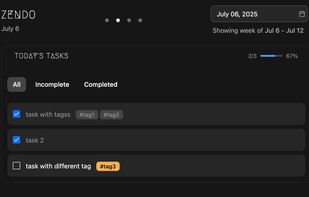
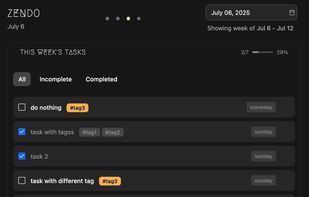
ZenDo is a minimalistic task manager that is based on weekly planning. It’s a very simple and straightforward to use task manager that allows you to plan your week by assigning tasks to specific days.
 United States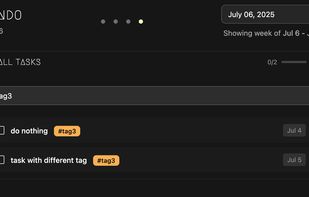


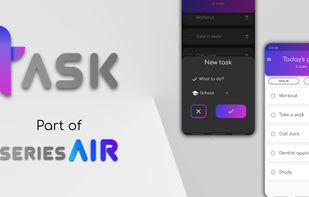
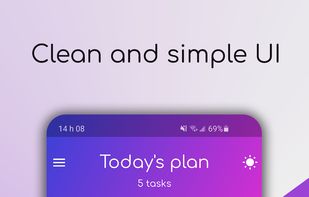
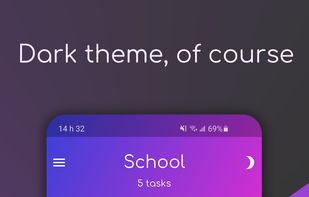
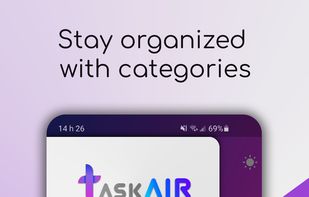
Task Air is a free, clean, minimal, and easy to use to-do list productivity app. Perfect if you want to quickly create a grocery list, to plan your day, to easily organize steps in your project, to maximize your productivity in your work duties or to stop procrastinating with...


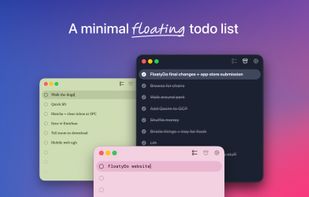
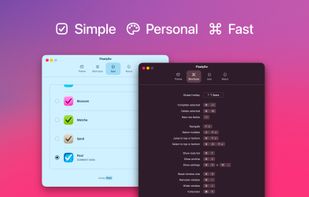


MenuBarTodoList is a MacOS application that allows you to manage your todo task list directly on the Menu Bar.
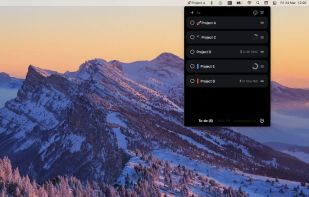
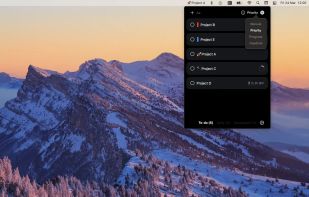
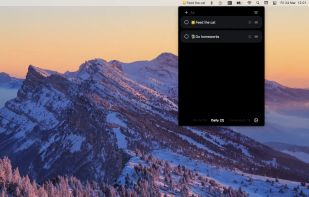
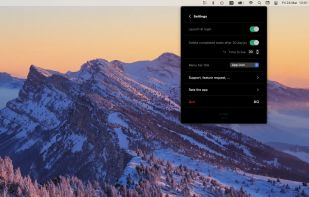


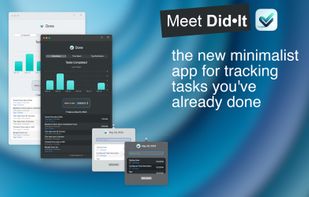
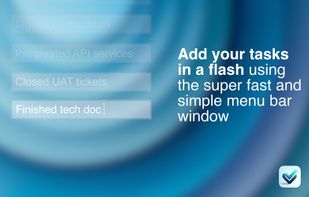
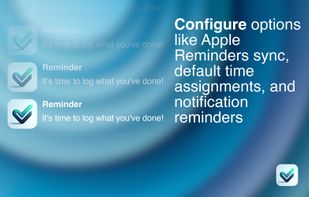
Did•It is a minimal menu bar app dedicated to tracking your completed tasks. Unlike traditional to-do apps, Did•It focuses on what you’ve already achieved, helping you keep a clear record of your accomplishments.




DoOneThing won't nag you, or beep at you, or harass you. Its presence at the top of your screen in a place of primacy, near the time, is intended to bring your focus back to what is most important for the day, to make your primary goal present in your computer screen and...