Cost / License
- Free
- Proprietary
Application typeApplication types
Platforms
- Mac
- Windows


Apps similar to Tinyowl include Caesium Image Compressor, which is free and open source. Other options are Dinky, GetCompress, ImageOptim and TinyFast. There's no shortage of Image Optimizers like Tinyowl, with more than 50 alternatives for Mac, Windows, the web, Linux and Android.

Image compression software for jpg and png. The compression features lossless as well as lossy settings with a simple and intuitive interface.
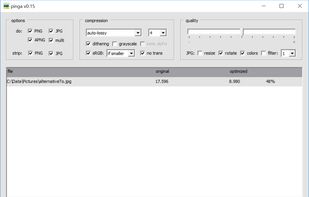


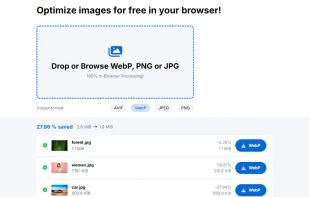
Clever Compress is a free online tool for image compression and conversion. Optimize JPEG, PNG, WebP, and more directly in your browser, ensuring full GDPR compliance. No images are sent to servers, making it fast, secure, and reliable.


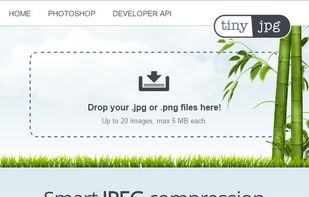
TinyJPG reduces the file size of your JPEG images. Every uploaded image is analyzed to apply the best possible JPEG encoding. Based on the content of your image an optimal strategy is chosen.


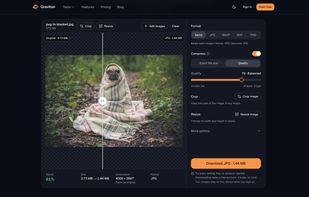
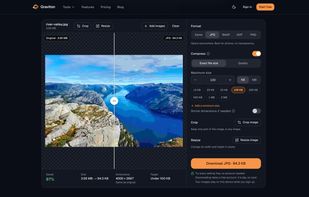
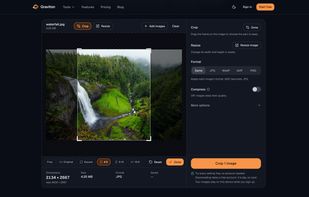
Graviton is an image compressor that runs entirely in your browser. Your photos, scans and screenshots never leave your device: compression happens locally with WebAssembly encoders, not on a server.
 Romania
 EU
EU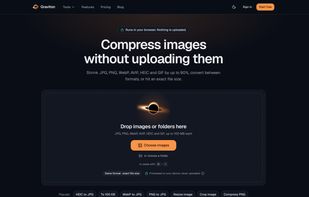




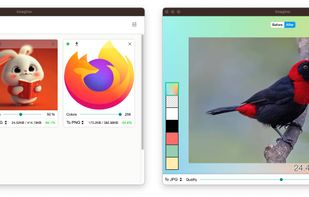
Imagine is a desktop app for compression of PNG and JPEG, with a modern and friendly UI. Save for web.


Optimizt is a CLI tool that helps you prepare images during frontend development.
 Russia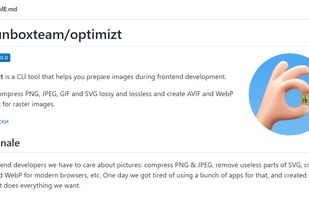

Leanify is a lightweight lossless file minifier/optimizer. It removes unnecessary data (debug information, comments, metadata, etc.) and recompress the file to reduce file size. It will not reduce image quality at all.

Edit one or several images in a few clics. Massive downscale, resize or crop a collection of images quickly.
 FranceEU


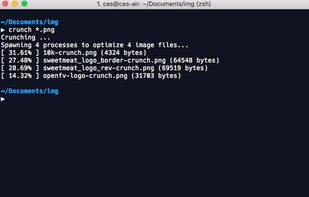
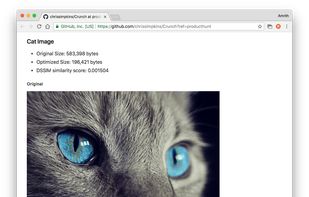
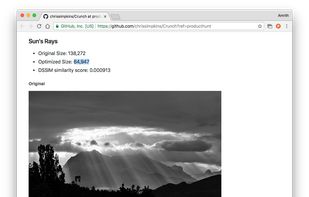
Crunch - Insane(ly slow but wicked good) PNG image optimization. It combines selective bit depth, color type, and color palette reduction with zopfli DEFLATE compression algorithm encoding using embedded versions of the pngquant and zopflipng PNG optimization tools.


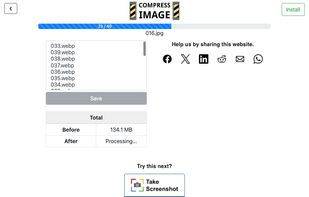
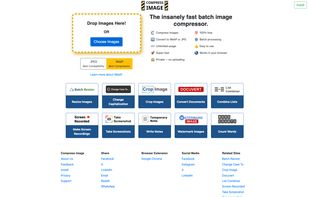
A versatile online image compression tool that prioritizes your privacy. It handles everything locally in your browser—nothing is ever uploaded. Convert between JPG, PNG, GIF, and WebP, resize by dimension or ratio, and fine-tune quality with a live preview.