Cost / License
- Free
- Proprietary
Application type
Platforms
- Online
- Software as a Service (SaaS)


Sites and apps similar to Theme Palette include Adobe Color CC, which is free. Other options are UI Colorful, Coolors, gpick and Realtime Colors. Color Picker Tools like Theme Palette are a crowded field, with more than 50 alternatives for Mac, iPhone, Linux, iPad and Windows.
Gradients Design is a place where you can explore a handpicked collection of complex freeform gradients for designers and developers.

Cyotek Palette Editor allows you to create and work with colour palettes, in a variety of formats such as JASC, GIMP and Adobe Color.
 United Kingdom


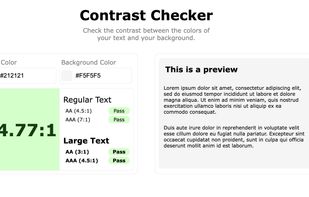
Create beautiful, accessible color palettes with WCAG contrast checking, color blindness simulation, and export to CSS, Tailwind, SCSS. The best free alternative to Coolors.
 Denmark
 EU
EU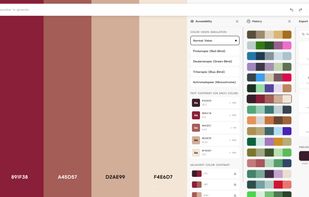
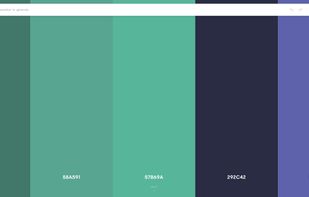
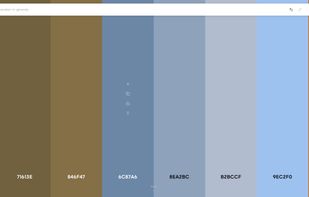


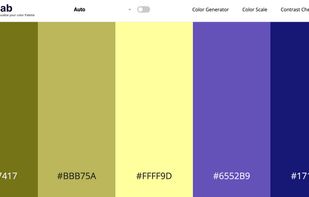
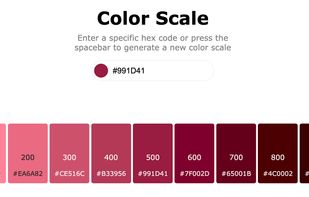
In today's world of simple designs, choosing the right colors matters more than ever. Paletter offers flexible controls that will help you find all the colors and variants you could ever need.
 United States
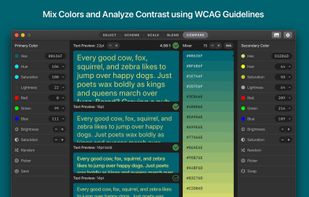
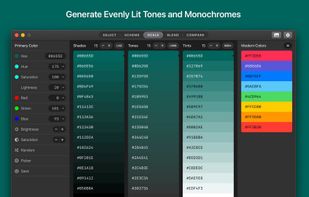
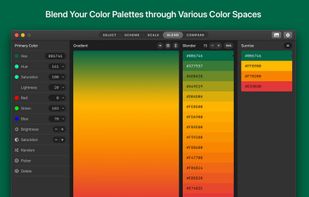


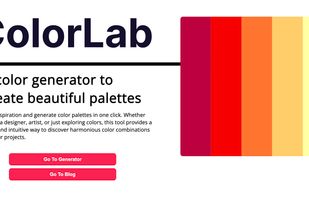
User can find inspiration and generate color palettes in one click. Whether you're a designer, artist, or just exploring colors, this tool provides a quick and intuitive way to discover harmonious color combinations for your projects.


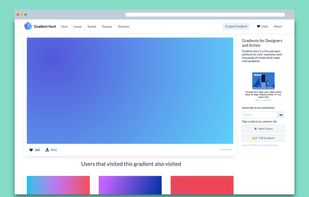
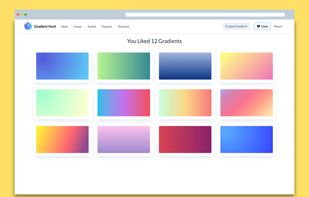
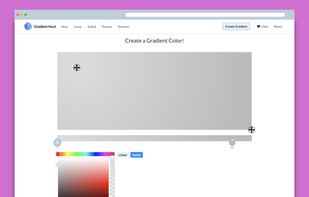
Thousands of trendy color gradients in a curated collection that is updated daily. Get a fresh color gradient for your next design project on https://gradienthunt.com.
 Argentina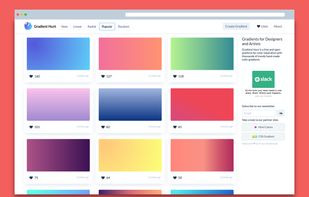


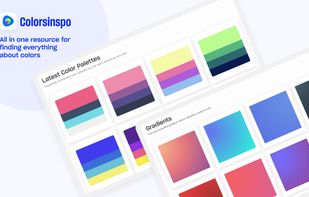
Colorsinspo is all in one resource for finding everything about color with extreme ease. No more surfing on internet to find the right color combinations & tools, resource!We’ve got you covered. We simplify the process of choosing colors for your design.

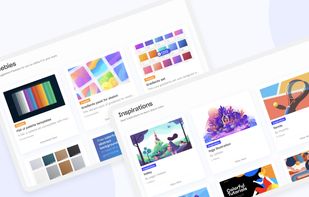
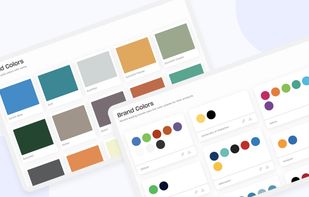


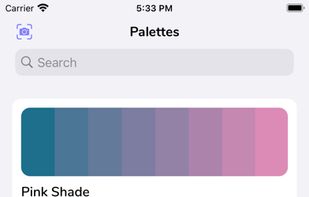
Pick real life colors and save them in Palettes or Projects and get the Hex codes or RGB values for your Digital Art or Designs. Also has a tool to create your own gradients.
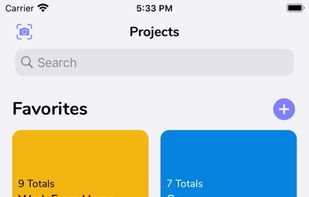
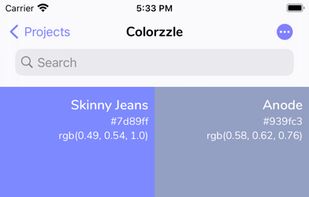



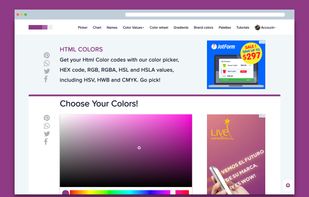
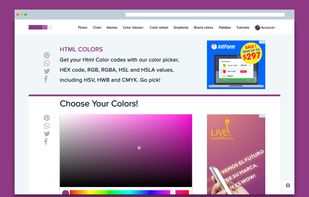
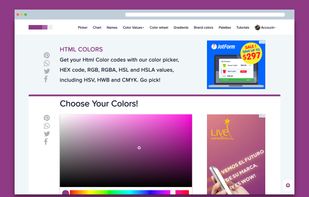
Get your Html Color codes with our color picker, HEX code, RGB, RGBA, HSL and HSLA values, including HSV, HWB and CMYK. Go pick!


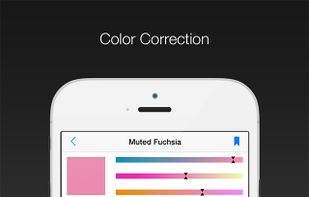
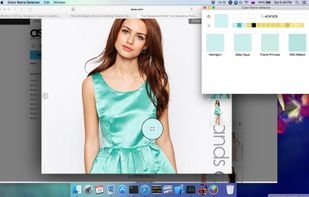
Elegant tool for detecting color names. Simply aim your phone's camera at the target object and you will see the name of the color.
 Russia


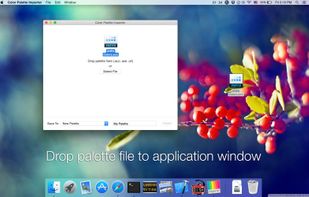
This application will import color swatches created for use in Adobe applications in palette that you can use in other applications such as "Preview", "Pixelmator", "Affinity", etc.