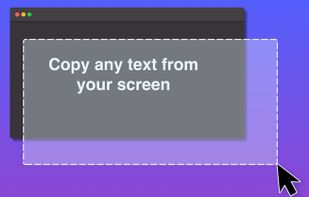
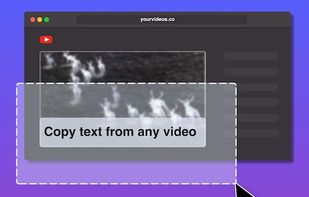
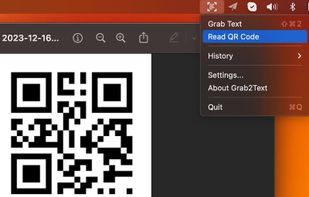
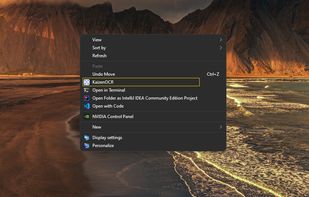
Kaizen OCR is a free, lightweight desktop app for Windows that lets you extract text from images, screenshots in seconds.
Cost / License
- Free
- Proprietary
Platforms
- Windows
 India
India


Apps similar to TextSniper include OSS Document Scanner, which is free and open source. Other options are MakeACopy, Snagit, NormCap and Shottr. Screenshot Capture Tools like TextSniper are a crowded field, with more than 50 alternatives for Mac, Windows, Android, iPhone and iPad.
Kaizen OCR is a free, lightweight desktop app for Windows that lets you extract text from images, screenshots in seconds.
India
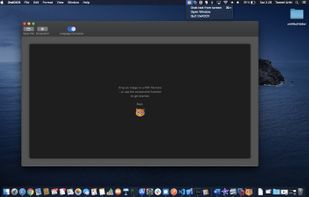
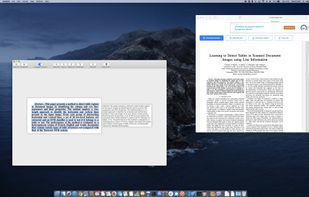
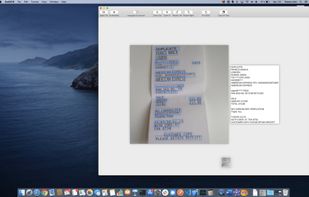
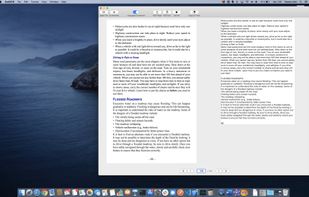
OwlOCR 7 is a macOS OCR app for text you can see but cannot select. Capture a screen region, open an image or PDF, paste supported content, or import a photo or scan from an iPhone or iPad. Apple Vision performs fast on-device recognition.


Universal Copy is the fastest way to copy text on Android, even from the apps that won’t let you or inside images.


Pocket Scanner Ultimate is the stand-alone version of Kdan’s Pocket Scanner series. Search “Pocket Scanner Cloud” in the App Store and try out the app & cloud services for free!
 Taiwan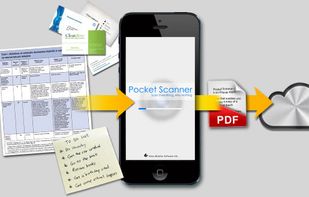


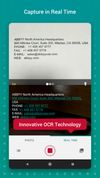
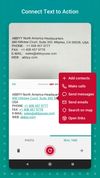
ABBYY TextGrabber easily and quickly digitizes fragments of printed text and turns the recognized result into action: call, email, follow links, find on maps, translate into 100+ languages, edit, voice over and share in any convenient way.
 Russia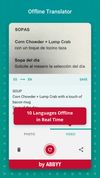


WindowTextExtractor allows you to get a text from any window of an operating system including microsoft office programs, console windows and etc. It can recover password stored behind asterisks (*****) from most of the windows apps.
 United States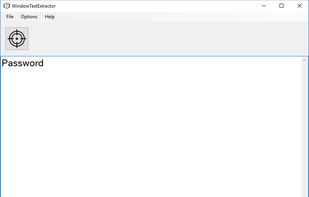


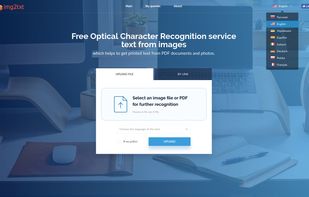
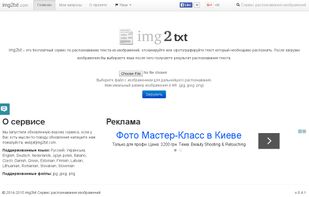
img2txt.com is an online OCR service that allows you to get text from a picture or scanned page.


WatchOCR is an open source OCR server that creates searchable pdfs from images in a watched folder.


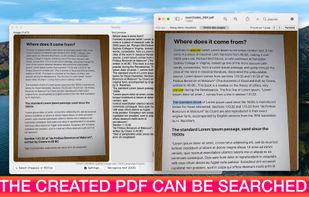
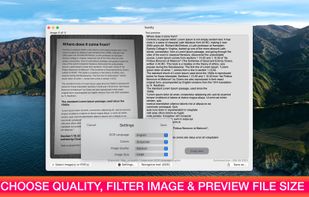
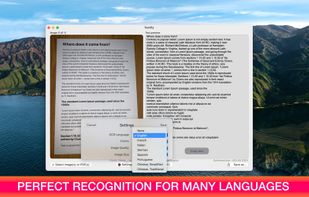
Text recognition finally made easy, super efficient and confidential (no server, your data stays on your device). Textify analyzes images, recognizes text, and creates PDF files with the text integrated such that the files are searchable. Or you can simply export to a .txt file.
 Belgium
 EU
EU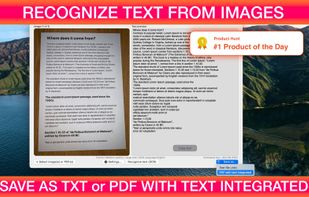


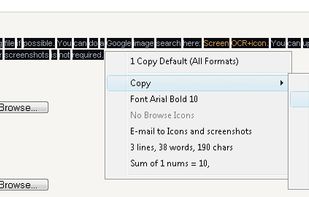
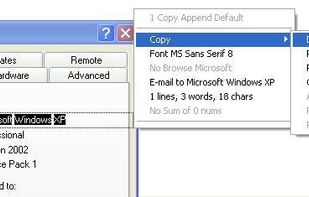
Screen OCR is a screen capture and character recognition tool. You can use Screen OCR in any way you are most comfortable with. It can be window selection, scrolling capture, simple cursor capture or rectangular selection.